
Scan
AI label scanning
Point your camera at any bottle for tasting notes, food pairings, grape and region context, all from a wine-tuned AI.
Your next bottle, your tasting notes and your collection, together on iPhone and iPad. Start free with 5 lifetime AI scans per device, a journal with 30-day history, Explore and WSET Level 1.

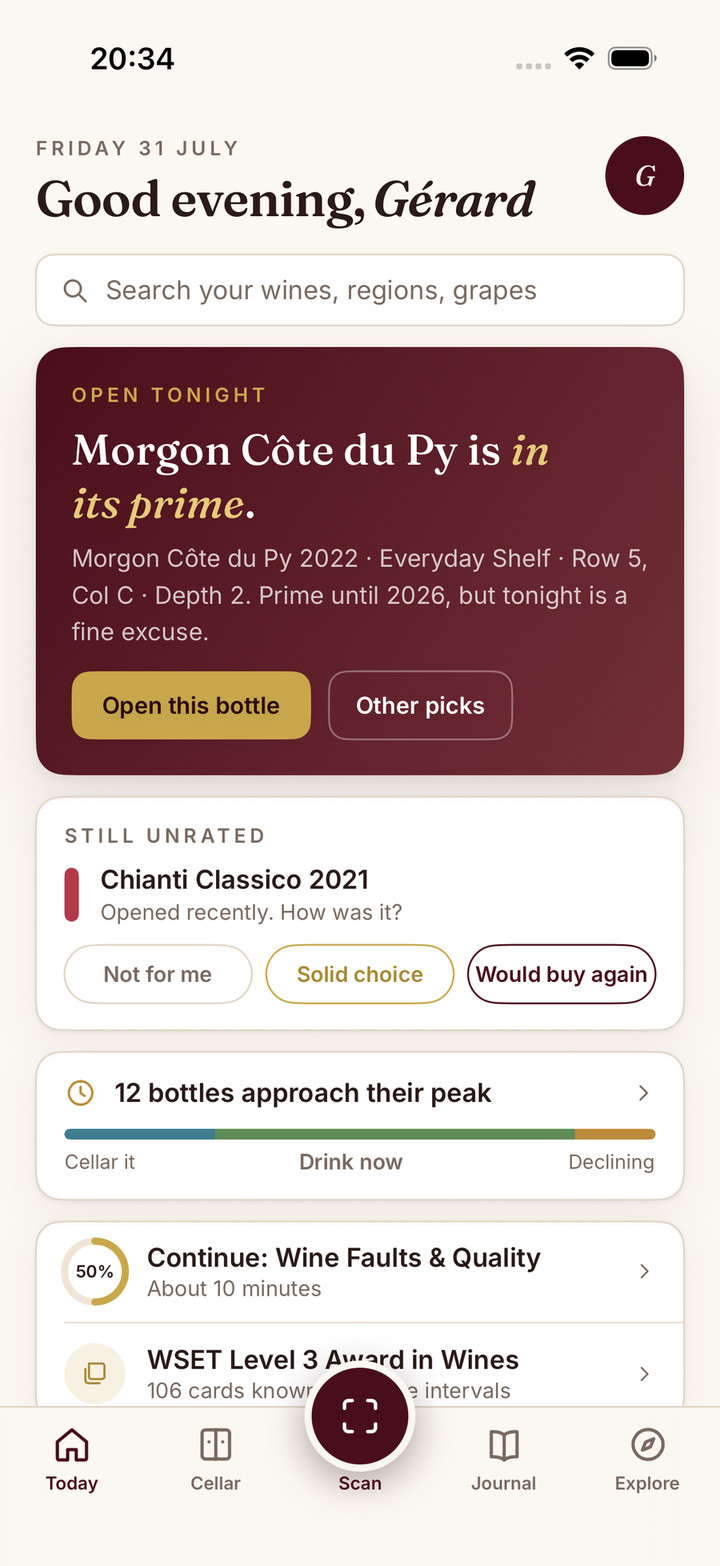
Sommo on iOS is a SwiftUI app designed for iPhone and iPad, not a web page in a shell. It feels fast, reads the camera hardware properly, and takes advantage of iOS notifications and Family Sharing.
Scan
Point your camera at any bottle for tasting notes, food pairings, grape and region context, all from a wine-tuned AI.
Collect
Track bottles across racks, get AI food pairings from your own collection, and keep a structured tasting journal that lasts.
Learn
Levels 1 to 4 with spaced-repetition flashcards, adaptive practice, mock exams, AI study plans, and AI-graded typed answers.
Sommo is a pocket sommelier that runs on a wine-tuned AI the maker owns and refines every week, trained on wine rather than the open web. On iOS it feels the way a native app should.
It brings together four tools wine lovers usually piece together themselves: an AI wine scanner that reads any label, a smart cellar with AI food pairings, a personal tasting journal with structured SAT notes, and a full WSET study suite for Levels 1 to 4. All of it shares one model, one wine library, and the same interactive map of 1,100+ wine regions, in ten languages, interface and AI writing alike.
Requirements are light: iOS 17.6 or later, iPhone XS or newer recommended, and it is optimised for iPad. You can also find Sommo on Android, HarmonyOS and the web. Download Sommo free on the App Store and start your first journal entry tonight. On an Android phone? Sommo for Android is now on Google Play too.
Download Sommo for iPhone and iPad free on the App Store, and start your first journal entry tonight.
Use Sommo on this computer
Open Sommo in your browserFree, nothing to install. Same account as the phone app.
Or on your phoneOr in your browser


