

Scan
AI label scanning
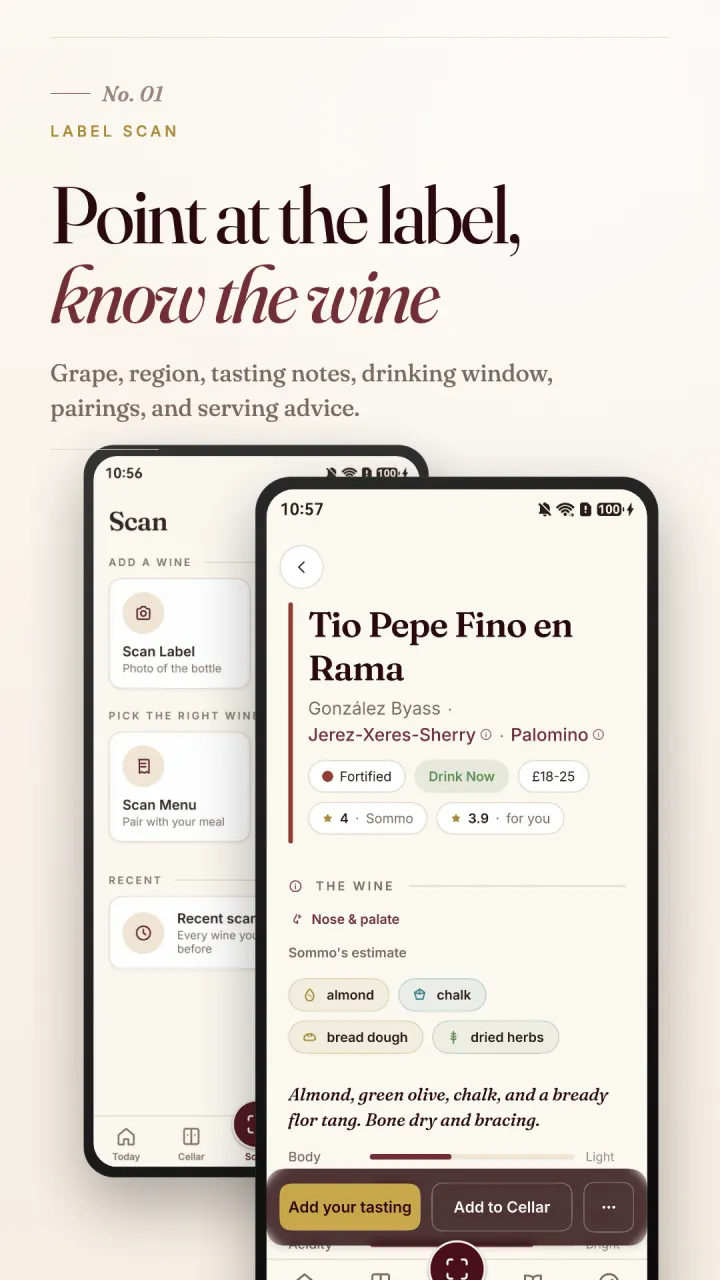
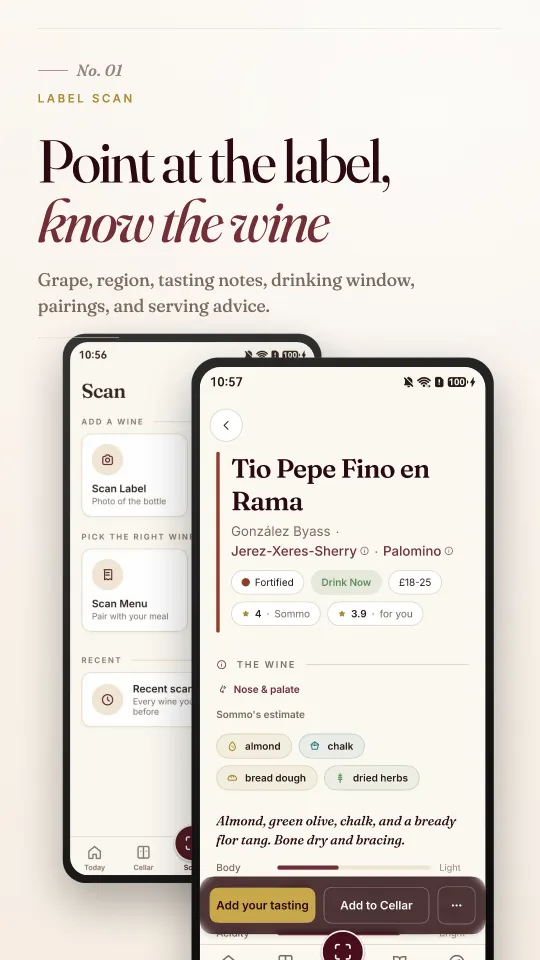
Photograph a label for the grape, region, tasting notes, drinking window, pairings and serving advice. Scan a menu or describe a meal to find the right bottle.
Wine scanning, cellar keeping, a tasting journal and WSET Levels 1 to 4, built natively for HarmonyOS. Download on Huawei AppGallery worldwide, including the UK and US.
Sommo for HarmonyOS is written in ArkTS for Huawei phones, with Huawei ID sign-in and the same wine-tuned AI behind the iPhone and Android apps. Explore its scanning, cellar, journal and study tools below.
Scan
Photograph a label for the grape, region, tasting notes, drinking window, pairings and serving advice. Scan a menu or describe a meal to find the right bottle.
Cellar
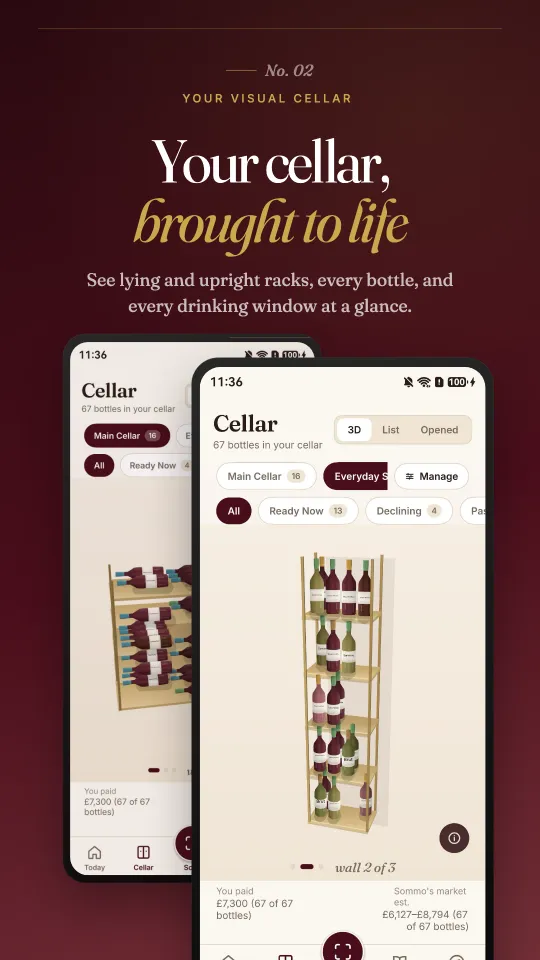
Horizontal and upright racks in 2D or 3D, estimated drinking windows where available, guided rearranging, and racks you can share with the people you drink with.
Tonight
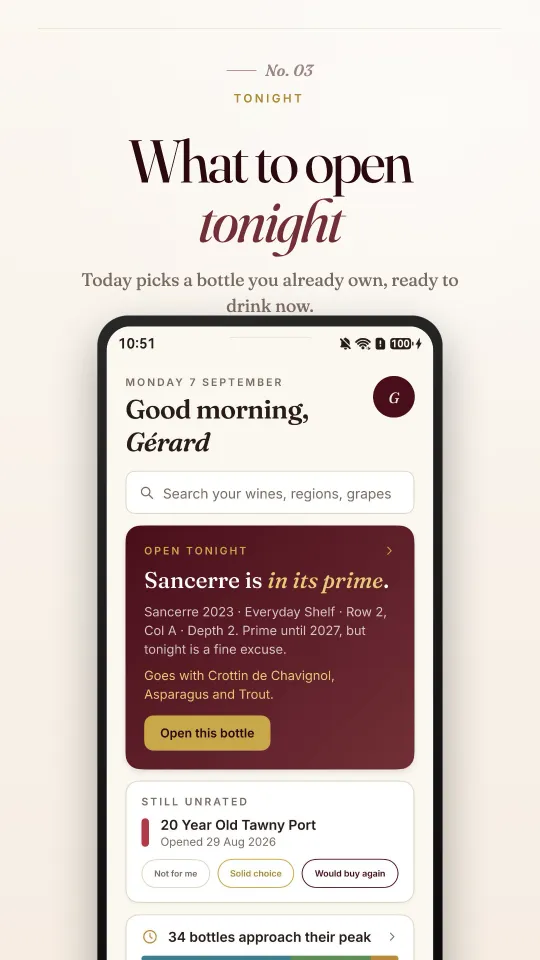
Today picks a bottle you already own that is ready to drink, with a pairing to go with it.
Journal
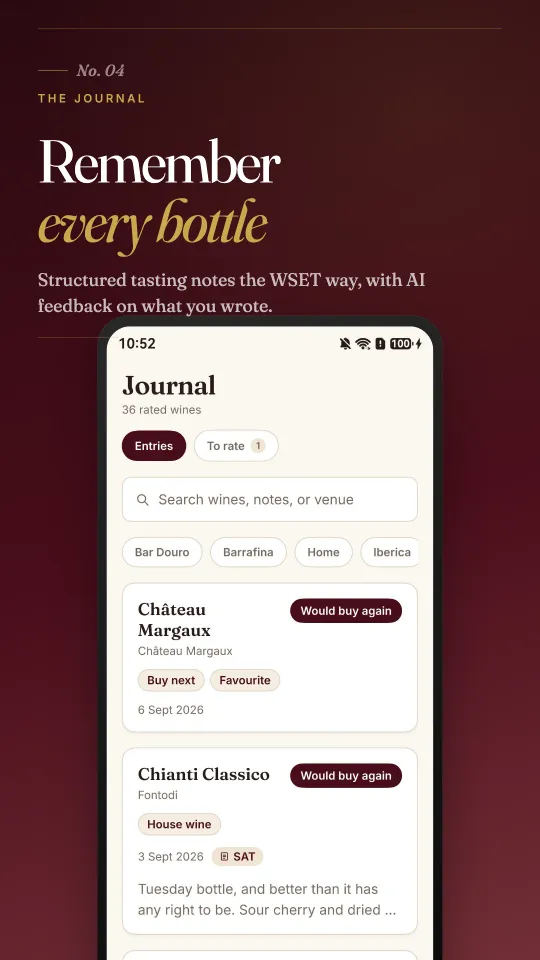
Structured tasting notes the WSET way, with AI feedback on what you wrote, ratings, and a searchable history of every bottle.
Explore
An interactive map of 1,100+ wine regions, with region and grape profiles to read before you pour.
Learn
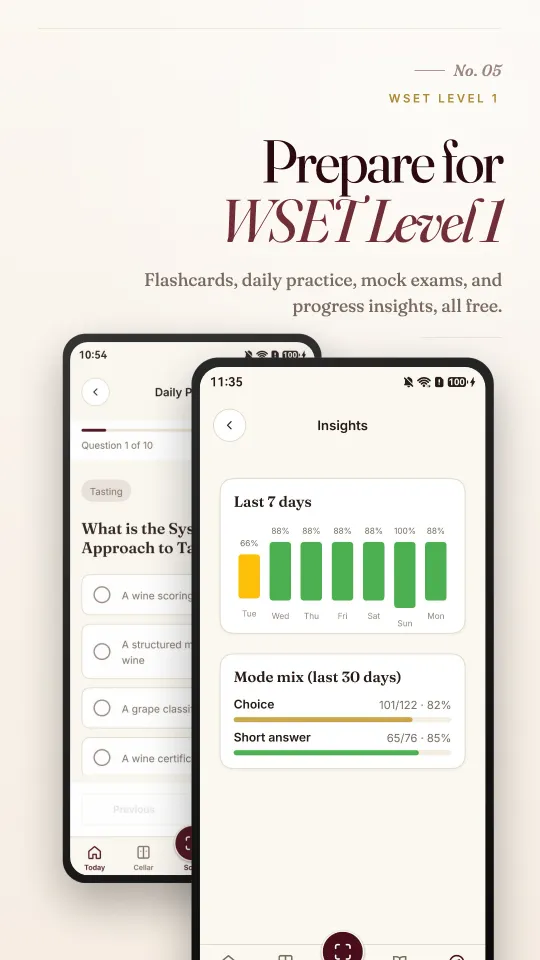
Level 1 is free; Levels 2 to 4 are Premium. Study with flashcards, daily practice, chapter drills, mock exams, a cheatsheet and a study plan, with insights that point at your weak spots.
If you want a wine app for your Huawei phone that does real work, Sommo is built for you. It is a pocket sommelier with a wine-tuned AI, made by one independent developer and refined every week.
Sommo puts four tools in one app: an AI wine scanner for wine labels, a 3D wine cellar with estimated drinking windows where available, a tasting journal with structured notes, and WSET Levels 1 to 4 study tools. The interface and the AI's own writing come in ten languages, including Simplified and Traditional Chinese, while grape and appellation names keep their proper spelling.
The HarmonyOS app includes WSET Levels 1 to 4, tasting parties, cellar keeping and Score Menu.
Download Sommo free on Huawei AppGallery and scan your first bottle tonight. On an iPhone, iPad or Android phone instead? Get Sommo from the App Store or Google Play.
Download Sommo free on AppGallery and make your next bottle the first page of your tasting journal.
Use Sommo on this computer
Open Sommo in your browserFree, nothing to install. Same account as the phone app.
Or on your phoneOr in your browser


