Bring Your History
CellarTracker exports have their own preset. Any other spreadsheet, including a Vivino CSV, goes through column mapping you can adjust, into the cellar, the journal or both.
Your cellar, brought over.
Your cellar, brought over.
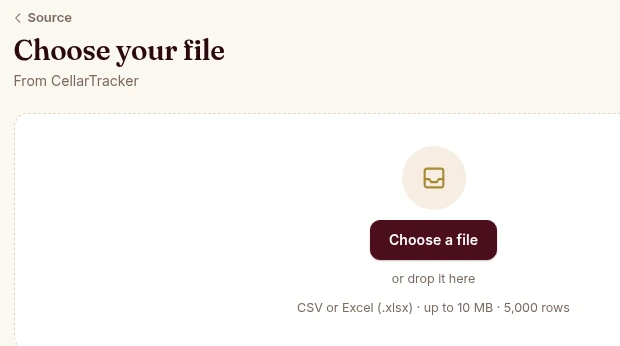
CellarTracker exports have their own preset. Any other spreadsheet, including a Vivino CSV, goes through column mapping you can adjust, into the cellar, the journal or both.
Every row shows the wine, vintage, bottles and proposed action before you confirm. Rows are matched against your own wines, and a confirmed import can be undone.
Uploading a file and a journal import are free on every plan. A cellar import needs Premium once you choose My cellar, at no extra charge. Export stays free on every plan.
At web.sommo.app/import, choose CellarTracker or Spreadsheet and upload the file. Sommo offers the cellar, the journal or both based on your columns, and you choose.
Tell Sommo how to read bottle sizes, currencies and date order, and remap any column it read differently.
Check each row before anything is saved. Confirm to get a receipt, undo if you need to, and let AI fill in details for the new wines.
Sommo’s importer brings a wine collection in from CellarTracker or a spreadsheet, on the web at web.sommo.app/import. Cellar bottles, tasting notes or both: you check every row before anything is saved, and you can undo the import afterwards. Uploading a file and a journal import are free on every plan; a cellar import needs Premium once you choose My cellar, at no extra charge.
Import is on the web only for now. The iPhone and Android apps have no import option yet.
Each file can be up to 10 MiB, 5,000 rows, 60 columns and 20 sheets, with up to 10,000 characters per cell, and every row needs a wine name. Older .xls files and password-protected files can’t be read. For the export steps in CellarTracker, Vivino and Oeni, follow the guide to switching wine cellar apps.
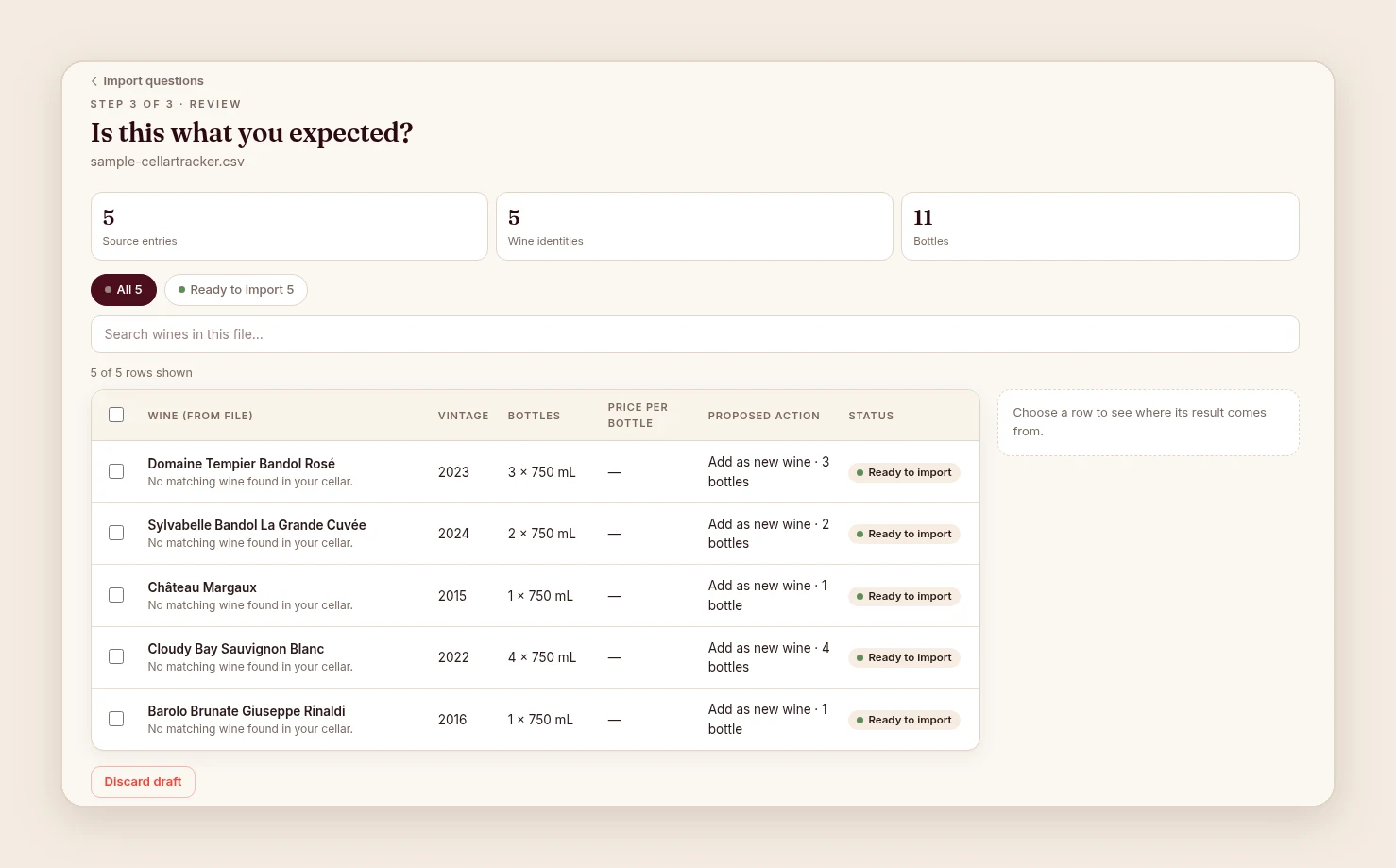
The review is where you check what transfers: wine names, vintages, bottle counts and sizes, and the destination of each row. Sizes, prices and dates follow your answers to the questions, so read a few rows you know well before confirming. For a large collection, a small test file first is worth the extra minute. The switching guide walks through a short test and what to reconcile once the full file is in.
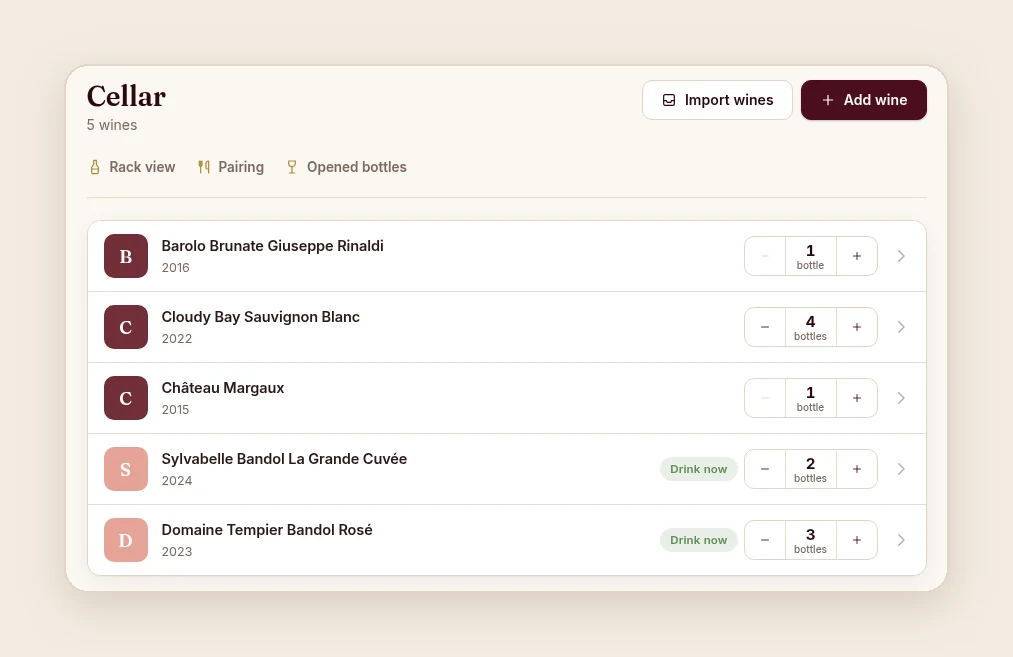
An importer is only half of the promise. Your data leaves Sommo as easily as it comes in. Full export as CSV (zip) or Excel (XLSX) is free on every plan, on iOS, Android and the web, and a full export includes your whole history, even on Free. It covers journal notes and their AI feedback, the cellar with racks, drinking windows and notes, label scans, tasting sessions, labels and rack layouts. Photos and WSET progress are not part of the export. The typeset cellar book PDF is Premium.
If you cancel Premium, your data is kept, not deleted. Only deleting your account removes your content. On Free, the journal shows the last 30 days of entries, counted from when each entry was added; older entries are kept, not deleted. Read why we built it this way in Your Wine Data Should Leave With You.
The importer does not read PDFs yet; PDF import is planned. If your collection only exists as a PDF, such as the “Export for Insurance” file that Oeni’s help centre documents as its export (checked October 2026), rebuild the list as a spreadsheet for now: one row per wine, with the wine name on every row. The Oeni section of the switching guide has the details.
It was really easy and straightforward and gave me lots of control over what goes in.Leo
The import process went really smoothly, and I was able to bring over all tastings and notes without any issues.Leo
It works well, thanks a ton. The follow-up questions were also quite intuitive.Nitin, Singapore
Open the importer and sign in with your Sommo account. Still choosing between apps? The alternatives hub compares Sommo with CellarTracker, Vivino, Oeni and others, including where they do better.
Uploading a file and a journal import are free on every plan; a cellar import needs Premium once you choose My cellar, at no extra charge.

