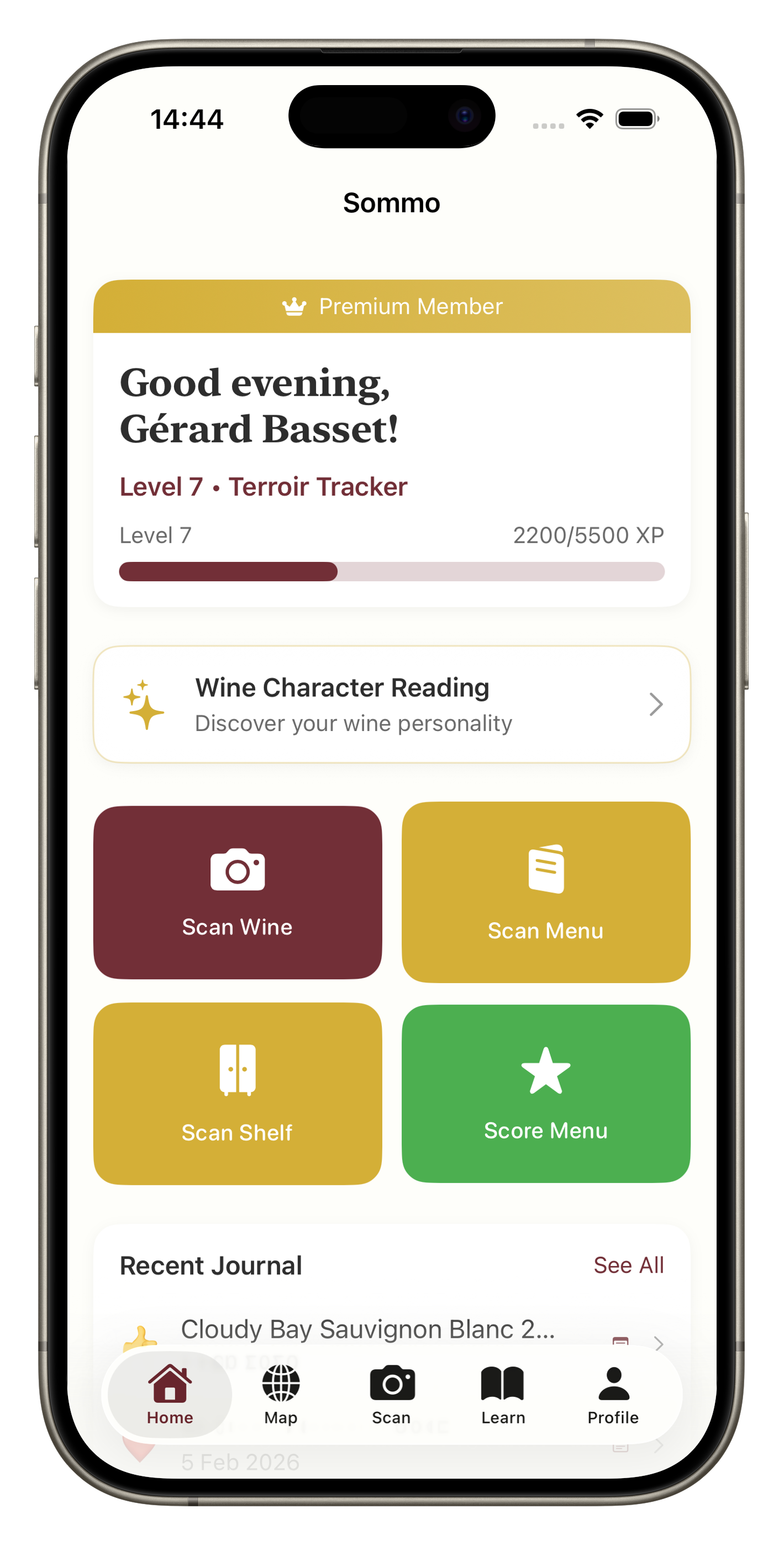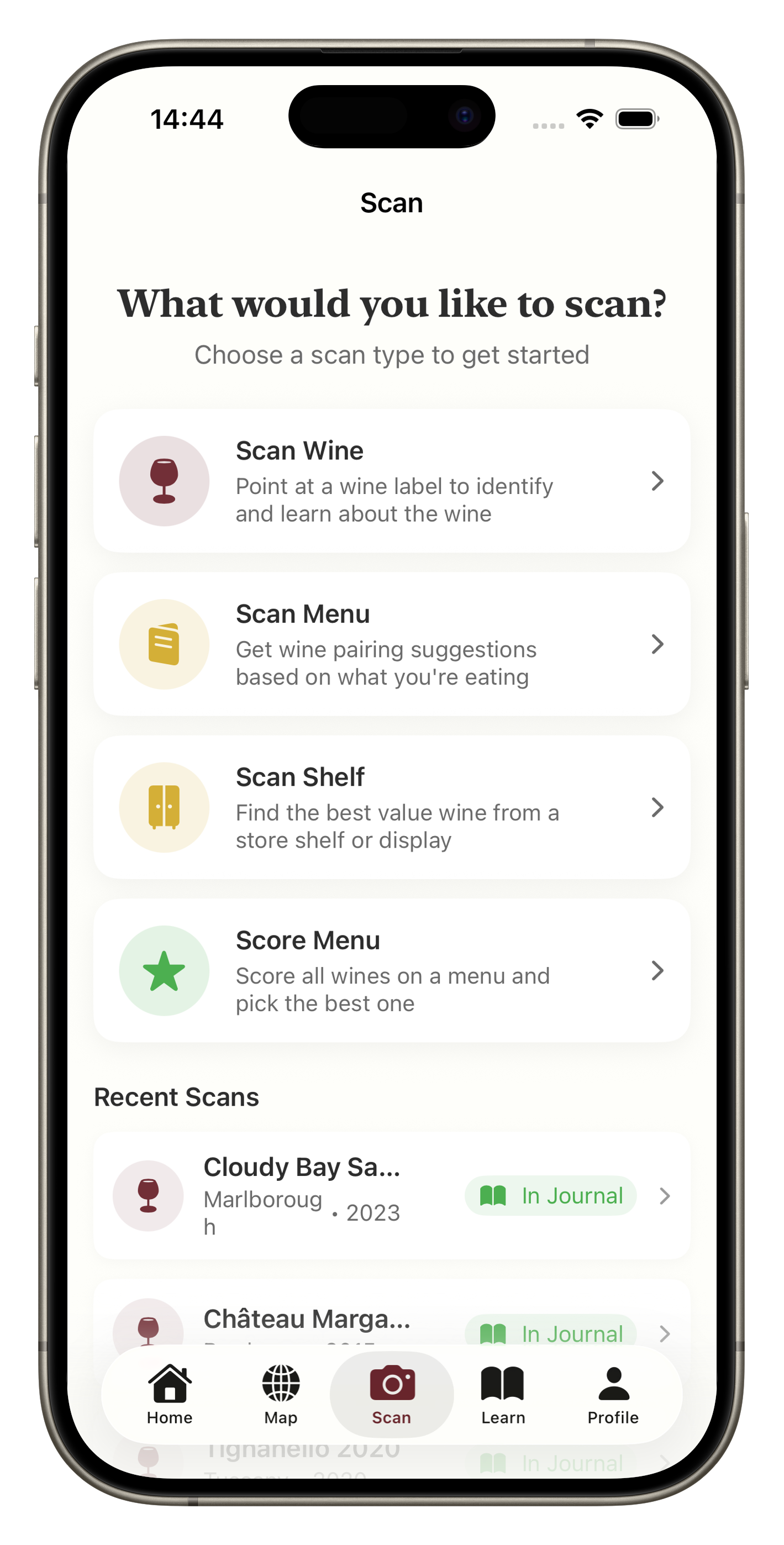
AI Wine Scanning — Identify Any Wine Instantly
Point. Scan. Know.
Scan any wine label with your phone camera. Sommo's AI identifies wines instantly, giving you grape varieties, region info, tasting notes, and food pairings.
5 lifetime scans free, unlimited with Premium
What You Get
Instant Wine Intelligence
Point your camera at any label and get detailed tasting notes, grape varieties, producer history, and food pairings in seconds.
Menu & Shelf Scanning
Scan an entire restaurant wine menu or store shelf. AI scores each wine and highlights the best picks for your palate.
Rich Wine Profiles
Every scan builds a comprehensive wine profile with body, acidity, tannin levels, serving temperature, price range, and terroir notes.
How It Works
Point your camera
Open Sommo and aim at a wine label, menu, or shelf display.
AI identifies the wine
AI reads the label and matches it to a comprehensive wine database.
Explore the details
Browse tasting notes, food pairings, region info, and save to your journal.
Stop Guessing. Start Knowing.
You’re standing in a wine shop, staring at rows of bottles with labels in French, Italian, and Spanish. The staff is busy. You don’t want to pick the wrong one again.
This is exactly the problem Sommo was built to solve.
Open the app, point your camera at the label, and within seconds you have everything: the grape varieties, the region and its terroir, detailed tasting notes, food pairings, serving temperature, and a quality score. No sommelier required.
Three Scanning Modes
Label Scanning
The core experience. Aim your camera at any wine label and Sommo’s AI reads it, identifies the wine, and builds a comprehensive profile. It handles everything from a crisp Marlborough Sauvignon Blanc to an obscure Grüner Veltliner from the Wachau.
Every scan creates a full wine profile with body, acidity, tannin levels, alcohol percentage, producer history, price range, and terroir notes. It’s the knowledge of a sommelier, delivered in seconds.
Menu Scanning
At a restaurant, the wine list can be overwhelming. Photograph the menu and Sommo identifies each wine, scores them, and highlights which bottles offer the best quality for the price. Tap any wine to see full details and decide with confidence instead of guessing.
Shelf Scanning
In a wine shop, scan an entire shelf display. Sommo picks out the visible bottles and gives you quick comparisons. Useful when you’re browsing and want to zero in on the best option without picking up every bottle.
What Happens After a Scan
Every wine you scan gets a detailed profile that includes:
- Grape varieties with links to learn more about each one
- Region information with climate, soil, and winemaking traditions
- Tasting notes describing aromas and flavours you can expect
- Food pairings tailored to the wine’s style
- Producer history for context on who made the wine and why it matters
- Price range so you know whether you’re looking at a bargain or a splurge
From any scan result, you can save the wine to your journal, add it to your cellar, or write structured tasting notes following the SAT methodology.
Built for Real Moments
Sommo’s scanner is designed for the situations where you actually need wine knowledge: the shop floor, the restaurant table, the friend’s dinner party where someone hands you a bottle and asks what you think. Quick, accurate, and private. No account needed for your first five scans.
Frequently Asked Questions
Sommo uses advanced AI that handles printed labels, handwritten text, and even partial labels with high accuracy. It works across wines from every country and in multiple languages.
Yes. Switch to Menu mode and photograph any wine list. Sommo identifies each wine, scores them, and highlights the best options based on value and quality.
Yes. Shelf mode lets you scan an entire display at once. Sommo identifies visible bottles and gives you quick comparisons so you can make a confident choice.
Every device gets 5 lifetime scans for free. After that, a Premium subscription gives you unlimited scanning.
Yes. The AI processing happens in the cloud, so you need a data or Wi-Fi connection to scan.