I build Sommo, and I want it to be the best home for your wine life. I also want you to be able to walk out whenever you like, with every note under your arm. Those two goals don’t pull against each other. An app that earns its place doesn’t need to hold on to your data to keep you.
Sommo’s own exports are free on every plan and every platform. You get CSV (zip) or Excel (XLSX), on iOS, Android and the web, with your whole history included even on Free. Leaving never costs you a subscription.
What Leaves With You
A full export covers your journal notes and their AI feedback, the cellar with its racks, drinking windows and notes, your label scans, tasting sessions, labels and rack layouts. Two things aren’t in it: photos and WSET progress. I’d rather say that plainly than let “everything” do more work than it should.
If you’d like your collection as something to read rather than a spreadsheet, the cellar book typesets it as a PDF. That part is Premium. The files you need to move somewhere else are not.
A Bridge, Not a Moat
A moat keeps people in by making the way out hard. A bridge works in both directions. I want Sommo to be easy to arrive at and easy to leave, and worth staying in because it’s better, not because leaving is a chore.
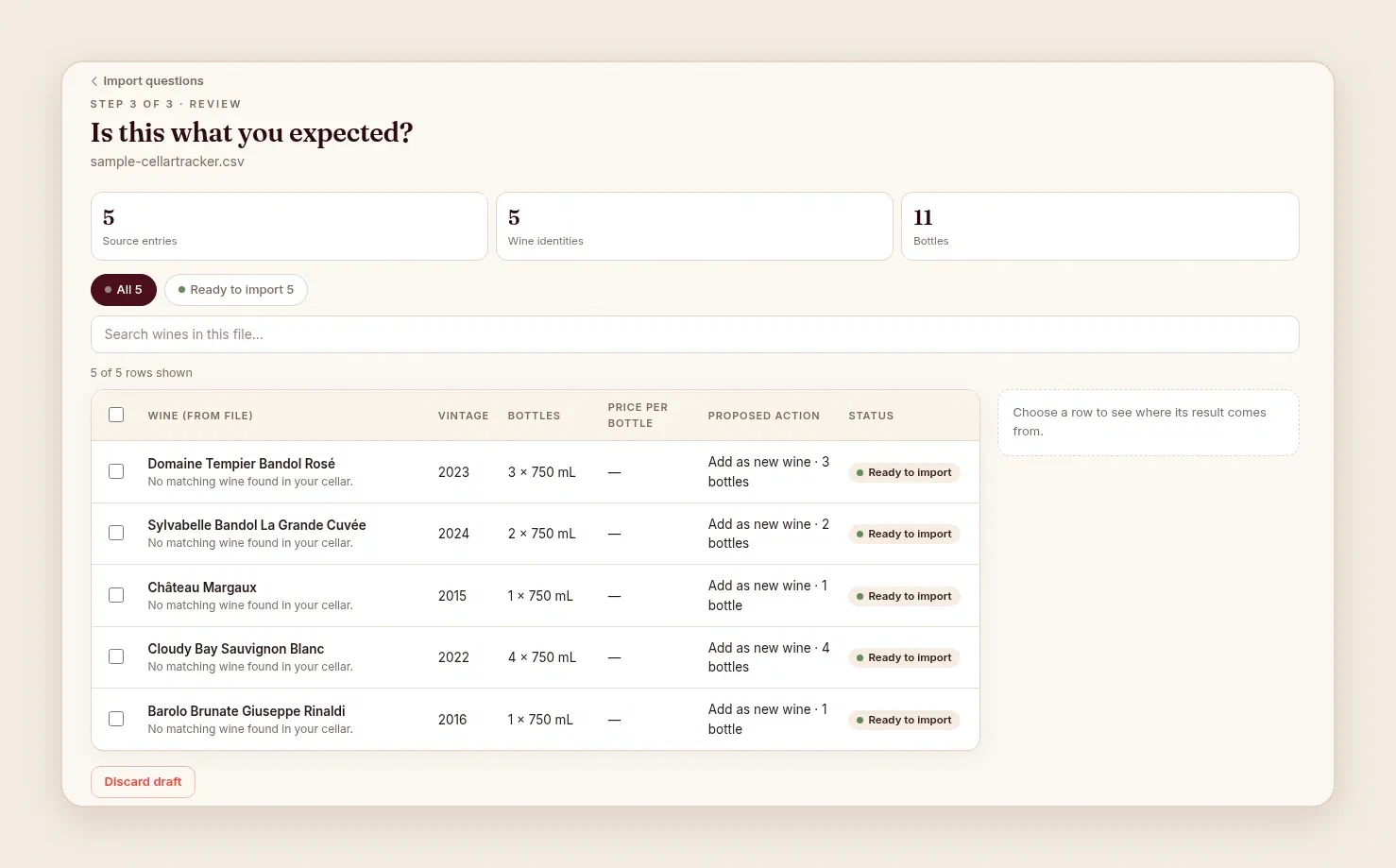
The same thinking runs the other way. Sommo has a web importer that brings in a CellarTracker export or a spreadsheet, and you check every row before anything is saved.
How Other Apps Handle Export
People ask me how hard it is to leave the apps they use now. Here’s what I found in October 2026, from CellarTracker’s and Oeni’s own help pages and, for Vivino, from third-party guides. These are documented limits, not accusations. Every app makes its own trade-offs.
CellarTracker. Its help page on exporting says export works from the full desktop website, not the mobile app or the mobile site. You open a view such as My Cellar, choose Export, and pick the columns and format. The same page says CellarTracker doesn’t keep historical transaction records and recommends regular backups, which is good advice for any app.
Vivino. I couldn’t reach Vivino’s own help page when I checked, so this route comes from Vivino’s 2018 post and current third-party guides from InVintory, Barello and Crumble. Those guides report that on Vivino’s website you go to Settings, then Account Management, then “Export your data”, and Vivino prepares a ZIP of CSV files for you to download later. They also say it can be slow.
Oeni. Oeni’s help centre documents a PDF export, “Export for Insurance”. A PDF is fine to read or send to an insurer, but it isn’t rows and columns another app can import. Sommo can’t read it yet either. PDF import is planned, so for now an Oeni list has to be rebuilt as a spreadsheet first.
The guide to switching wine cellar apps has the step-by-step routes for CellarTracker, Vivino and Oeni, and shows how to check what survived the move.
If You Cancel
If you cancel Premium, your data is kept, not deleted. Only deleting your account removes your content. On Free, the journal shows entries from the last 30 days, counted from when each entry was added to Sommo. That’s a visibility window, not deletion. Older entries stay in your account, and the free export still includes them.
Why Stay, Then?
Because I think Sommo is the better place to keep a wine life, and I’d rather win that argument on the merits.
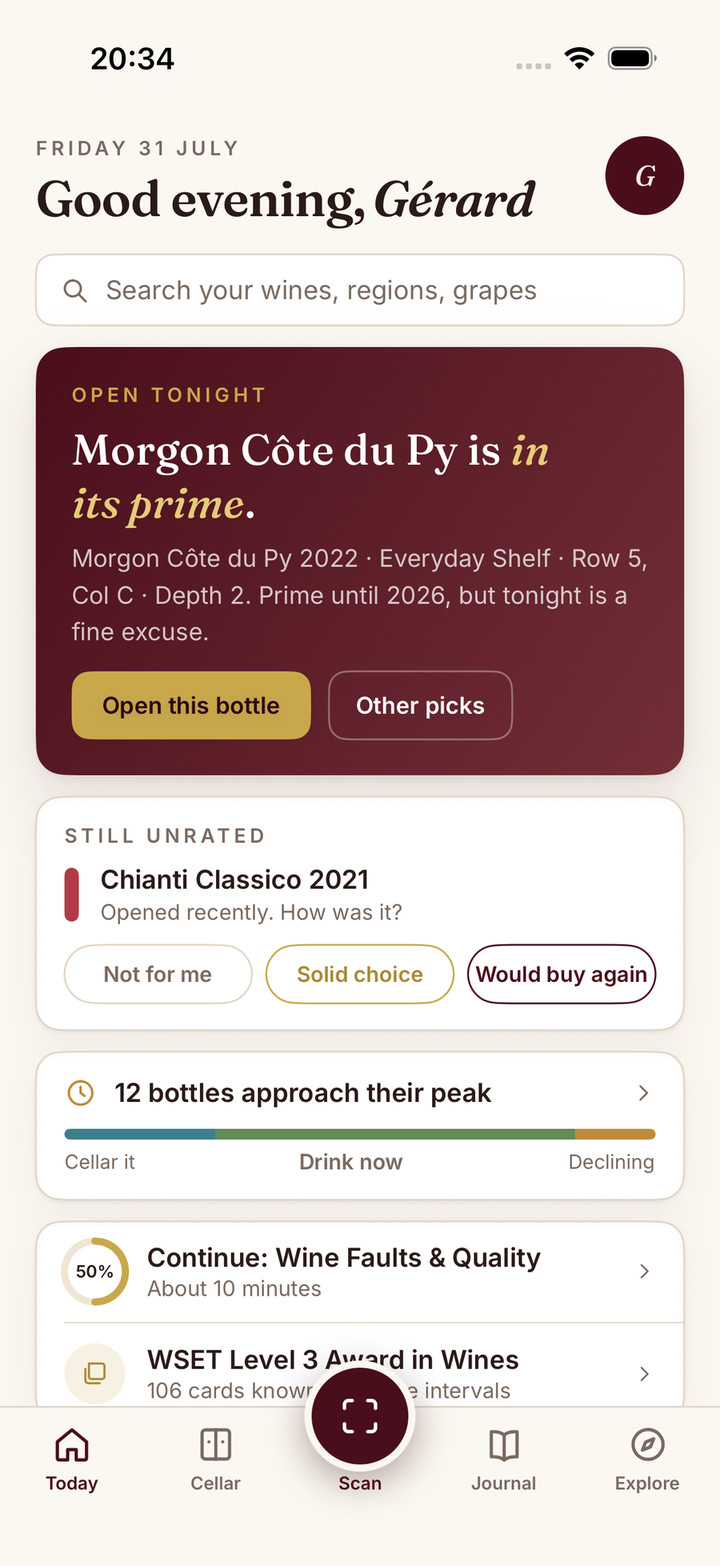
It’s easy to use. Scan a label and Sommo offers a rack and a slot. Describe dinner and it recommends a bottle from the racks you own, then tells you where to find it. Add that pick to your journal and Sommo opens the bottle and brings up the rating sheet.
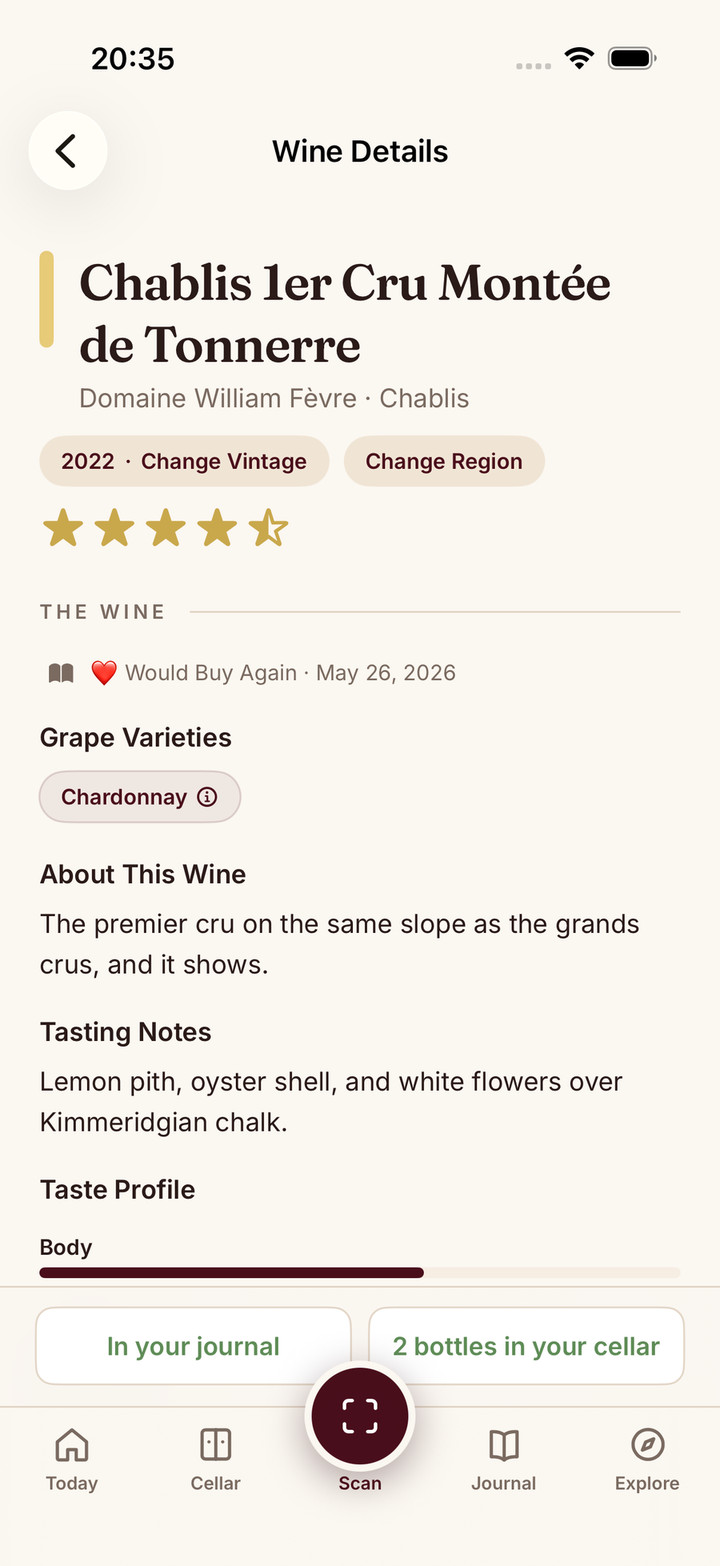
It keeps everything in one place: label scanning, the journal, a cellar shown as a 3D wine wall, drinking windows, tasting mode, Taste DNA and WSET prep. One subscription covers iPhone, iPad, Android and the web.
And it’s priced like one bottle of decent wine a year: $4.99 a month or $29.99 a year, which is $2.50 a month billed yearly. In my best wine cellar app comparison, checked in October 2026, CellarTracker’s subscription runs from $40 to $500 a year depending on cellar size, and Vivino Premium is $47.90 a year in the US.
Other apps are better at some things. If you’re looking for a CellarTracker alternative but rely on its auction-based valuation or its archive of community tasting notes, Sommo won’t replace those. It records what you paid, not what a bottle might fetch. Vivino’s community ratings are a real strength when you’re buying. If your current app does the job, staying put is a perfectly good decision. The alternatives hub sets out where each one fits.
Bringing Your Data Over
The importer lives on the web at web.sommo.app/import. The iPhone and Android apps don’t have an import option yet. It has a CellarTracker preset and also takes .csv and .xlsx spreadsheets, including a Vivino CSV or a rebuilt Oeni list. You answer a few questions about bottle sizes, currencies and date order, review every row, then confirm. You get a receipt, and you can undo.
Uploading a file and importing your journal are free on every plan. A cellar import needs Premium once you choose My cellar, at no extra charge. PDF import is planned.
“The import process went really smoothly, and I was able to bring over all tastings and notes without any issues.” Leo
Open the importer, or read how Sommo’s importer works first.