Keep a spreadsheet if it is accurate and easy to update. Switch to an app when purchases, moves and opened bottles create enough friction that the record stops matching the shelf, or when you need a specific feature the sheet cannot provide. Bottle count alone is a poor reason to change systems.
A quiet 200-bottle collection can be simpler to maintain than 30 bottles spread across a fridge, rack and offsite case. The important question is what you ask the record to do each week.
Compare the Work, Not the Welcome Screen
| Weekly job | Spreadsheet | Cellar app |
|---|---|---|
| Buy two bottles | Enter the wine, vintage, size, quantity and location | Search or scan, review the match, then set stock and location |
| Move one bottle | Split or update the relevant location row | Use the app’s supported move or location edit |
| Open a bottle | Reduce stock and preserve a consumption note | Record it as opened or consumed, checking what history is saved |
| Find a bottle for dinner | Filter the sheet and consult your own notes | Use available filters, readiness or pairing features, subject to the plan |
| Keep a backup | Save a dated file elsewhere | Export the relevant views and check what they contain |
An app still needs truthful input. Scanning a case does not count its bottles, and software cannot know that you moved one without recording the move. A sheet still needs a structure that separates different vintages, sizes and locations.
Three Reasons to Stay or Switch
A stable list favours the sheet. If you buy occasionally, keep bottles in one place and only need a count, a simple inventory template may be enough. You control its columns and can read it without depending on a particular app.
Frequent stock changes favour a shorter update routine. If the bottle you open disappears from memory before you reach the spreadsheet, compare the app’s actual add, move and consume steps. Pick the routine you will repeat, not the one with the most elaborate dashboard.
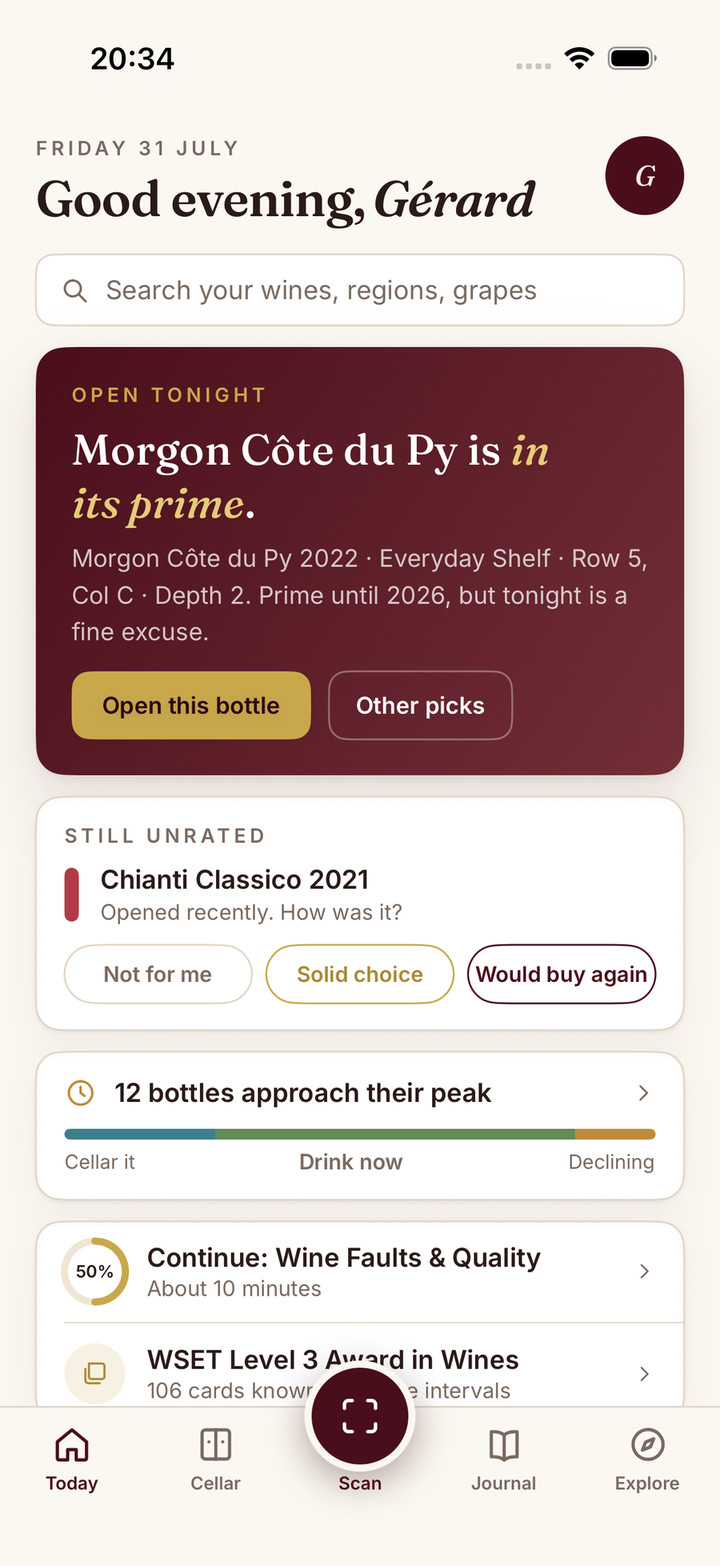
More decisions can justify more software. Exact bottle positions, photos, readiness reminders and choosing from wines you own can make an app useful. Confirm the feature and its plan first. A visual rack or food pairing is valuable only if it answers a question you regularly have. The best wine cellar app comparison shows which apps include which features, and on which plan.
A Five-Bottle Trial
Imagine two Example Estate Reds from 2022, a similar 2021 red, a 2024 white in the fridge, and a 2022 magnum in a box. These are fictional records for practising the process.
Create them in a copy of your sheet and, if considering an app, enter the same small sample there. Keep the real inventory intact. Then run four changes:
- Add two more standard bottles of the 2022 red.
- Move the 2021 red to another location.
- Open one standard 2022 red, leaving the magnum untouched.
- Find the white and the opened red’s note a week later.
Check the quantities, bottle sizes and locations after every change. Did a move accidentally duplicate stock? Did an opened bottle vanish along with its note? Did the magnum merge with the standard bottles? These are more useful questions than whether the new screen looks tidier.
The rack planner can help you choose coordinates before adding them to either record. A drinking-window check can support a cautious readiness note, without turning an estimated date into a deadline.
Keep a Way Out
Before any full switch, save the original file and a dated backup. Check the destination’s current formats, field matching and treatment of existing records. Do not assume a file upload merges duplicates or carries every old tasting note.
Official guidance checked on 5 October 2026 illustrates why this matters. CellarTracker’s export views separate individual bottles from other history and notes. InVintory’s export guidance distinguishes bottle and label groupings; its import guidance says imports add rather than merge. A matching row count is only the beginning of a transfer check.
Where Sommo Fits
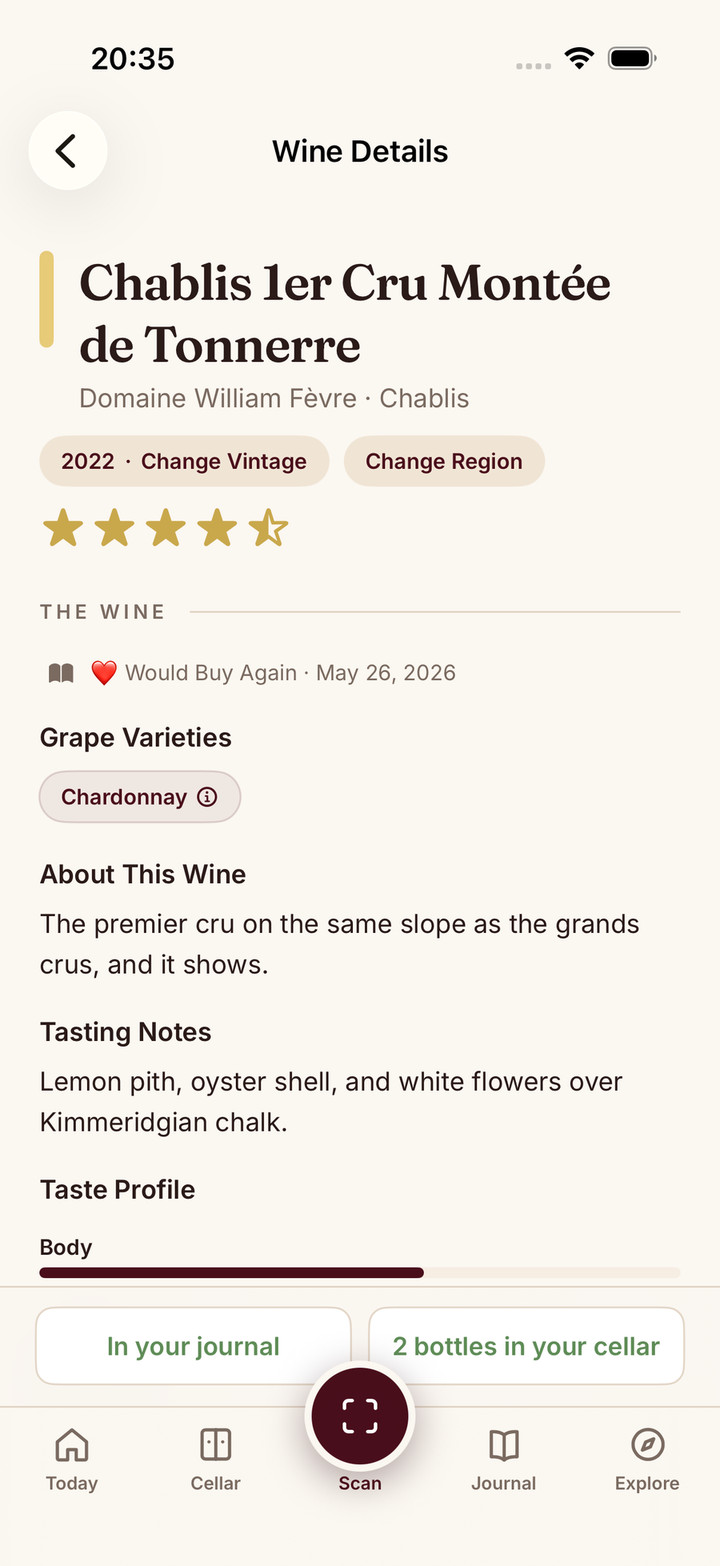
Sommo’s Premium wine cellar connects quantities and rack positions to readiness and pairing from your own bottles. Its journal keeps what you thought when you opened them. CSV and Excel export provide a portable record; free journal history covers 30 days, with older history on Premium. To bring an existing sheet in, import your spreadsheet on the web: journal imports are free, and a cellar import needs Premium.
If your sheet already works, keep it. If you want to test the connected record, try Sommo with one wine and a saved journal entry before committing your collection to a new routine.
Before comparing financial totals, decide what each one measures. Our wine spending and remaining cellar-cost guide reconciles purchases, gifts and bottles already gone without calling them market value.