These two apps rarely get compared, which is odd, because most wine drinkers move from one to the other without noticing.
You start with Vivino because you want to know whether the bottle in your hand is any good. Then, at some point, you buy a rack. Or a wine fridge. And a different question appears: not “is this good?” but “what do I actually have, and where is it?”
Vivino has never really answered that. InVintory was built for nothing else.
The Short Answer
Vivino is the scanner. Around 70 million users and 16 million wines as of mid-2026, the fastest label recognition in the category, price data and a marketplace attached. Free with ads; Premium at $4.99 a month or $47.90 a year in the US.
InVintory is the map. Visual layouts of racks, bins, and fridges with drag-and-drop bottle placement, plus drinking window estimates and basic notes. Check its current plans on its own site, as they have been revised over time.
| Vivino | InVintory | |
|---|---|---|
| Core job | Should I buy this? | Where is what I own? |
| Label scanning | Fastest in the category | Manual entry |
| Crowd ratings | Yes, the category standard | No |
| Visual rack map | No | Yes, the core feature |
| Inventory | Basic list, Premium-gated | Structured around physical layout |
| Price data | Community prices plus marketplace | No |
| Community notes | Yes, mass consumer | No |
| Education | None | None |
What Vivino Solves
The shop problem. You are holding an unfamiliar bottle and you have twenty seconds. Vivino gives you a crowd verdict, a price sanity check, and a purchase route, and it does it on almost any wine made.
For anyone who buys and drinks within the same month, that is a complete solution. There is no cellar to manage because there is no cellar.
The limits show as soon as bottles start waiting. Vivino’s cellar is a basic list behind Premium, with no spatial model of your storage. It will not tell you the Rioja is in the bottom-left of the second rack. And the ratings themselves plateau fast: most cluster between roughly 3.5 and 4.2, and the same number is shown to everybody regardless of what you personally enjoy.
What InVintory Solves
The excavation problem. You know you own a good Barolo. You have taken out fourteen bottles to look for it. It was behind the Riesling.
InVintory builds a digital twin of your actual storage: rack shapes, bin counts, fridge shelves, with bottles placed in specific slots you can see and drag. Open the app, look at the layout, walk straight to the bottle. Add drinking window estimates and basic tasting notes and you have a genuinely purpose-built organiser wrapped in a modern interface.
The limits are everything outside that focus. There is no crowd database to tell you whether a wine is well regarded, no price comparison, no AI, no food pairing, and no learning content. And getting wines in is manual, which is a real cost when you are digitising 200 bottles.
Head to Head
Deciding What to Buy
Vivino, and it is not close. InVintory does not attempt this.
Finding What You Own
InVintory, and it is not close. Vivino does not attempt this.
Getting a Collection Into the App
Vivino makes adding a wine trivial, but the destination is a thin list. InVintory gives you a proper destination and makes getting there manual. Both halves of the job exist, in different apps, with nothing connecting them. This is the single most common complaint from people running both.
Knowing When to Open Something
InVintory offers drinking window estimates as a core part of the model. Vivino gates windows behind Premium and treats them as secondary. For anyone keeping wine, InVintory is the better fit here, though dedicated collector tools go deeper still.
Understanding the Wine Itself
Vivino, by virtue of its database, though “understanding” is generous. You get a score and community reviews rather than an explanation. InVintory offers no equivalent at all.
Choosing Tonight’s Bottle
Neither. InVintory shows you a map and Vivino shows you a list. Both leave the actual decision entirely with you, which is why so many well-organised cellars still rotate through the same handful of familiar bottles.
Who Should Pick Vivino
Nothing you buy waits more than a few weeks. You want a second opinion and a price check. You are not organising storage because there is nothing to organise. Free Vivino is genuinely sufficient.
Who Should Pick InVintory
You have physical storage with structure to it. You have lost time hunting bottles more than once. You care more about knowing where things are than about what strangers scored them. The visual model is the product, and it works.
The Handoff Nobody Built
The interesting thing about this comparison is that it describes a journey, not a choice. Most people who end up with InVintory started with Vivino. The apps are two stages of the same hobby, and the transition between them is unnecessarily painful: you scan in one place and type in another, and neither record knows the other exists.
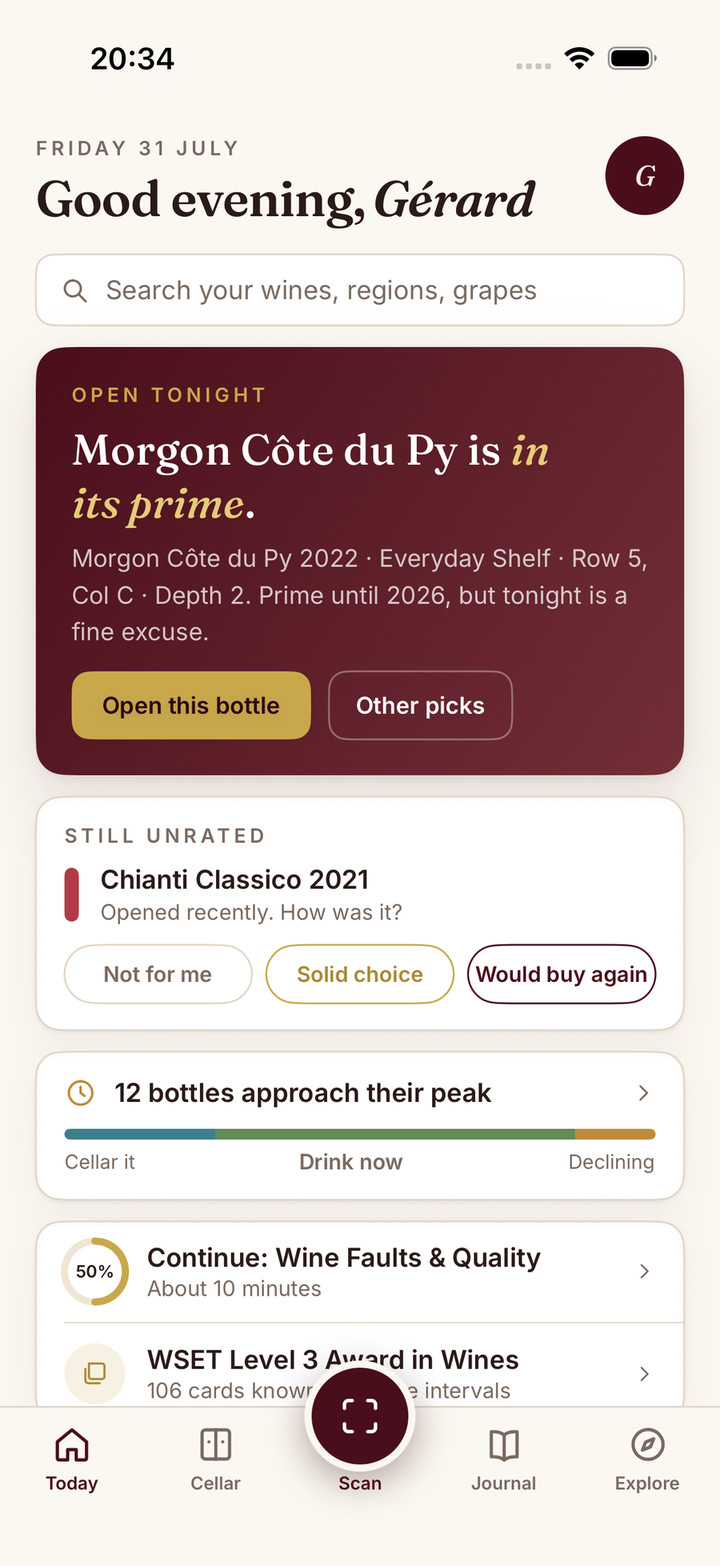
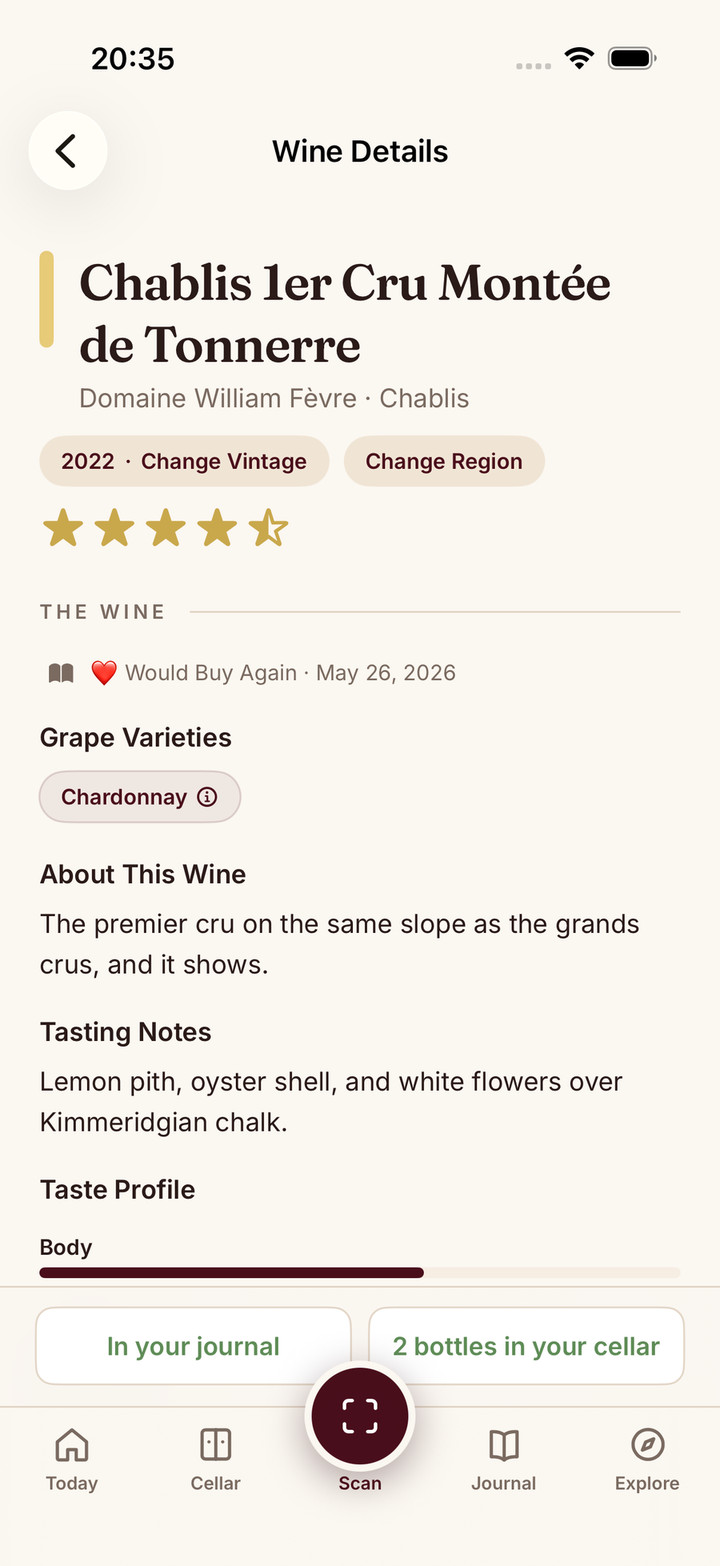
Sommo collapses that handoff into one flow. AI label scanning identifies the wine and returns a full briefing, the region, the grape, what to expect, and what to eat with it, and then that wine goes straight into the cellar with a tap. No second app, no retyping.
The cellar itself carries the spatial model InVintory is right to insist on: multiple named racks in a drag-and-drop grid, with depth-aware positions for bottles stacked front to back. Drinking windows are not a single date but the full too-young, ready, and past-peak curve, weighted by vintage strength, storage conditions, and your own ratings as you drink, with readiness notifications so nothing quietly ages past its moment.
Then it adds the part neither app has. Describe what you are cooking and the AI recommends from the bottles you actually own, with the reasoning attached. Open Tonight ranks what is most worth drinking now by readiness. SAT-structured tasting notes get AI feedback on what you caught and missed, so opening a bottle teaches you something. WSET prep for Levels 1 to 4 lives in the same app.
Where it does not compete: no crowd ratings, no marketplace, no price comparison. For “should I buy this bottle in this shop right now,” Vivino remains the better tool and it is free.
All Three, Side by Side
| Sommo | Vivino | InVintory | |
|---|---|---|---|
| Label scanning | AI briefing, straight to cellar | Fastest, biggest database | Manual entry |
| Visual rack map | Multi-rack drag-and-drop grid | No | Best in class |
| AI food pairing | Yes, from your own bottles | No | No |
| Drinking windows | Vintage, storage and palate aware, with alerts | Premium | Estimates |
| Crowd ratings | No | Yes, the category standard | No |
| Price comparison | No | Yes, plus marketplace | No |
| Structured tasting | SAT notes with AI feedback | Free text and stars | Basic |
| Education | Modules plus WSET 1 to 4 | None | None |
| Platforms | iOS, Android, web | iOS, Android, web | Mobile-first |
| Price | Free tier; Premium $5/mo or $29.99/yr | Free with ads; $4.99/mo | See current plans |
The Bottom Line
If bottles do not wait in your house, use Vivino and do not overthink it. If they do, InVintory solves the storage problem better than Vivino ever will.
But the real answer for most people is that they need both jobs done in one place without typing the same wine twice. Sommo carries that record further too: from scan to visual cellar, dinner pairing, journal, Taste DNA, insights and tasting with friends.
Try Sommo free, or see the full field in the best wine cellar apps of 2026.
Vivino or InVintory: which stage are you at?