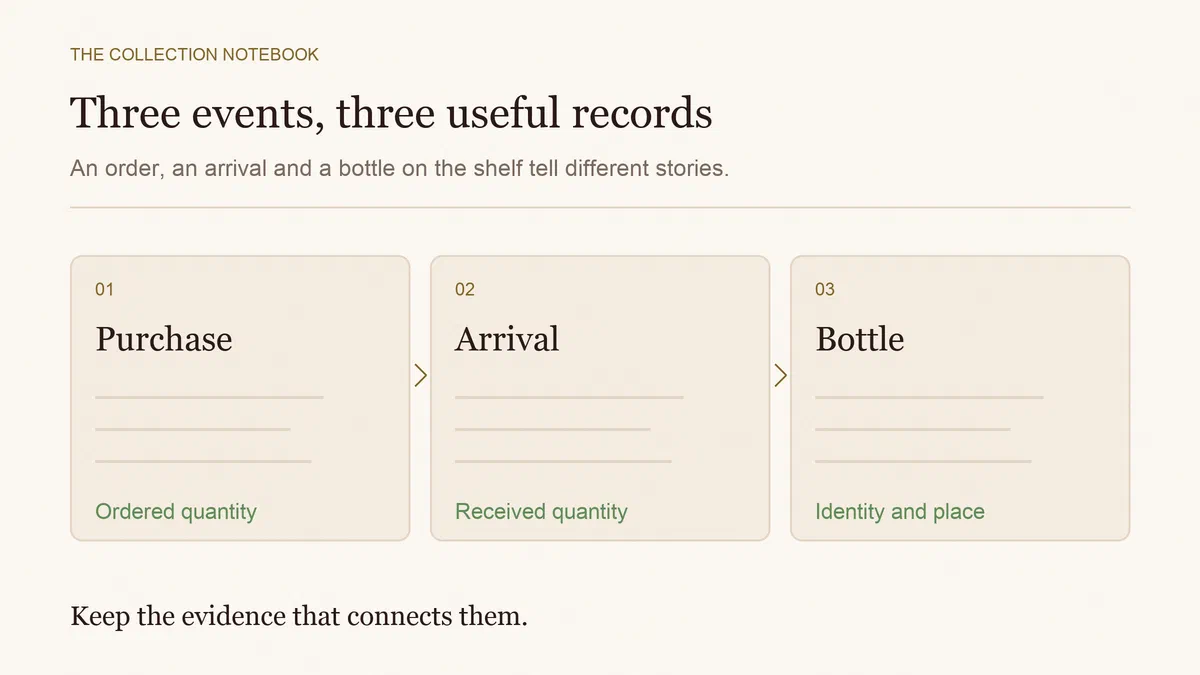
Put only received, checked bottles into available cellar stock. Keep the rest in an order register with quantities ordered, accepted, cancelled and still outstanding. Payment and a dispatch email do not mean the wine is on your shelf.
This becomes particularly useful when one order arrives in several boxes, a merchant substitutes a vintage or part of a case is cancelled. One “delivered” tick cannot explain all of those states.
Give each order line a stable reference
Keep the merchant, order number, wine, vintage, bottle size and destination together. Use one row for each distinct wine and format. Six 750 ml bottles and two magnums need separate rows even if their labels look alike.
Record expected delivery dates as estimates, with the date and source of the update. An order promised for November should not quietly become available wine in October. Retain the confirmation and any later correspondence so you can establish what was agreed.
An order number also prevents duplicate entry. When two parcels belong to the same order, reconcile both against that reference instead of creating a fresh purchase whenever a box appears.
Reconcile quantities, not just statuses
For an unchanged order line, use this identity:
Ordered quantity = accepted deliveries + confirmed cancellations + outstanding quantity.
Keep damaged arrivals or bottles awaiting a return decision in a separate exception column. They are physically present, but they are not necessarily accepted, usable stock. A replacement should resolve the exception rather than silently increase the original order.
Here is a fictional order for 12 identical bottles:
| Stage | Ordered | Accepted deliveries | Confirmed cancellations | Outstanding |
|---|---|---|---|---|
| Order placed | 12 | 0 | 0 | 12 |
| First parcel checked | 12 | 5 | 0 | 7 |
| Merchant cancels two | 12 | 5 | 2 | 5 |
| Second parcel checked | 12 | 8 | 2 | 2 |
The final row balances: 8 plus 2 plus 2 equals 12. It tells you to follow up on two bottles, not four. Keep refund progress separately; a cancelled quantity does not prove the corresponding money has been returned.
Check the parcel before accepting it into stock
Compare producer, wine, vintage, size and quantity with the order line. Photograph discrepancies and retain the packaging where it helps a query with the seller. If a substituted vintage is acceptable to you, document that decision and identify it correctly in the inventory.
Do not turn an uncertain arrival into a confirmed condition claim. Our heat-damaged delivery guide covers what to record when transport conditions raise concerns. Resolve a return or replacement with the merchant rather than assuming a bottle is sound or ruined from the parcel alone.
Then add the accepted quantity to its actual location. In the example above, the first delivery adds five bottles. If your cellar already held four and you subsequently opened one, it contains eight before the second parcel arrives. Adding the next three brings it to 11. The order’s cumulative eight received is not the same as current stock.
Know how your app handles partial arrivals
CellarTracker’s documentation, checked on 10 October 2026, describes a pending list and an accept-delivery action, keeping that workflow distinct from ordinary bottle management.
InVintory’s delivery guidance, checked on 10 October 2026, describes a paid feature that keeps pending bottles outside the current collection until received. Its iPhone workflow allows selected bottles to be marked delivered, while its documented Android action accepts the whole order. Check your platform before using an order-level action for a partial parcel. A tracking-number field is a reference, not a promise of live courier tracking.
If an app cannot represent the split you need, keep the order register outside it. Accuracy matters more than forcing the parcel into the nearest available status.
Use Sommo for the bottles you have received
Sommo’s Premium cellar records current bottle quantities and metadata. It does not have a native pending-order or partial-delivery register. Add only the bottles you have accepted, keeping the outstanding order and refund evidence separately.
Adding the same wine again merges into the existing entry. It does not create an independent purchase lot, so preserve different delivery dates, prices and order references in your supplementary records. Our app versus spreadsheet guide helps you choose where each record belongs.
Download Sommo to locate the wine that has arrived, while your order register keeps the missing bottles visible.