A foldable only earns its keep if the software uses the outer cover, the big inner canvas and the half-open poses on purpose. Stretch a phone layout across all three and you waste the hardware. I wanted Sommo to treat each one as its own job.
Sommo 2.1.8 is iPhone Duo ready, in the same App Store app you already use on iPhone and iPad. There’s no Duo edition to hunt down and nothing to switch on. Update, unfold, and three screens open into two columns. Here’s what I built, why, and where I stopped.
Closed, it’s an iPhone
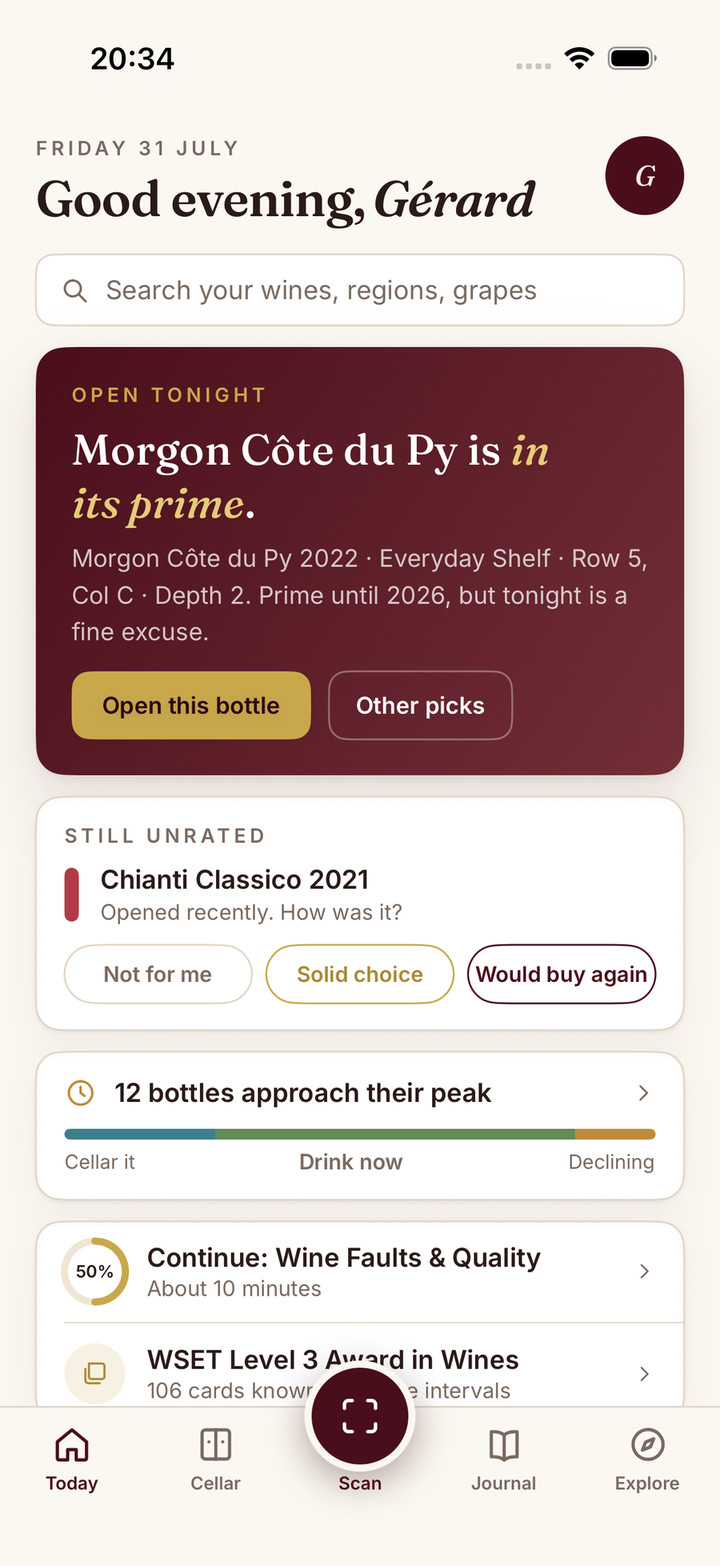
Most wine moments are one-handed. You’re in a shop aisle with a basket, or at a table with a glass, and you want an answer before the moment passes. So closed, Sommo on iPhone Duo is simply Sommo on an iPhone: the same Today, Cellar, Scan, Journal and Explore tabs on the outer display.
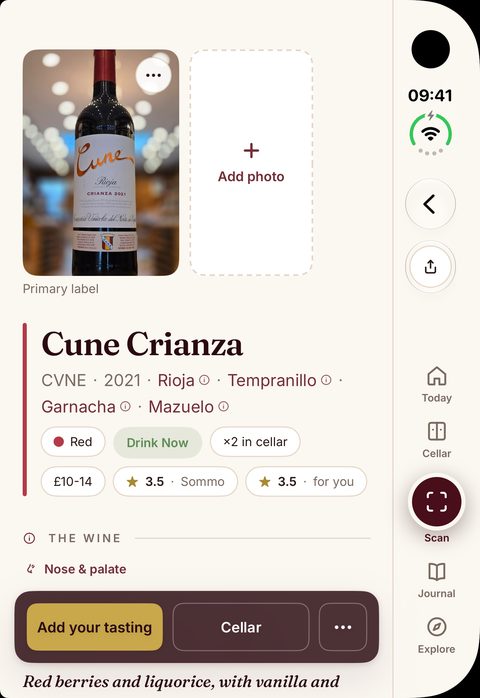
Scan a label, read the grapes and region, check what’s ready to drink tonight, rate the glass. None of that needs the device open, and I didn’t invent a reason to force it open.
Unfolded, three screens get a second column
Open it and Sommo gets far more width. I put that width into a second column on exactly three screens: the ones where I kept bouncing between a list and the page it leads to.
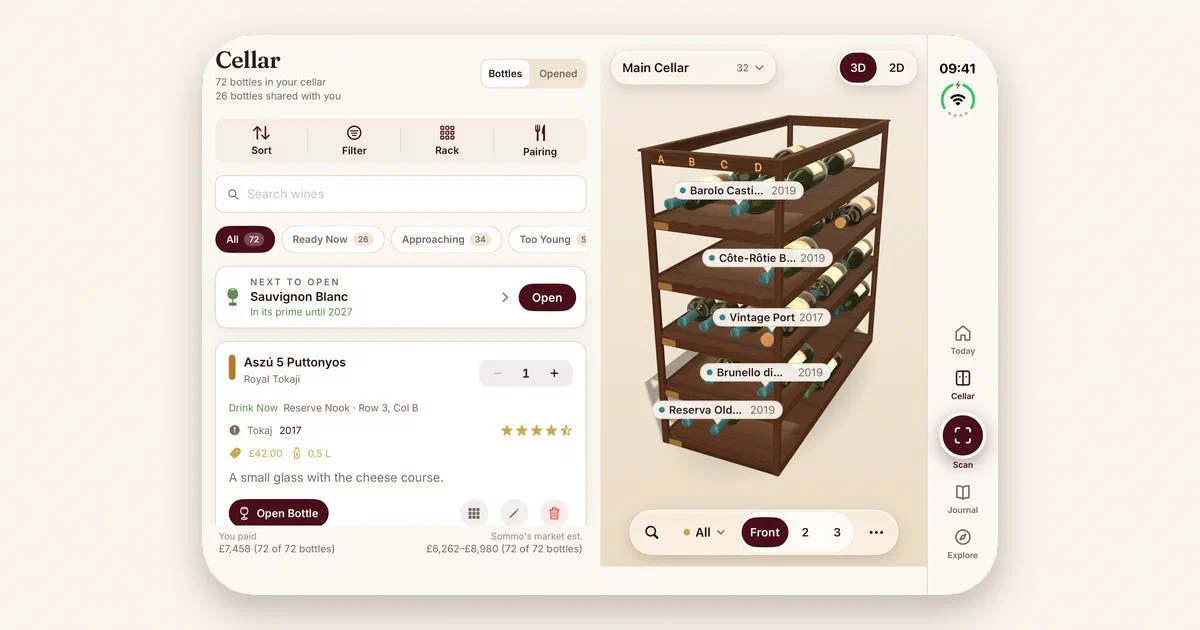
The cellar list beside the 3D wine wall. A rack of wine is a spatial thing. On a phone you look a bottle up in the list, tap through, then go and find it on the wall. Unfolded, the list sits on the left with its search, readiness filters and the next bottle worth opening, and the 3D wine wall sits on the right. Pick a bottle and its slot is already in view. Putting a new case away while you stand at the real rack stops being a trip back and forth.
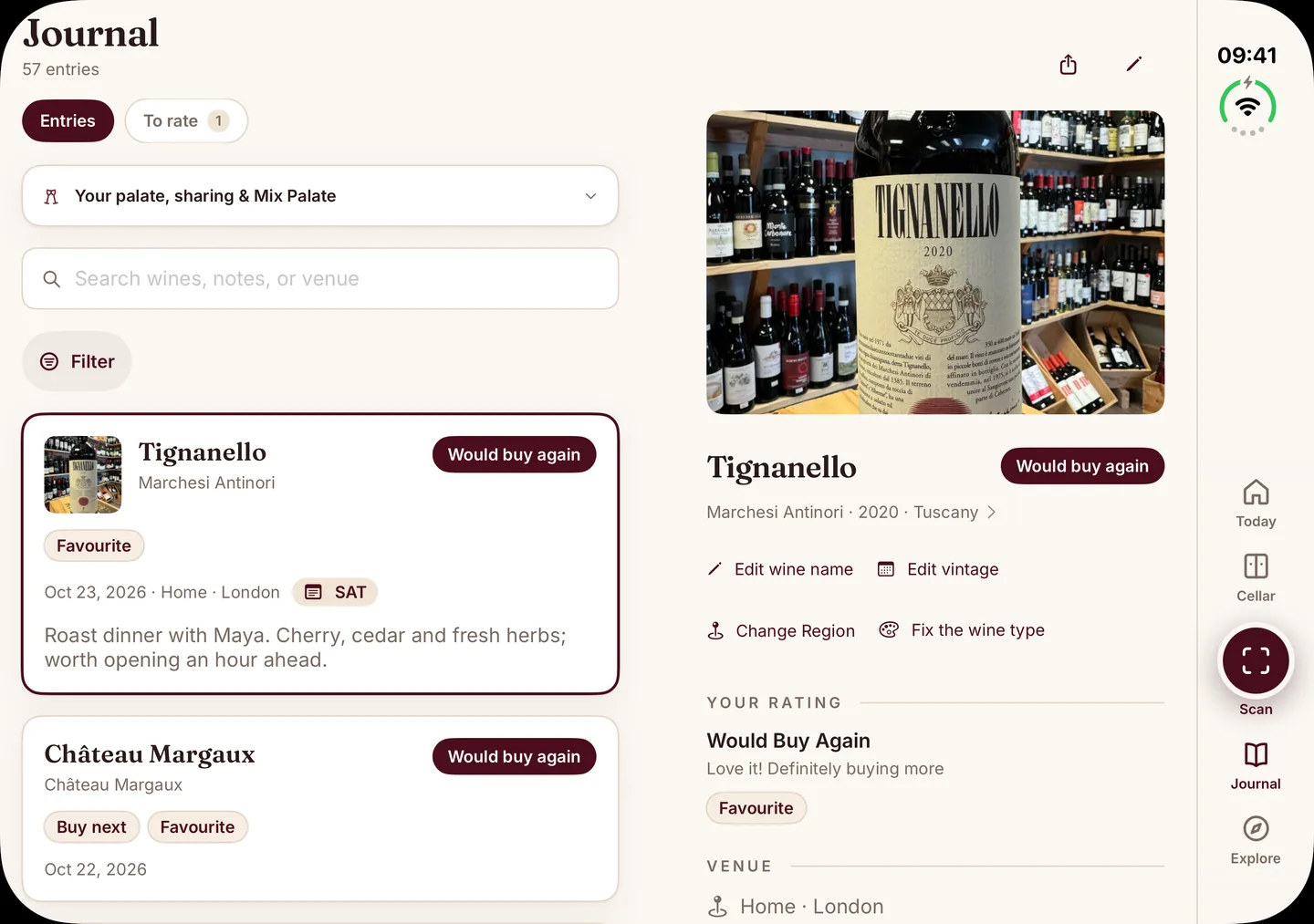
Journal entries beside their history. A tasting journal earns its keep when you read it back. With your history down one side and the entry you picked open on the other, a year of bottles becomes a scroll. “What was that Barolo I loved in March?” turns into a swipe and a tap.
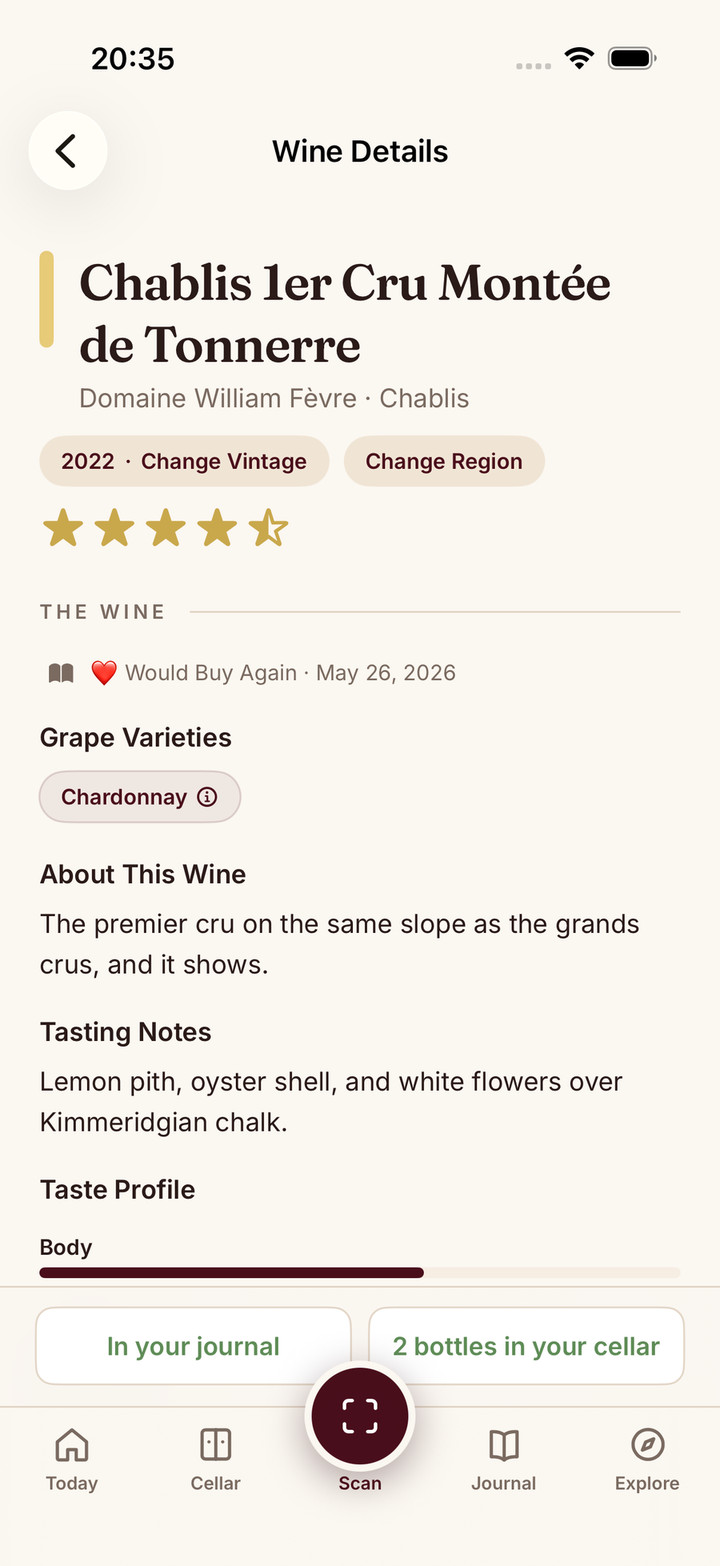
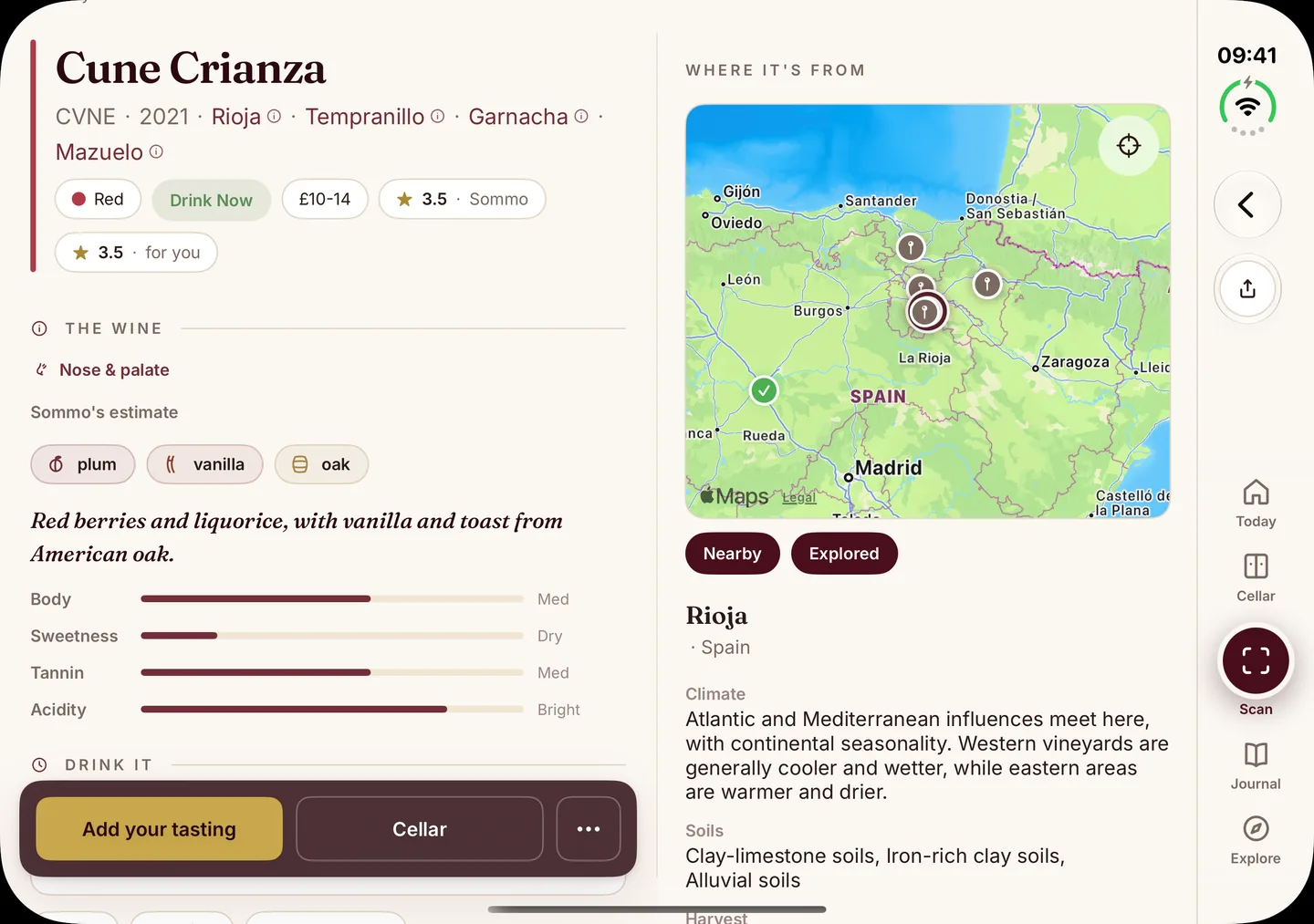
Wine details beside the region map. This one is my favourite. Open a wine and the grapes, Sommo’s aroma estimate, structure and drinking window sit on the left. On the right, Where it’s from places it on the wine map, with the region’s climate and soils below. A Rioja reads beside Rioja. The bottle and the place as one story, which is how it sticks.
Why only three
Everything else, from Today to food pairing to WSET study, runs on the inner display with more room, in the layout you already know from iPhone and iPad. I could have split every screen in half. I didn’t, because a second column only helps when there’s a real list-and-detail job underneath it. Today split down the middle would be busier, not better.
The same thinking applies to the fold itself. When the device is half open like a book, the few buttons I place by hand move to one side of the fold so you aren’t tapping into the crease, while scrolling lists stay put. There’s no tabletop layout in Sommo yet. When a wine job turns up that genuinely suits one, I’ll build it then.
One app, one account, one price
There’s no separate iPhone Duo app and no separate purchase. Sommo uses one account across iPhone, iPhone Duo, iPad, Android and the web at web.sommo.app, so your cellar, journal and study progress are the same wherever you pick them up. Fold it, unfold it, reach for the iPad: same data.
The layouts come with the app on every plan. Free includes five lifetime label scans, the journal with 30 days of history, the wine map and WSET Level 1, so the journal and map layouts work without paying. The cellar is Premium, so the cellar and wall layout needs it too. Premium is $4.99 a month or $29.99 a year and adds unlimited scans, the cellar, WSET Levels 2 to 4 and your full journal history. Pricing has the full comparison.
Day one, honestly
Sommo wasn’t the only app ready on launch day, and I’ve written up the iPhone Duo apps I’d open first separately. To be straight about it: Apple’s own Made for iPhone Duo roundup doesn’t name a wine app. Being ready on day one was my call for people who collect and study wine, not a spot on Apple’s list.
Try it on your Duo
If you have an iPhone Duo, download Sommo free, open the cellar and unfold it to see your list beside your rack. The Sommo for iPhone Duo page has more screens from the device, and the iPhone Duo layouts tour walks through each one.