A waiter puts down a twelve-page wine list and walks away. You have about ninety seconds before they come back, a table of people waiting for you to choose, and a column of names you half recognise.
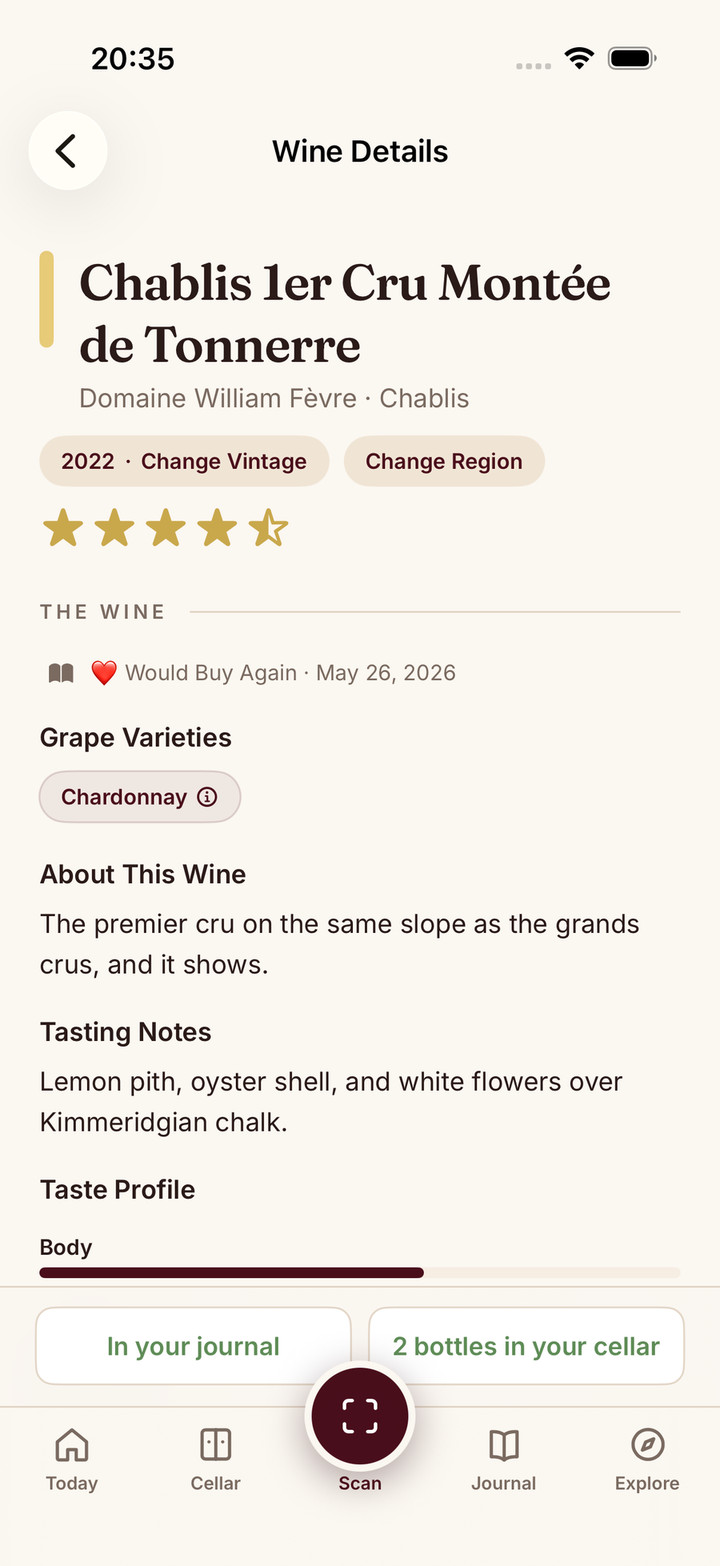
The short answer: Score Menu turns that list into a ranked shortlist. You photograph the page, Sommo reads every wine it can find and, with Premium, Score Menu gives every wine it reads on the list a quality score. The bottles worth your attention rise to the top, and you can open any one of them for grape, region, style and food notes before you order. The full feature page is here and the technical view is on how menu scoring works.
Below I explain why I built it, what happens between the photo and the score, how to use it well at a real table, and where it stops.
Why did I build Score Menu?
Because the restaurant is where wine decisions are hardest and most expensive. At home you can look things up. At the table you are on a clock, the prices carry a restaurant markup, and the names on the page often mean nothing to you.
I kept watching friends do the same thing: skip the first page, skip the cheapest bottle, order the second cheapest red. It is a sensible defence, and it is how you end up paying good money for a dull bottle. I wanted something that would read the whole list for me and do the comparing, so I could get back to the conversation.
What happens when I scan a wine list?
The flow is short:
- Photograph the list. Capture the whole page, not just one line. Several photos are fine for a long list; each page is scored separately.
- Sommo reads it. Our proprietary wine-tuned AI picks out each wine on the page, and its price when the price is visible.
- Each wine is grounded. Sommo checks what it read against a hand-maintained wine library, so a scrawled abbreviation becomes a real wine rather than a guess.
- Every wine it reads gets a score. With Premium, Score Menu gives every wine it reads on the list a quality score.
- You compare and choose. Tap any wine for the details, then order with confidence.
The point is speed. The comparing that would take me twenty minutes with a search engine happens before the waiter comes back.
How is Score Menu different from scanning one label?
A label scan answers “what is this wine?”. Score Menu answers “which of these should I order?”. It is a different job. One bottle needs identifying; a list needs ranking.
There is also a separate menu picks flow. Photograph the list, tell Sommo what you are eating if you like, and it suggests a pick with alternatives. That flow uses the shared free allowance of 5 lifetime scans per device, so anyone can try it. Score Menu itself, the scored view of the whole list, is Premium.
Does Sommo know what I like?
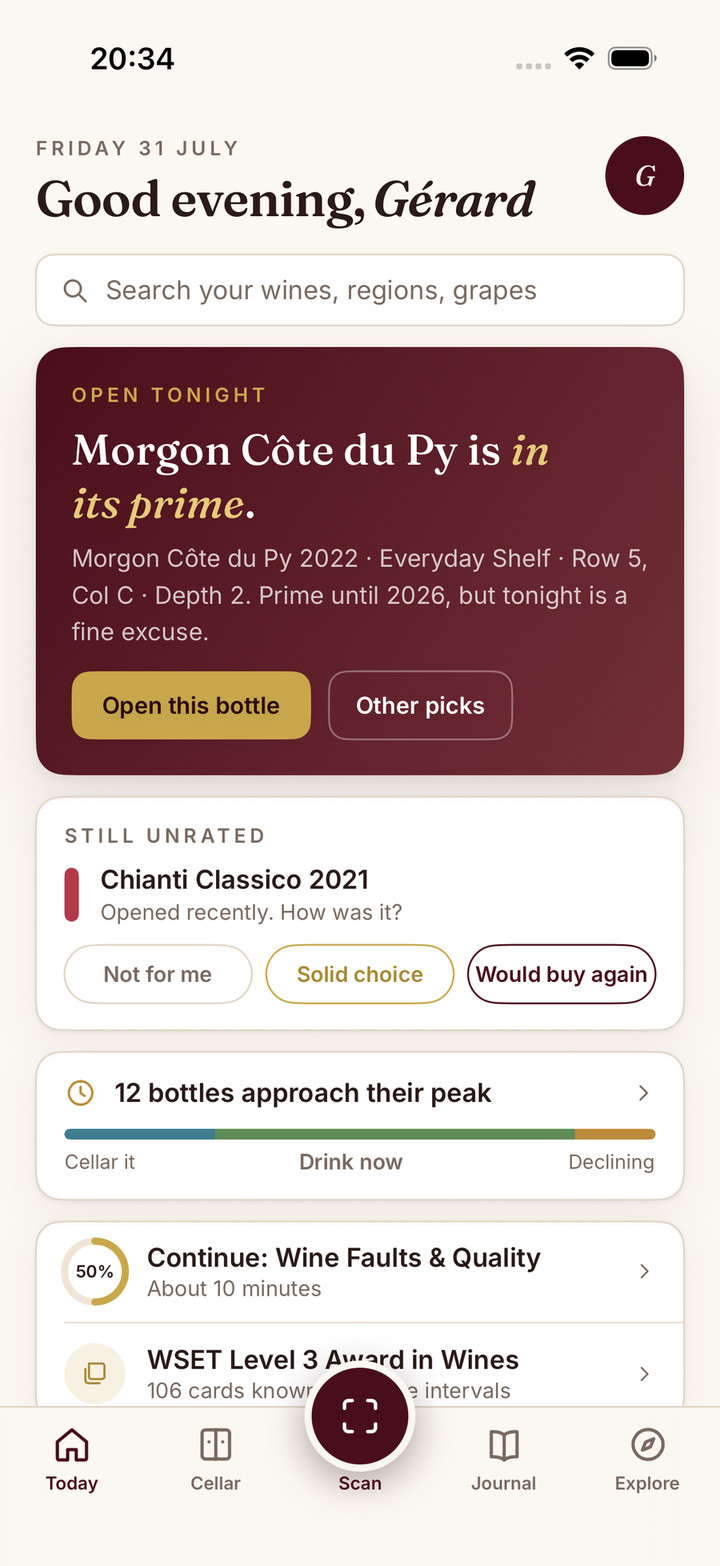
Yes, and this is the part I care about most. Sommo understands you. Menu and shelf picks use your 10 most recent ratings, so if you have been rating crisp, high acid whites highly, that shapes what it points you towards on the list. The more honestly you rate, the better it gets.
That matters on a wine list more than anywhere. A score tells you a wine is good. Your ratings tell Sommo whether it is good for you. If you want to understand how that personal picture builds up over time, read my explainer on how Sommo learns your palate.
How do I get the best result at a real table?
A few habits make a big difference:
- Flatten the page and find light. Glare and shadows are the biggest enemies. Tilt the list towards a candle or a window, or turn on your phone torch.
- Shoot the whole section. If you want a red, photograph every red page. A partial list gives a partial answer.
- Check the vintage before you order. Lists change faster than they are reprinted. Ask the server to confirm the vintage on the bottle matches the list.
- Say what you are eating. In the picks flow, a dish gives Sommo something to pair against.
- Rate what you drink. Afterwards, rate the bottle in your journal. It takes a few seconds and makes your next restaurant pick better.
Where does Score Menu stop?
Reading a list is harder than reading a label, and I would rather be honest about that:
- Messy lists are hard. Handwriting, stylised fonts, cramped columns and boards in dim light all make reading tougher.
- Unfamiliar wines get an estimate. If Sommo does not recognise a wine, it estimates the score from the producer’s reputation, the region and the typical price, so use it as a guide.
- It is not the sommelier. A good sommelier knows what is drinking well tonight. Use Sommo to build a shortlist, then ask them about it.
The wider list of what Sommo can and cannot know is on the limitations page.
How does Score Menu compare with other wine list scanners?
Other apps scan lists too, and I compared them honestly in the best apps to scan a restaurant wine list. What I would point out is the shape of the answer. Sommo gives every wine it reads a quality score, and your own recent ratings shape the picks, in an app that also handles your labels, your shelf, your journal and your cellar. And it does all of it fast.
How does Sommo help at the restaurant?
Score the whole list. With Premium, Score Menu gives every wine it reads on the list a quality score, so you can compare bottles side by side in seconds.
Picks shaped by you. Menu and shelf picks use your 10 most recent ratings, so the shortlist leans towards wines you will actually enjoy, not the crowd’s favourite.
Remember it. Save the bottle you order to your journal with a rating, and next time you see it on a list, you will know.
It all runs on proprietary wine-tuned AI grounded in a hand-maintained wine library. The free tier gives you 5 lifetime AI scans per device, shared across label, menu and shelf scans, plus the journal and 30 days of journal history. Sommo runs on iPhone, iPad, Android, HarmonyOS and the web. Premium unlocks unlimited scans, Score Menu, lifetime history, Taste DNA, AI tasting feedback and Tasting Mode for $4.99 a month or $29.99 a year.
Download Sommo before your next dinner out.
The bottom line
Score Menu exists for the ninety seconds between the wine list landing and the waiter coming back. Photograph the page, let Sommo read it, and with Premium, Score Menu gives every wine it reads on the list a quality score. Your recent ratings shape the picks. Ask the server to confirm the vintage, order, rate it afterwards, and the next list gets easier.