Consider Oeni when you want stock, ageing guidance and food pairing organised around your cellar. Consider InVintory when purchase handling, precise storage layouts and shared collection permissions are central to your routine. Both document visual cellar tools. Choosing between them takes more than deciding which rack looks nicer.
The useful question is what happens after you buy six bottles. Can you record the right wine, keep an unreceived order separate, find one bottle and update the record when someone opens it? Choose the app that makes those repeat tasks manageable on the device you actually use.
The product details below were checked against official pages on 10 October 2026. This is a comparison of documented workflows, not a timed recognition or accuracy test. Prices and checkout offers vary, so the decision starts with the tools you need rather than an unverified subscription figure.
The differences that affect daily use
| Your job | Oeni | InVintory |
|---|---|---|
| Keep a collection across several places | Documents multiple cellars and transfers | Documents cellars/fridges within a collection |
| Map the actual storage | 3D rows with width, height and optional depth | Paid VinLocate 3D; evaluate the layout against your rack |
| Get guidance from owned wine | Plus positioning includes ageing, value tracking and food pairing | Wine information and Vincent access vary by plan |
| Record a purchase from an invoice | Confirm the current workflow before relying on it | Premium receipt review documented on iPhone, iPad and web |
| Keep orders out of current stock | No equivalent pending workflow established in the sources checked | Paid deliveries remain pending until accepted |
| Let another person maintain stock | Confirm the current invitation and permission controls | Documented collection-wide roles, including Editor and Viewer |
| Take a backup | Help documents an insurance PDF | CSV collection export included on Free |
Oeni’s multiple-cellar help, 3D guide and Plus overview support its cellar-led approach. InVintory’s plan comparison separates basic records from paid storage, reporting and operational tools. A blank in a help search is a question to verify, rather than proof that a product cannot do something.
Start with the record you will keep updating
Imagine a small collection spread between a kitchen fridge and a rack downstairs. It contains four standard bottles of Rioja, a magnum of the same wine and two editions of a non-vintage Champagne. This is an invented collection, but the record problems are ordinary.
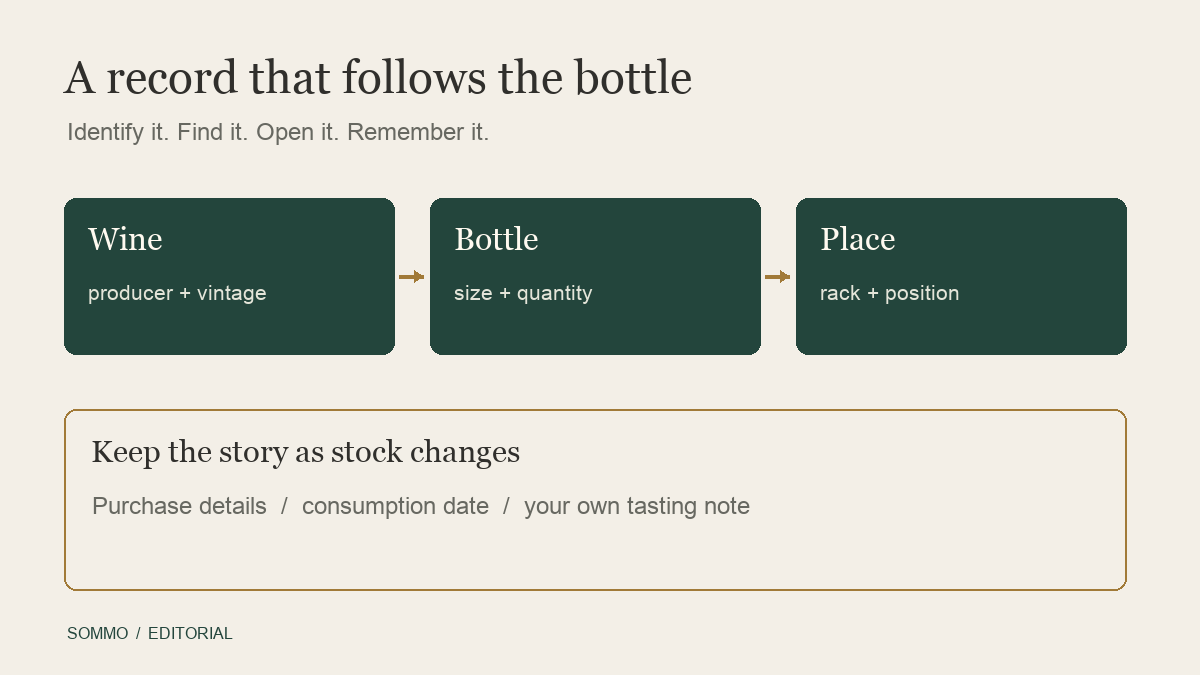
Adding everything under three wine names would hide useful differences. The magnum needs its own format and location. The Champagne releases need enough detail to recognise which one you opened. The purchase price needs its currency, and an estimated market value should remain a separate number.
Before entering the whole collection, choose a few awkward bottles like these. Check what happens when you correct a match, change a quantity or attach a note. Then reopen the record and read it as if you were trying to find that bottle next month. Our label-scanning correction guide explains the identity checks that matter whichever app you choose.
Neither a polished wine profile nor a confident recommendation fixes stock attached to the wrong vintage. Prefer a record you can correct without losing the details that explain why two bottles differ.
Oeni suits a guidance-led cellar routine
Oeni presents the cellar as the starting point for decisions about maturity and food. Its Plus material describes ageing guidance, market-value tracking, pairing and a 3D representation. That combination is worth evaluating if your regular question is: which of my bottles belongs at dinner tonight?
Its help also documents assigning wine to different cellars and transferring it between them. For someone with a fridge and a separate storage room, the useful test is whether those places remain clear when quantities change. Check the destination and the affected bottles after a move rather than assuming the map reflects the shelf automatically.
Ageing guidance remains guidance. Storage history, closure and the particular bottle still matter. If an opening suggestion feels early or late, you need to understand the record behind it, not simply move a date until it matches your expectation.
Stay with Oeni if its everyday sequence already works for you and the records you need are complete. Moving to another tool just to gain more settings can make a modest collection harder to maintain. A feature becomes valuable when you use it to resolve a recurring problem.
InVintory has a clearer documented purchase workflow
InVintory distinguishes buying wine from holding it. Its receipt guide describes Premium purchase review on iPhone, iPad and web. It does not establish the same receipt screen on Android.
Its delivery workflow keeps pending bottles out of collection counts until they arrive. The help describes selecting partial arrivals on iOS, while Android accepts an entire order. That difference matters if a merchant sends a mixed order in several boxes.
For a frequent buyer, these are practical reasons to favour InVintory. You are maintaining a purchase history and an arrival state, alongside the wine itself. For someone who buys a bottle at a shop and takes it straight home, the extra process may matter less.
Our collection-transfer guide is useful before moving old records. A successful transfer of wine names alone does not demonstrate that pending orders, invoices or historical actions survived.
Shared access needs an explicit decision
InVintory’s role documentation gives collaborators different responsibilities. A Viewer can inspect and export; an Editor can maintain bottles. The invitation covers the collection, including its storages and figures, rather than only one rack.
That can be a strength for a household keeping one shared collection. It also means you should decide whether everyone invited ought to see everything. Agree who corrects quantities and who records an opening. Two capable editors still need a routine that prevents the same bottle being removed twice.
Oeni’s family-oriented marketing does not, by itself, establish an equivalent role system. Before choosing it for shared maintenance, confirm the actual controls on your plan: separate accounts, invitation scope, editing rights and how access is removed. If these are essential, an unanswered question belongs in the decision, not in a feature tick.
The free plan and the paid job are different choices
InVintory’s Free guide documents unlimited bottles, reviews, collaborators and CSV export without an expiring trial. Paid tools include 3D, deliveries, barcode labels and collection analytics. The collection owner’s plan governs a shared collection.
You may therefore like InVintory’s records without needing its paid map. Conversely, someone choosing it specifically for 3D navigation should evaluate the relevant paid tool, not infer access from the free stock screen.
Oeni’s Plus offer brings together its guidance and visual-cellar positioning. Read the subscription screen for your market, billing period and required features before committing. A gift-card offer and an ordinary recurring subscription are not interchangeable price evidence.
Export deserves the same attention. Oeni’s current export help describes a PDF for insurance. That may suit a readable list, but it does not establish a structured CSV suitable for another app. Open a real export and check the fields you depend on.
A small decision exercise
Use this checklist with a few representative bottles before moving a large collection:
- Confirm producer, cuvée, vintage or release and format against the bottle.
- Put each bottle in its actual storage and retrieve it using the record.
- Correct one quantity and explain why it changed.
- Check one purchase with a discount or a non-standard format.
- If you share stock, verify what the other role can see and change.
- Open the backup and find the notes, quantities and locations you expected.
Choose the tool that completes your important jobs with the least uncertainty. Keep the old records and backup until the new routine has survived an actual purchase and an actual opening.
Where Sommo is a useful alternative
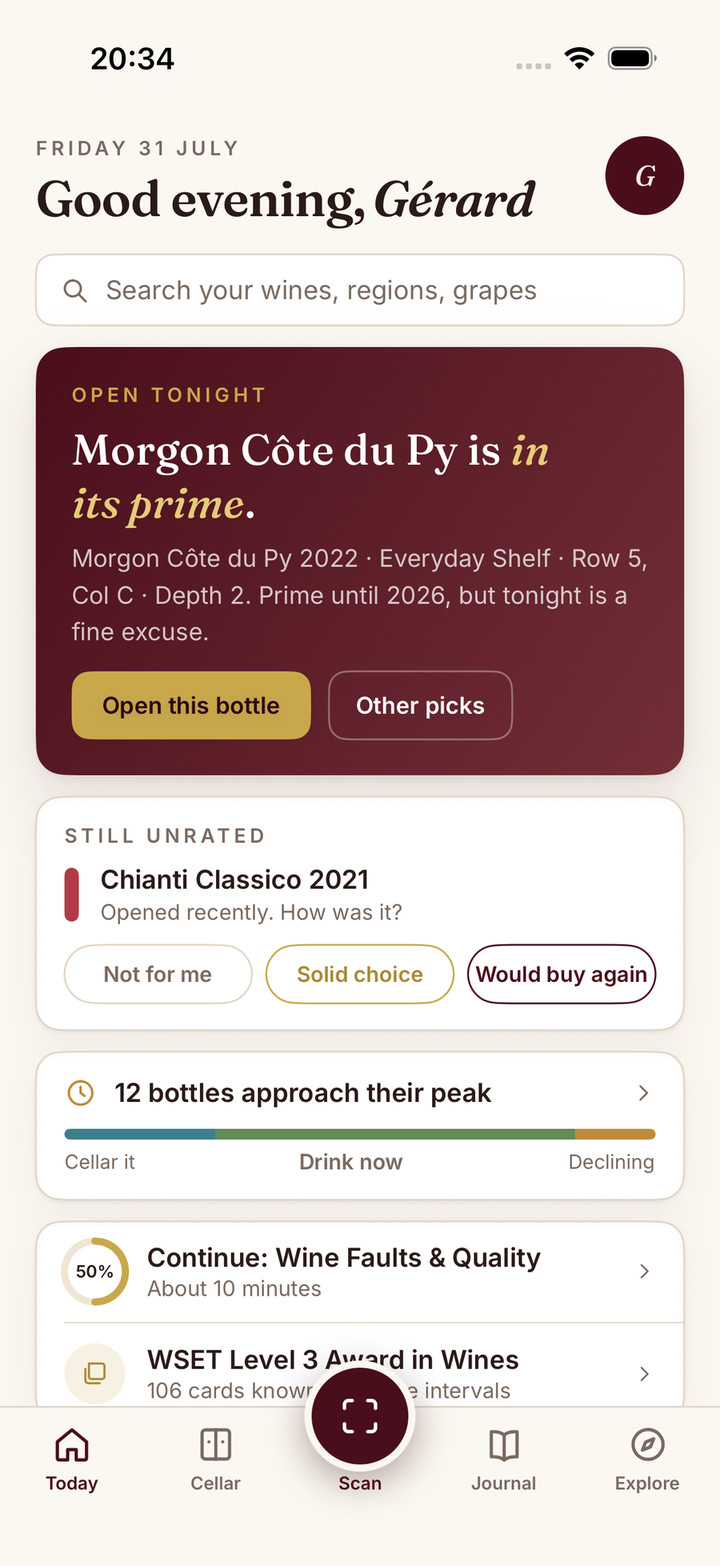
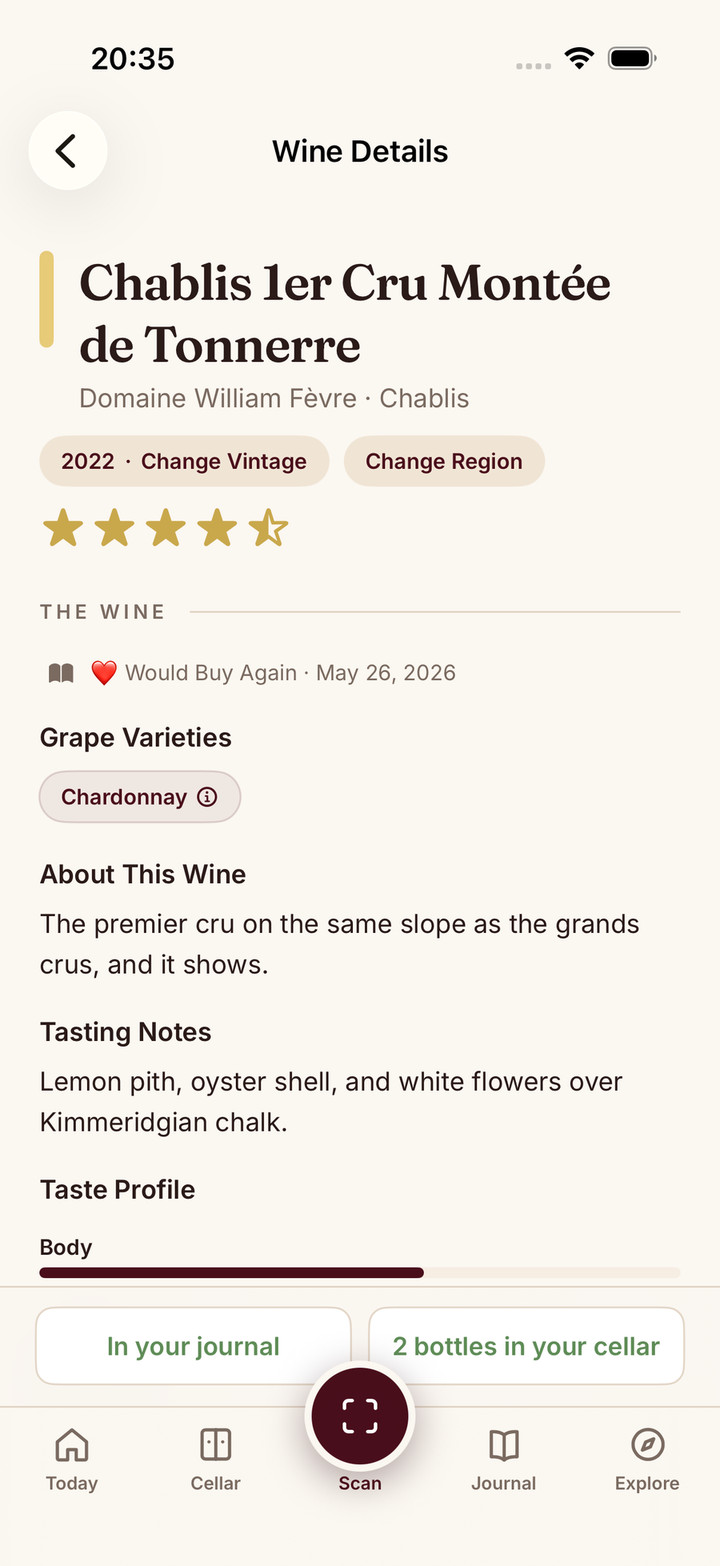
Sommo may suit a different priority: connecting the bottle you identified with what you tasted and what you want to learn. Its wine journal lets you keep an honest reaction and personal notes; the Premium cellar connects owned wine with storage.
It is not a substitute for a receipt-photo scanner or a pending-delivery register. If those are the reason you are choosing an app, InVintory’s documented workflow deserves consideration. If remembering the wine is the main gap, start with one genuine tasting in Sommo. Free journal history covers the last 30 days; Premium gives access to the full history.