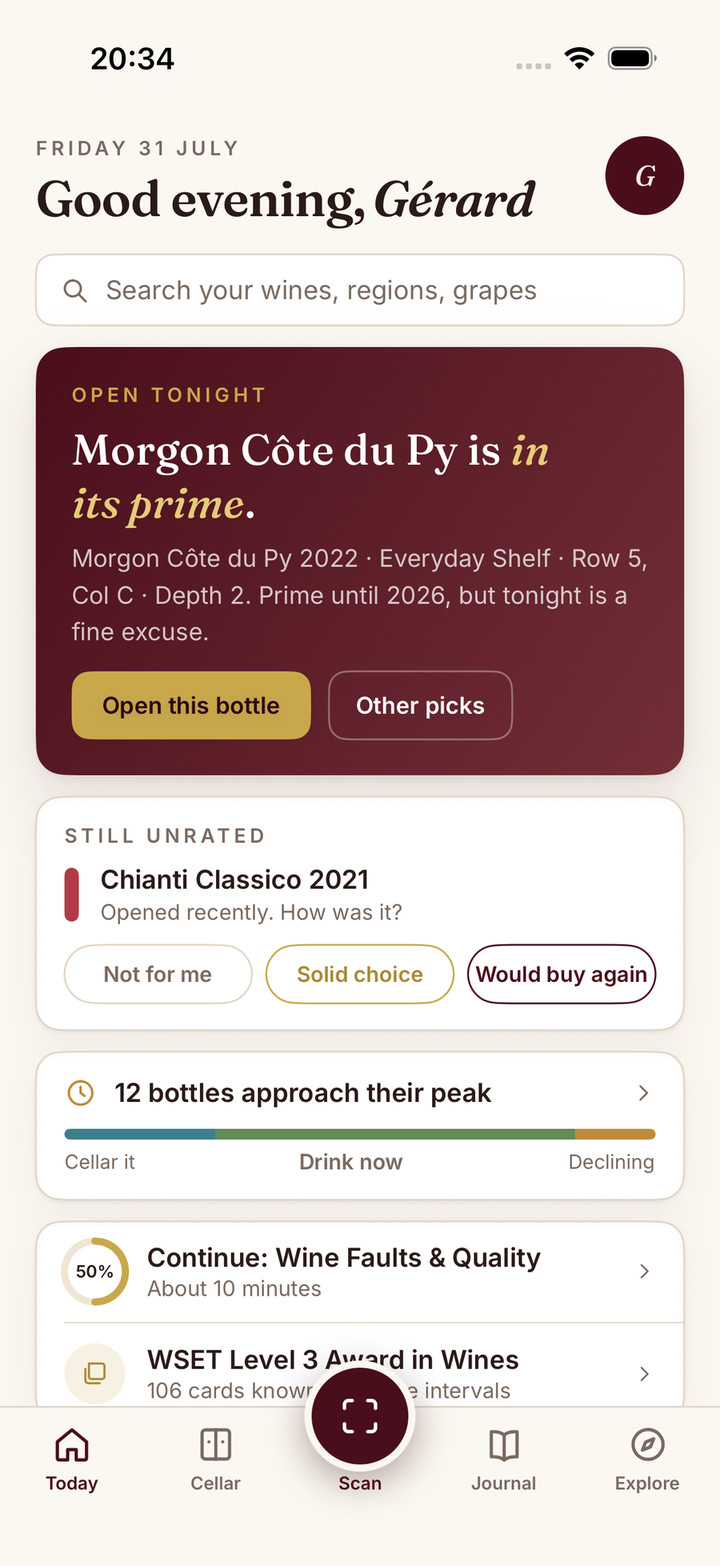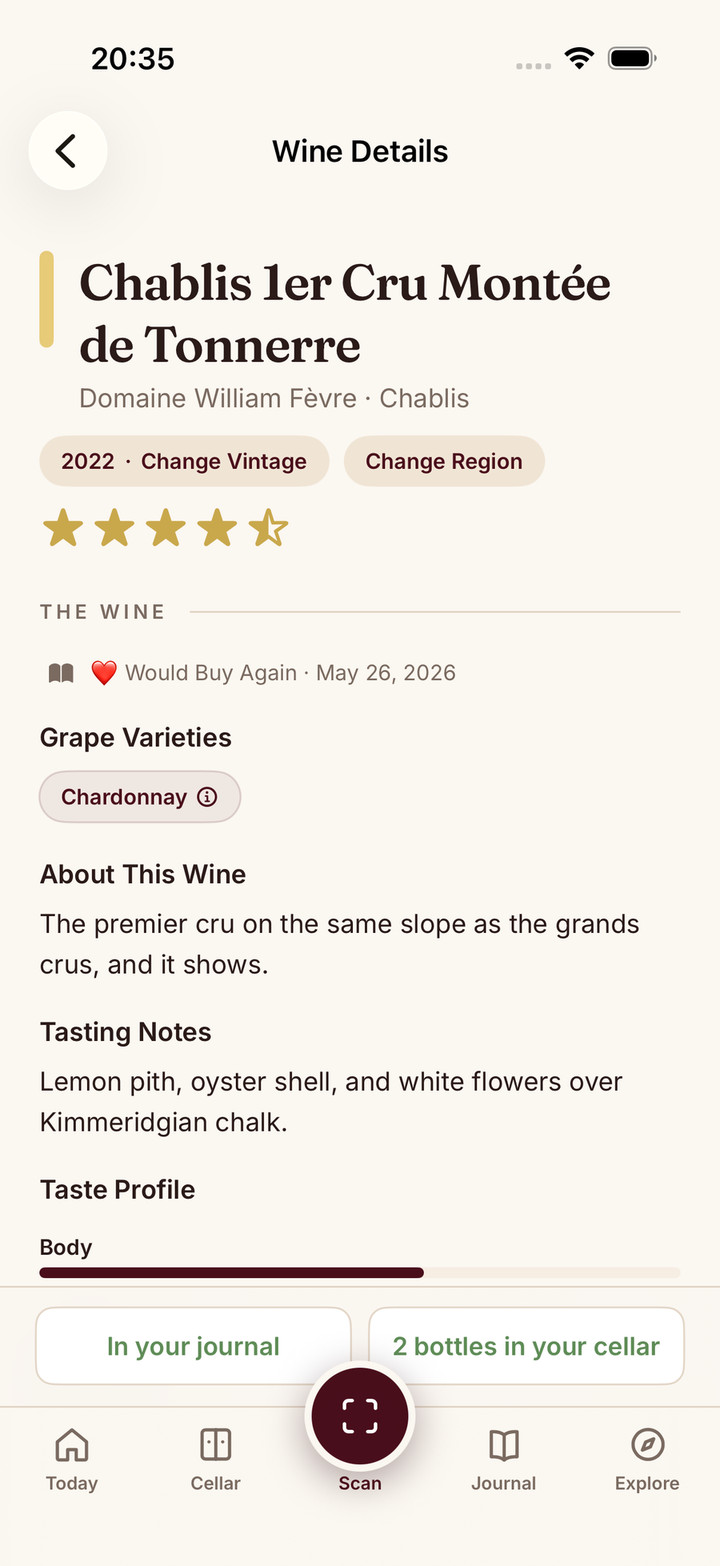
Consider Oeni for a cellar-focused workflow built around stock, ageing and food pairing. Consider CellarTracker for collection records alongside community tasting notes. Both can help you decide what to open, and both deserve a closer look than a list of ticks and crosses. The choice depends on how you record a bottle, find it later and keep your data usable.
If one already works, identify a specific reason to leave. A different look is not proof of easier upkeep, more accurate identification or better drinking advice. Your next delivery and your next opened bottle are better tests than the first screen.
The documented differences
| Decision | Oeni | CellarTracker |
|---|---|---|
| Collection approach | Stock, ageing, 3D cellar and food-pairing positioning | Inventory with community notes and ratings |
| Finding a bottle | Evaluate its cellar representation against your storage | Bottle-level Location and Bin labels |
| Choosing from owned wine | Cellar and pairing guidance; check your plan | Subscriber CellarChat works with owned bottles |
| Starting with existing records | Excel-template import with wine matching | Support-assisted bulk import with identity mapping |
| Backup and portability | Insurance PDF documented; current CSV scope unverified | CSV/text exports and separate data views documented |
Documentation and public store information were checked on 5 October 2026. See Oeni’s product FAQ, CellarTracker’s subscription guide and location documentation. This comparison does not claim a hands-on performance or accuracy test.
Recording the wine correctly comes first
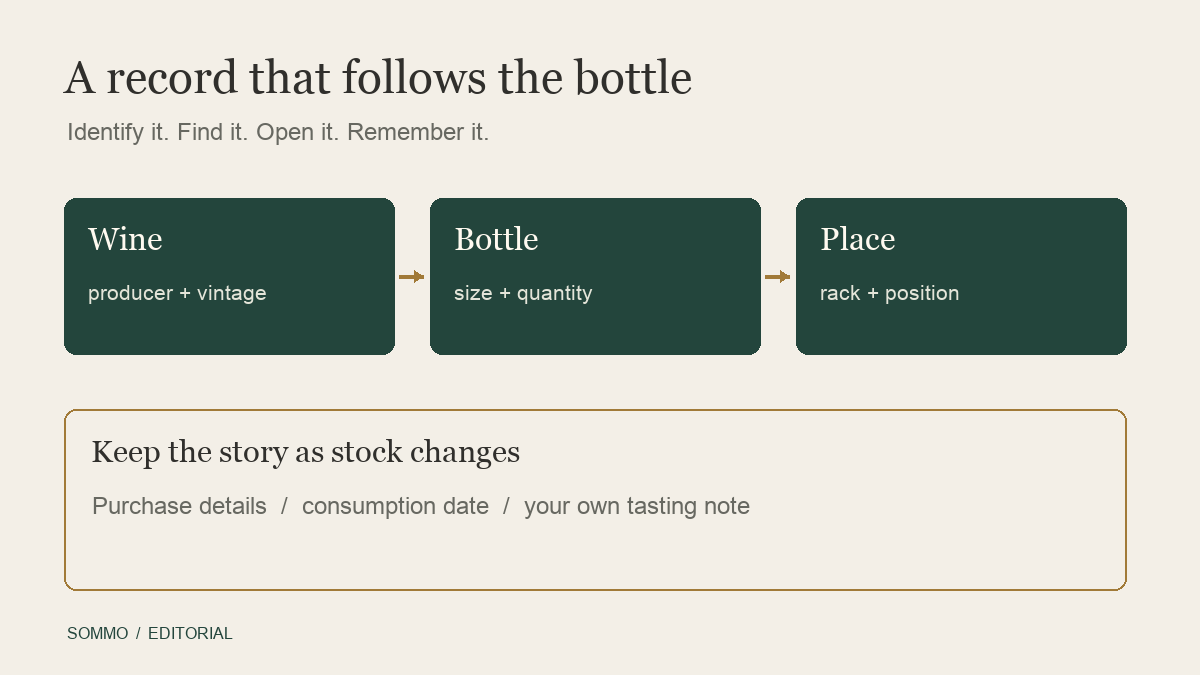
Start with the bottle rather than the product category. Confirm the producer, cuvée, vintage and size before attaching stock or purchase details. A familiar label can conceal a different vintage, and a case may include both standard bottles and magnums.
Oeni’s Excel import guide describes a template, validation and associating imported entries with its wine database. You still need to review the match. CellarTracker’s migration guide describes support-assisted import and subsequent identity mapping. Neither document is evidence that every bottle will transfer automatically or without review.
For a new collection, begin with a few wines that have awkward details. For an existing collection, preserve the original records before changing names or consolidating rows. The goal is a trustworthy wine identity, not simply getting a total onto the screen.
Location is a system you have to maintain
CellarTracker’s Location and Bin fields can identify a home rack, an offsite store, a shelf or a position. Decide how precise those labels should be. “Kitchen, lower shelf” may be sufficient for a small rack; repeated shelf names across several stores need a clearer convention.
Oeni presents a 3D cellar experience. Test whether the representation helps you find bottles in your actual rack or fridge. The number of screens is less important than whether you can update a move without losing the thread.
Either approach depends on recording changes. If you rearrange a shelf but leave the app untouched, the digital location becomes unreliable. A simple physical label can be a useful companion to either product. The rack-planning guide can help establish that convention before you choose software.
Both offer more than a static inventory
Oeni positions its guidance around ageing and food pairing. CellarTracker’s CellarChat documentation describes recommendations using your collection, drinking windows, community insights and preferences. It is inaccurate to say CellarTracker has no AI or cannot discuss a meal.
Try a specific owned-bottle question rather than “recommend a great wine.” For example, ask about something from your rack for a mushroom dinner, then check the stock, vintage and explanation. Is the suggestion consistent with what you enjoy? Does it leave room for your own judgement?
A drinking window is guidance, not a guarantee about a particular bottle. Storage history and personal preference matter. Record what happened after opening so your next decision has your own experience behind it, not only a predicted date.
A synthetic four-bottle check
Imagine two standard bottles of a 2020 red, one magnum of that red and one white. The standard reds are in different locations; the magnum has a different purchase price. You have a private note from an earlier bottle of the white.
Use those four physical bottles to evaluate the following sequence:
- Confirm the vintage and size for each entry.
- Find one standard red using only the location record.
- Move the white to the kitchen and update its position.
- Open the home red and confirm three bottles remain.
- Retrieve the white’s earlier note without confusing it with the unopened bottle.
- Inspect a backup for size, stock, location and your own words.
This is an original example to guide your evaluation, not a claim that we ran either app through it. It exposes mistakes that a simple bottle count would miss. If the routine is easy in your current app, that is a strong reason to stay.
Notes and backups need separate attention
Community research and your own tasting history serve different purposes. You may consult CellarTracker notes without moving your stock into CellarTracker. You may prefer Oeni’s cellar routine while keeping independent copies of purchase records and personal observations.
CellarTracker’s export guide documents ordinary export through the full desktop website. Individual Bottles includes location and bin; aggregated Wines is a different view. Purchase and tasting history may need separate exports.
Oeni’s export help documents an insurance PDF. Its store release notes also describe location in exports and a redesigned web version. Do not claim Oeni has no export or no web access. Equally, do not assume an insurance document is a spreadsheet that another app can import. Confirm current formats and included fields before planning a move.
Use the cellar-app transfer checklist to compare stock, locations and note privacy in a small sample before expanding the move.
Compare the actual offer, then decide
Oeni advertises freemium access and a 30-day Plus trial, but the precise free-versus-Plus gates and your current regional offer should be checked in the app. Multiple public store price labels do not establish one default price. CellarTracker separates free inventory from subscriber tools; its website payment recommendations are in USD, with Apple subscriptions purchased separately.
Stay with Oeni if its cellar upkeep and guidance fit your routine. Choose CellarTracker if its records and community reference solve the missing task. Keeping one as your stock record and consulting the other can be sensible; maintaining two competing quantities usually adds work.
If personal tasting memory is the unresolved need, Sommo’s tasting notes provide a third approach. Save one wine you have tasted before considering a switch. Free journal-history access covers 30 days; access to older journal entries, cellar inventory and cellar pairing require Premium. This is a small evaluation, not an offer to automatically transfer your Oeni collection.
What matters most in your cellar routine?