A bottle leaving your cellar is not automatically a wine you tasted. Correct the stock count, record the reason somewhere suitable, and create a tasting entry only if you actually drank the wine. Gifts, sales, broken bottles and unexplained absences deserve different records from dinner.
That distinction keeps your inventory credible and your journal personal. Otherwise a generous gift can become a fictitious tasting, while a missing bottle quietly acquires a score it never earned.
Identify the departure before changing the count
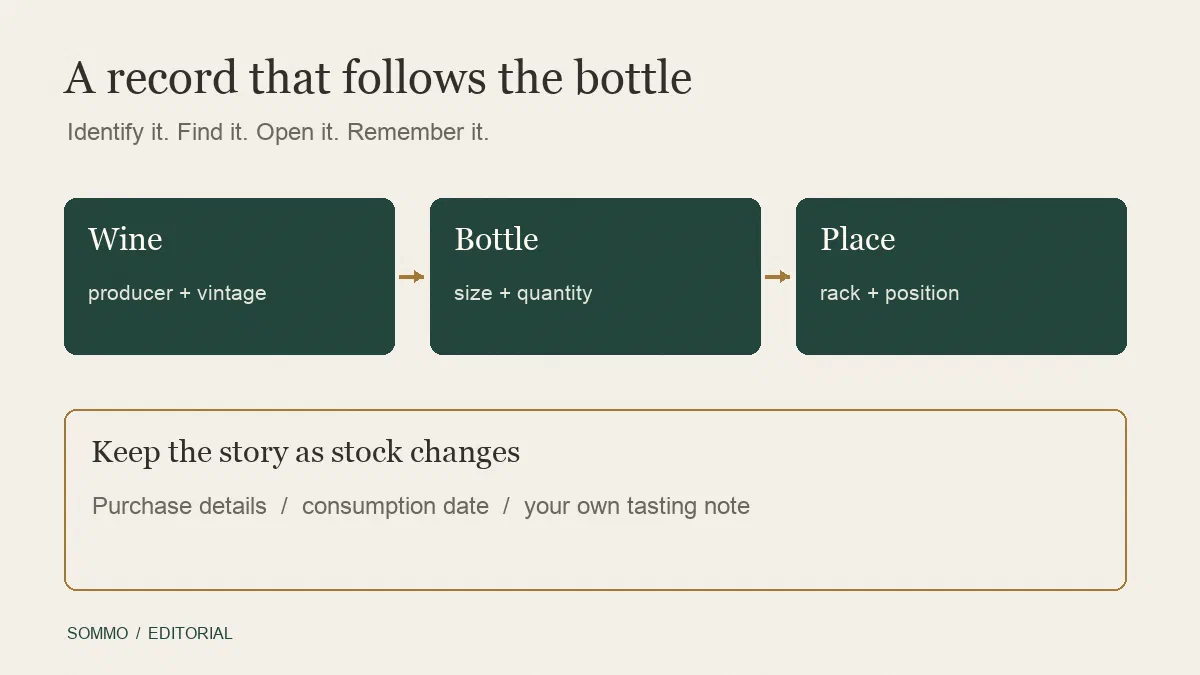
Check the wine, vintage, bottle size and quantity involved. If you keep the same wine in several racks, identify the actual position as well. Confirm whether the whole entry is leaving or only some of its bottles.
For a gift or sale, record the date and quantity in a departure log. Keep recipient or transaction details only where useful and appropriate. For breakage, a short factual note is enough unless you need separate evidence for a claim or dispute.
Missing stock needs more care. Check other storage locations, recent moves and whether another household member opened or gifted it. If the bottle remains unaccounted for, record when you noticed the absence and what you checked. “Missing at count on 18 October” is more accurate than guessing a consumption date.
Use a reason that matches the event
A supplementary log can be simple, but its terms should remain consistent:
| Event | Stock treatment | Tasting history |
|---|---|---|
| Gifted to someone else | Remove the quantity handed over | No tasting unless you separately tried the wine |
| Sold and handed over | Remove the transferred quantity; retain sale evidence separately | No tasting created by the sale |
| Broken or discarded without tasting | Remove the affected quantity | No invented review or score |
| Missing after reconciliation | Correct the count; record uncertainty and discovery date | Do not assume it was drunk |
| Opened and tasted | Update stock under your opening workflow | Record the actual tasting if you want to remember it |
Removing a bottle as a gift does not erase an earlier tasting of another bottle of the same wine. Stock events concern particular bottles; a journal entry concerns an experience.
A worked example: seven becomes three
Imagine seven bottles of one wine at the start of the month. You give one to a friend, sell and hand over two, then find only three during a physical count. After checking the other racks and household records, one remains missing.
The reconciliation is 7 minus 1 gifted minus 2 sold minus 1 missing = 3. None of those four departures establishes a tasting. If you did not drink this wine during the month, the number of genuine new tastings is zero.
Record the sale proceeds in the money ledger, rather than editing the original purchase price to make the cellar total look right. If the missing bottle later turns up, add it back with a dated correction in the departure log. Do not rewrite the uncertain event as though you knew its location all along.
Check what the app means by “remove”
Apps do not all treat a departure the same way. InVintory’s removal documentation, checked on 10 October 2026, says the default reason is Consumed. It offers other reasons, including Gifted, Sold and Missing, while permanent deletion is a separate action.
The same documentation distinguishes its analytics from Year in Review: the former counts a bottle as drunk only for Consumed, while the latter’s drinking cards use removals across reasons. A label that sounds like consumption may therefore use a broader denominator. Check the definition before interpreting a report as the number of bottles you personally drank.
Oeni’s removal instructions, checked on 10 October 2026, also ask you to choose a reason. That establishes a reason-selection step, not that every app offers identical categories or calculates reports in the same way.
Keep Sommo stock and tasting records separate
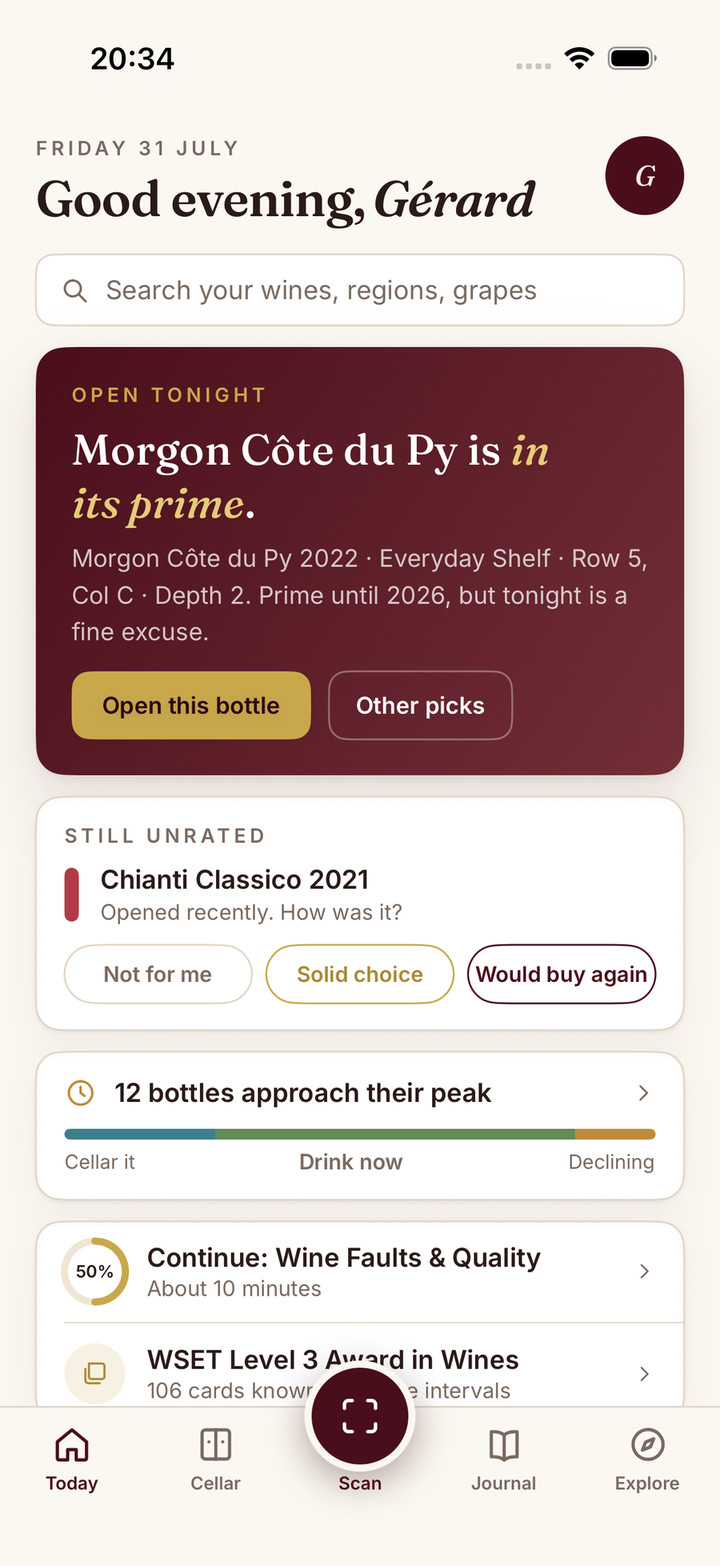
Sommo’s Premium cellar maintains current quantities. It does not provide a dedicated ledger of gift, sale and missing-bottle reasons. Keep those details in your supplementary departure record, with a suitable current cellar note where helpful.
For a partial departure, adjust the remaining quantity and the affected rack positions. If no bottles remain, preserve the details you need before removing the entry. Do not use a whole-bottle opening action merely to record a gift, and do not add a fake journal entry to explain a stock correction.
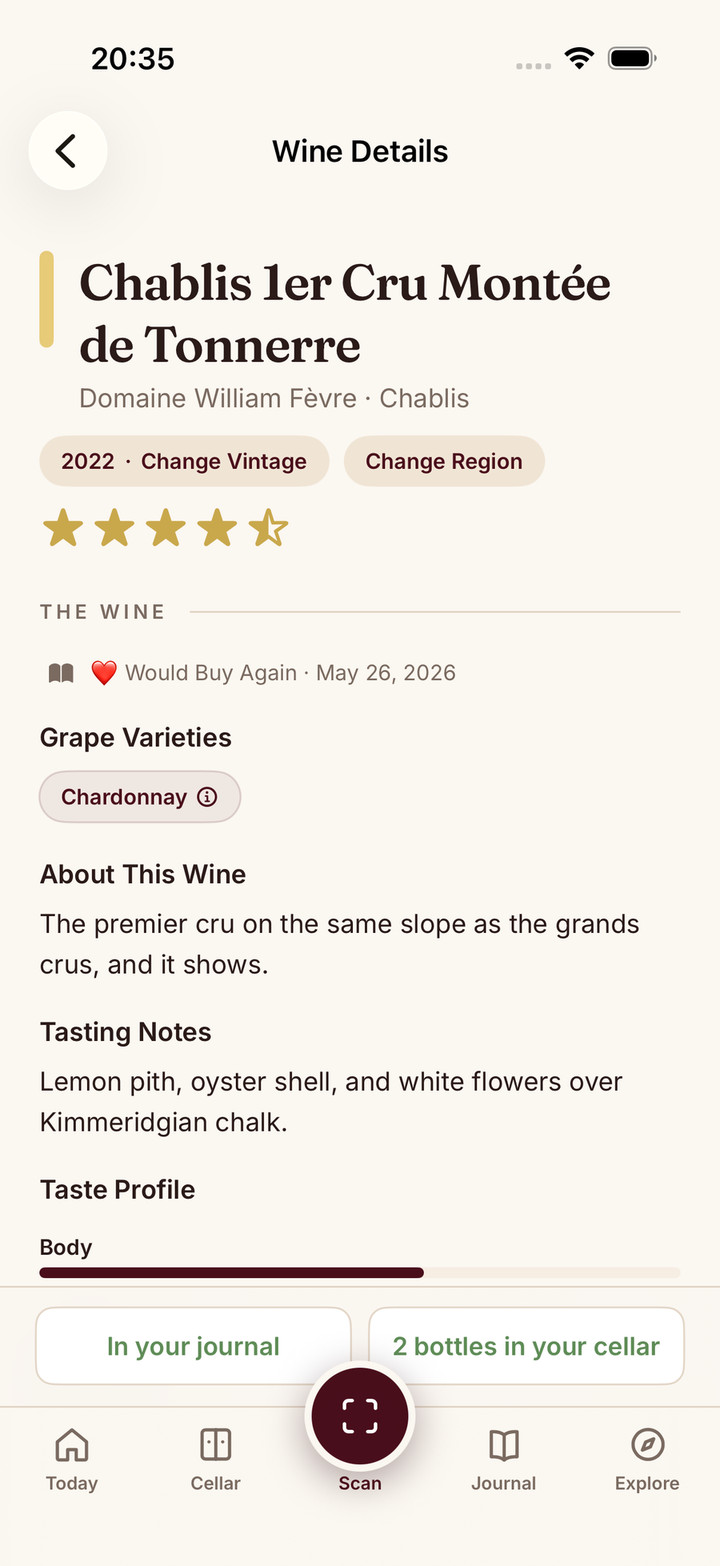
The wine journal is for what you actually tasted, with recent 30-day access on Free and full-history access on Premium. Our cellar audit guide helps reconcile the remaining inventory with the physical shelf.
Download Sommo to keep current stock organised and reserve your tasting history for the wines you drank.