Choose CellarTracker when your priority is maintaining collection records alongside community tasting notes. Consider InVintory when recreating your physical storage would make finding and moving bottles easier. Both can maintain an inventory, and both offer guidance beyond a list of wines. The useful question is which system you will keep accurate after a delivery, a dinner and a rearranged shelf.
You do not need to replace a working collection just because another app looks appealing. A missed consumption update will undermine either system. Start with the task that currently fails, then decide whether a different tool actually removes the friction.
The decisions that matter
| Your main requirement | CellarTracker | InVintory |
|---|---|---|
| Basic collection records | Free inventory with community notes and ratings | Free unlimited bottles; up to 10 cellars or fridges |
| Describing where bottles live | Bottle-level Location and Bin fields | Storage records, with VinLocate 3D on Premium |
| Guidance from owned bottles | Subscriber CellarChat | Vincent assistant; Free includes one conversation |
| Moving existing data | Documented website exports; support-assisted imports | CSV exports and documented spreadsheet, CellarTracker and Vivino imports |
| Biggest reason to stay | Existing records, notes and familiar upkeep | A useful storage model and collector workflow already in place |
These are documented capabilities checked on 5 October 2026, rather than results from a hands-on speed test. See CellarTracker’s subscription guide, location guide and InVintory’s current plan table.
Free inventory and paid tools are different choices
CellarTracker’s paid tools include enhanced drinking windows, valuation and CellarChat. Its website recommends annual USD payments by collection size, starting at $40 for up to 100 in-stock and pending bottles. The recommended tiers are not hard bottle limits. Apple subscriptions are a separate purchase route, so check your own offer before comparing bills.
InVintory’s current plans are Free, Premium, Elite and Enterprise. Premium adds VinLocate 3D and collection analytics; Elite adds whole-cellar modelling and sensors. The pricing page lists Premium at $149.99 annually and specifies USD billing outside Canada. Check the Canadian offer, local store price and taxes separately.
Pay for the specific tool you need. A 60-bottle collection may justify a precise storage model, while a larger collection may work perfectly well with consistent bin labels. Bottle count alone does not establish which paid plan would be useful.
Use the same six tasks in either app
The following checklist is a suggested evaluation, not a test we have performed. Use a small selection that exposes your real complications instead of adding the easiest bottle six times.
1. Record the exact wine
Check producer, cuvée, vintage and bottle size before accepting a match. A magnum and a standard bottle need distinguishable records even when their labels look alike. Keep a note of unresolved matches rather than attaching your purchase details to the wrong vintage. A quick entry is useful only when you can trust it later.
2. Find and move a bottle
In CellarTracker, Location can identify a home cellar or offsite store and Bin can identify the shelf or position. InVintory’s paid 3D model offers another way to navigate the physical space. Try a real move: take one bottle from the bottom shelf to the kitchen rack, update its location, then find it again using only the record.
3. Record an opening
A collection needs a reliable way to reduce stock after dinner. Check what happens when you open one of several identical bottles. Can you tell which size and location changed? Decide whether to update at the table or during a regular inventory check, and make that routine easy enough to repeat.
4. Retrieve your own note
Write a short observation, then find it again without remembering the exact wine name. Keep your personal experience separate from other people’s ratings. Decide whether each note should be private or public before saving. A large archive is valuable, but your own “too firm with this meal” note answers a different question.
5. Choose an owned bottle
CellarChat and Vincent mean this is not an inventory-versus-AI comparison. Check the relevant entitlement, ask about a meal you actually cook, and inspect the suggested bottle. Is it in stock? Is the vintage correct? Does the explanation account for your preferences? Guidance remains a suggestion, including when a drinking window is shown.
6. Recover the information outside the app
Export a sample and open it. Finding the download button is only the first step. Confirm that quantities, sizes, positions and notes are understandable without the app. The spreadsheet-versus-app guide helps decide whether your current records need more software at all.
A small collection that reveals the differences
Imagine a six-bottle sample: three standard bottles of a 2019 red, one magnum of the same wine and two bottles of a white. Two reds are in the home rack; the third is offsite. The magnum has a different purchase price, and the white has a private note about the meal you served with it.
Now open one home red and move one white to a different shelf. A useful result is five bottles remaining, the offsite red untouched, the magnum still separate and the private note retrievable. This example tests record upkeep and bottle finding without pretending that either product has won a measured contest.
If the location labels are already obvious, a 3D model may add little. If the rack has awkward depths or repeated positions, visual navigation may solve a recurring problem. Let the example resemble your storage rather than an idealised showroom.
Switching requires more than matching totals
CellarTracker’s export documentation distinguishes Individual Bottles from aggregated Wines views. For ordinary website export, choose Individual Bottles when preserving location and bin matters. Purchases, consumed history and tasting notes can require separate exports.
InVintory’s CSV guide also distinguishes bottle and label groupings, with past bottles exported separately. Its import documentation says imports add rather than merge, so existing entries can create duplicates.
One additional check matters for a CellarTracker transfer: InVintory documents that dated tasting notes selected under Community Reviews become public. The apps enable that option initially, while the web starts options off. Read the transfer instructions before choosing what to bring across.
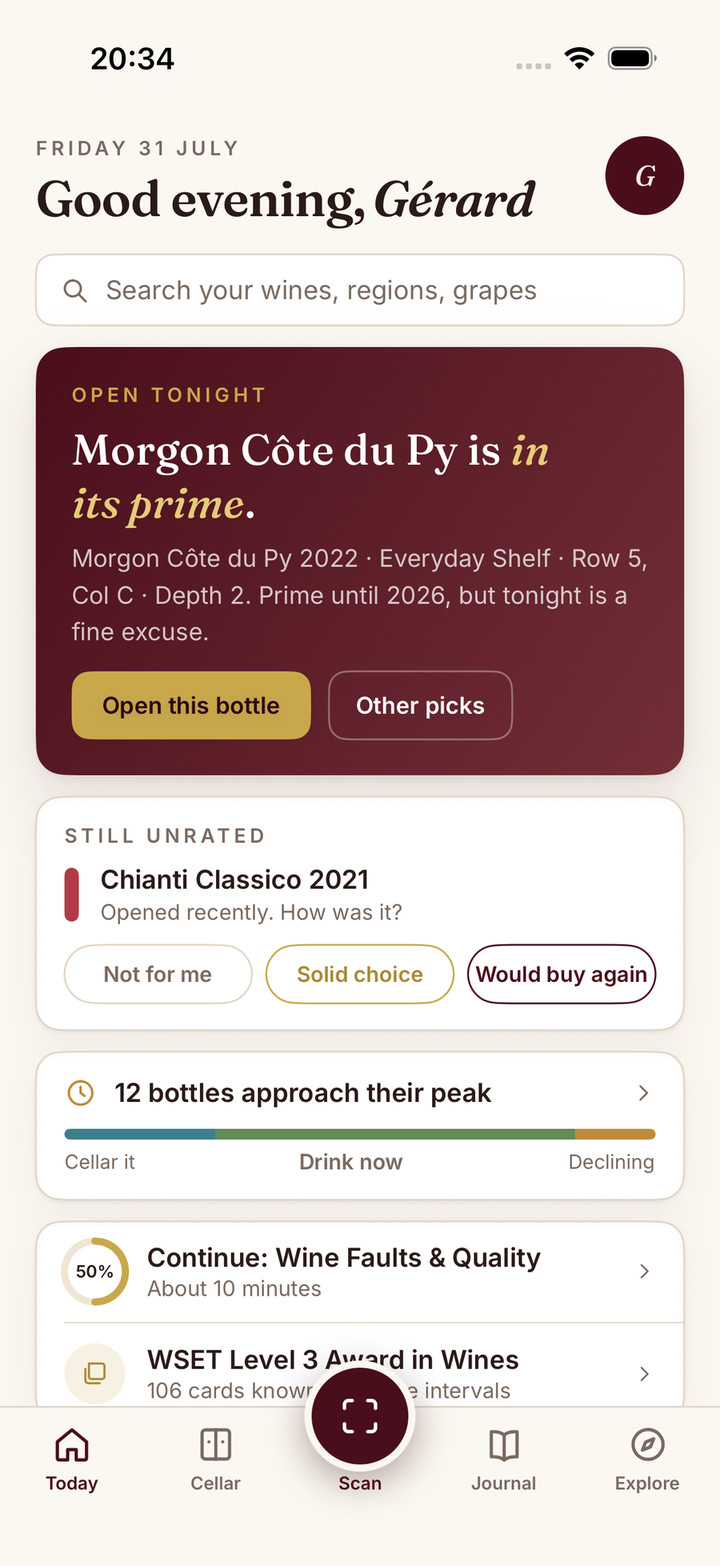
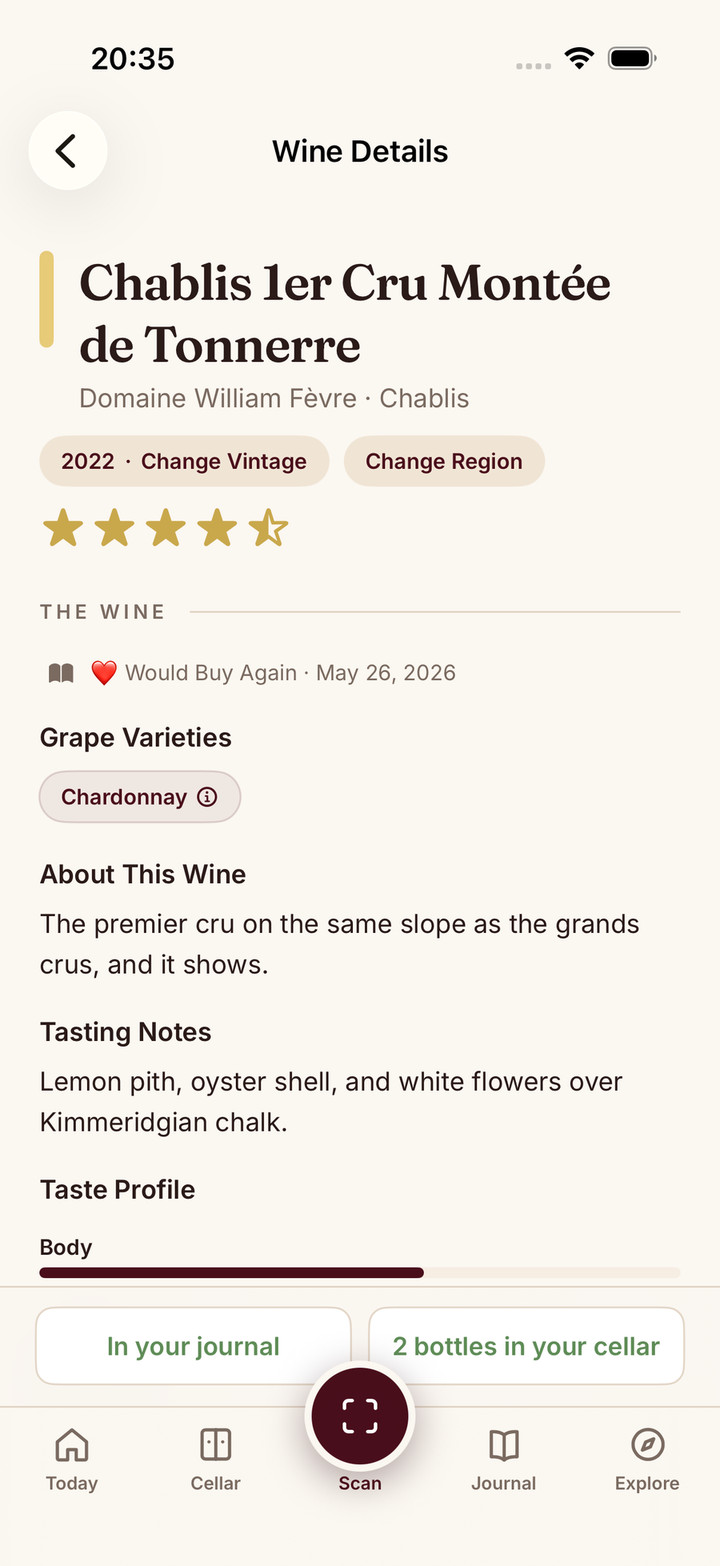
If you import a CellarTracker export into Sommo instead, its web importer shows every row for review before anything is saved. Journal imports are free; cellar imports need Premium.
When keeping your current app is the better answer
Stay with CellarTracker if your records are dependable and your main benefit comes from consulting community notes. Stay with InVintory if its storage representation already helps you locate bottles and its paid tools earn their place in your routine. Using one app for records and another for occasional reference is reasonable, provided you choose a single authoritative stock record. For a wider field, see CellarTracker vs InVintory vs Vivino vs Sommo, which adds Oeni as well.
If your unmet need is connecting an opened bottle to your own tasting journal and meal choices, Sommo’s cellar is another option to evaluate. Cellar inventory and cellar pairing require Premium. You can begin with one saved journal entry; free access to journal history covers 30 days, with access to older entries in Premium. Try that journal workflow before considering a collection move.
Before mapping bottles held elsewhere, check how the storage service identifies, releases and accounts for them. The off-site wine storage checklist includes the questions to ask and a sample reconciliation.
What would make your collection easier to maintain?