Both of these apps exist because somebody wanted to remember wine properly. They went about it in almost opposite ways.
CellarTracker built an archive: a vast, communal, cross-referenced record of what wines do over time, contributed by people who own them. Delectable built a diary: fast, personal, social, and pleasant enough that you actually kept it up.
In 2026, one of them is still being built and one of them is not. But the more interesting difference is what neither ever attempted.
The Short Answer
CellarTracker is the reference archive. Over 14 million community tasting notes, unlimited free inventory, and the best drinking-window consensus available. It has been running since 2003 and will still be running in a decade.
Delectable was the best pure logging experience in wine, with a trade-leaning community and human-verified label transcription. Its iOS app last updated in September 2021 and its Android app in April 2024, and Premium has sat at $5.99 a month unchanged since 2017.
| CellarTracker | Delectable | |
|---|---|---|
| Model | Communal archive | Personal diary with a social feed |
| Community notes | 14m plus, 100-point scores | Trade-leaning, shorter |
| Logging speed | Database search, mostly typing | Photograph and rate, very fast |
| Label transcription | Limited scanning | Human-verified, historically |
| Inventory | Unlimited, free | None |
| Drinking windows | Community consensus | None |
| Actively developed | Yes | iOS last updated Sept 2021 |
| Price | Free unlimited; $40 to $500/yr tiers | Free; Premium $5.99/mo |
CellarTracker pricing as of mid-2026.
What CellarTracker Is Best At
Time. That is the honest answer. CellarTracker has been collecting notes since 2003, and the value of that archive compounds in a way no funding round can shortcut.
When you look up a wine there, you are not reading a critic’s release note. You are reading a dozen owners describing what happened when they opened bottles at four years, at eight, at twelve. That is the only reliable way to know whether something is ready, and it is why the drinking windows are the best in the category.
The inventory side is free and unlimited, which remains the most generous offer in wine software.
What it costs you: friction. Adding wines is largely typing, the power features and data export still live on the desktop site, and the whole experience assumes you enjoy the administration. Many people do. Many people quietly stop after fifty bottles.
What Delectable Was Best At
Not making you work. Photograph the label, add a rating, done, and the entry was accurate because a human had verified the transcription rather than trusting automation alone. On handwritten labels, foreign scripts, and awkward back labels, that produced results scanners still struggle with.
The community was the other half of it. Delectable skewed toward sommeliers, importers, and trade, so the feed carried notes from people who taste for a living. That was a genuinely different reading experience from a mass-market average.
What it never had: any cellar management at all, no drinking windows, no structured tasting framework, no education. It was a diary and a feed, and it was very good at being exactly that.
Head to Head
Reading About a Wine
CellarTracker, comprehensively. Depth, volume, and specificity. Delectable’s notes were sharper per note but far fewer, and the archive is not growing.
Writing About a Wine
Delectable, historically. It understood that the enemy of a wine journal is friction, and it removed almost all of it. CellarTracker asks more of you at exactly the moment you have had a glass of wine and do not want to be asked.
Tracking What You Own
CellarTracker. Delectable does not compete here at all. If your notes need to sit alongside an inventory, this decides it.
Knowing When to Open Something
CellarTracker. Community drinking windows from thousands of real openings are the single best feature either app has.
Whether Your Notes Are Safe
CellarTracker. An app with no iOS update since September 2021 is not a safe long-term home for a document you are building over years. Export matters more than features here, and CellarTracker at least lets you get your data out, albeit from the desktop site.
Making You a Better Taster
Neither, and this is the point worth sitting with.
Both apps present you with an empty box. Neither asks whether you looked at the wine before smelling it, or whether you assessed acidity and tannin separately, or whether you formed a conclusion about quality and readiness. Neither tells you that your last forty notes described fruit in detail and never once mentioned structure.
You can write in CellarTracker for a decade and end up with a magnificent archive of your own vagueness.
Who Should Pick CellarTracker
You own wine that will change over the next ten years and you want to know what it is doing. You value community knowledge over interface polish. You are willing to do the serious work on a laptop. Use the free tier, indefinitely.
Who Should Move On From Delectable
Anyone still relying on it as a primary journal. Export what you can, and choose a replacement based on what you actually valued: if it was the speed, most modern journals match it; if it was the expert notes, you want structure rather than another feed.
The Third Way
Notice the shape of this comparison. One app is optimised for reading other people’s expertise. The other was optimised for logging with as little thought as possible. Both, in different ways, are designed around the assumption that you will not develop as a taster.
Sommo’s journal starts from the opposite assumption.
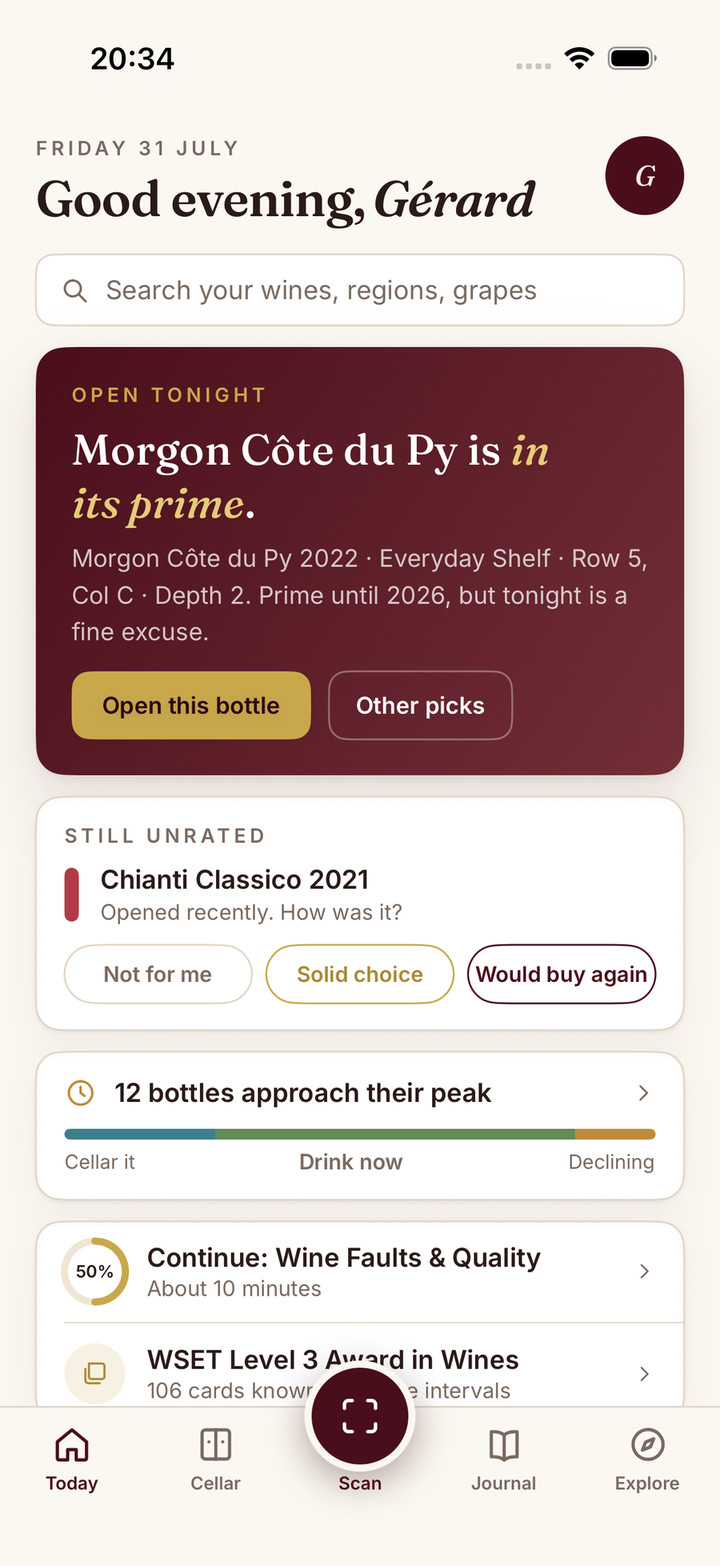
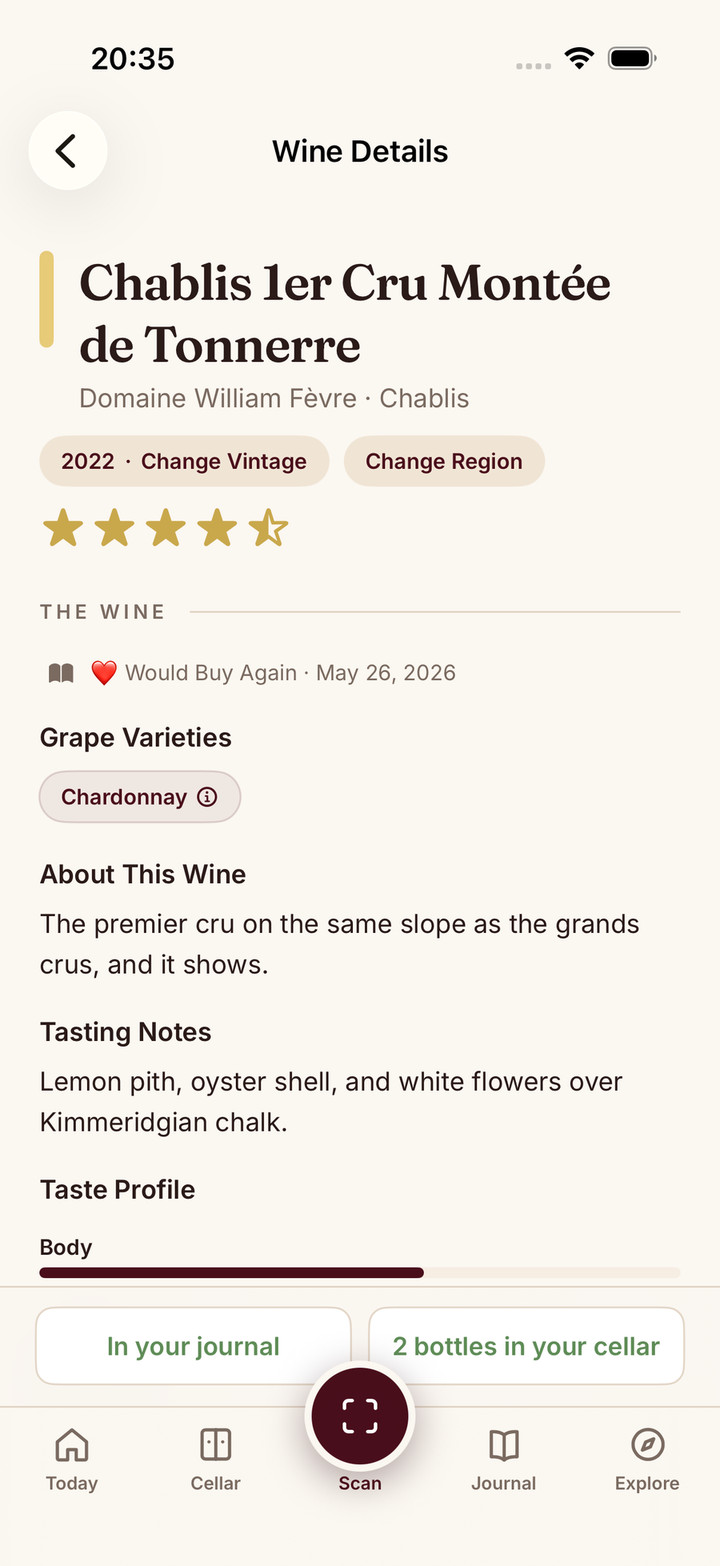
Logging is fast, because friction is real: scan the label, tap one of three ratings, and you are done. But when you want to say more, the tasting notes follow the WSET SAT framework, appearance through nose, palate, and conclusions, and the AI marks what you wrote. It tells you what you caught, what you missed, and where your description drifted from the wine’s actual profile. That is the feedback loop neither of these apps has, and it is the one that actually moves a palate.
Over time the journal compounds into something readable: character analysis builds a palate profile from your entries, and the insights dashboard shows what you have actually been drinking rather than what you think you drink. If you want to formalise it, WSET prep for Levels 1 to 4 sits in the same app, with spaced repetition and AI-graded typed answers.
On the practical points that decide long-term journals: it ships regularly on iOS, Android, and the browser at web.sommo.app on one account, and CSV and Excel export are free and inside the app rather than on a separate desktop site.
Where it does not compete: 14 million community tasting notes. Sommo does not have them and will not soon. If reading a decade of owner consensus on a specific vintage is the job, that is CellarTracker’s and it should stay CellarTracker’s.
All Three, Side by Side
| Sommo | CellarTracker | Delectable | |
|---|---|---|---|
| Your notes | SAT structure with AI feedback | Free-form, no framework | Free-form, no framework |
| Community notes | No | 14m plus, best in class | Trade-leaning, static |
| Logging speed | Scan and one-tap rating | Search and type | Photograph and rate |
| Palate profile | Yes, from your journal | No | No |
| Inventory | Full cellar with AI pairing | Unlimited, free, best in class | None |
| Drinking windows | Vintage, storage and palate aware | Community consensus, best in class | No |
| Education | Modules plus WSET 1 to 4 | No | No |
| Export | CSV and Excel, free, in app | Desktop web only | Limited |
| Actively developed | Yes | Yes | iOS last updated Sept 2021 |
| Price | Free tier; Premium $5/mo or $29.99/yr | Free unlimited; $40 to $500/yr | Free; Premium $5.99/mo |
The Bottom Line
CellarTracker is the archive and it is not replaceable. Keep the account, use the free tier, and read it before you open anything with age on it.
Delectable was the better diary and its stall is a genuine loss to the category. If it is still your journal, get your data out.
The third option is not merely a newer text box. Sommo connects the journal to label scans, a visual cellar, dinner pairing, Taste DNA, insights and private group tastings, with structured feedback when you want it. Try Sommo free, or read the Sommo vs Delectable comparison.
CellarTracker or Delectable for your tasting notes?