I built Sommo because I was tired of guessing my way through wine lists, so I have strong opinions about which apps actually help at the table.
The short answer: Sommo is the best app for scanning a restaurant wine list in 2026 if you want picks that fit your own taste, fast, with free scans to start. Vivino is strong for its huge community of ratings, and CellarTracker is the natural choice if your cellar already lives there. All three let you photograph a list. What separates them is how well each one gets to know you, what it costs to try, and how quickly it gets you back to the table.
Wine list scanning is not new. Vivino launched a wine list scanner back in November 2014, and CellarTracker announced restaurant wine list scanning in October 2026. The question in 2026 is not whether an app can read a list. It is whether it can help you pick the right bottle in the time it takes the server to come back.
What should a wine list scanner do?
Before the rankings, here is what I judged each app on:
- Reads the whole list. A photo of a page should become a list of wines without retyping.
- Personal fit. A great bottle for a critic is not always a great bottle for you. The best apps use your own history.
- Scores the list. You want to compare every wine at once, not look them up one by one.
- Speed. Dinner is a social event. A scanner that keeps you on your phone for five minutes is failing.
- Platforms. It needs to be on the phone in your pocket.
- Trustworthy data. Wines it names should be wines that exist.
Which wine list scanner app is best in 2026?
1. Sommo: best for picks that fit your taste
I am biased, and I will be upfront about why I think Sommo wins: it treats a wine list as a decision about you, not just a lookup, and it gets you an answer fast.
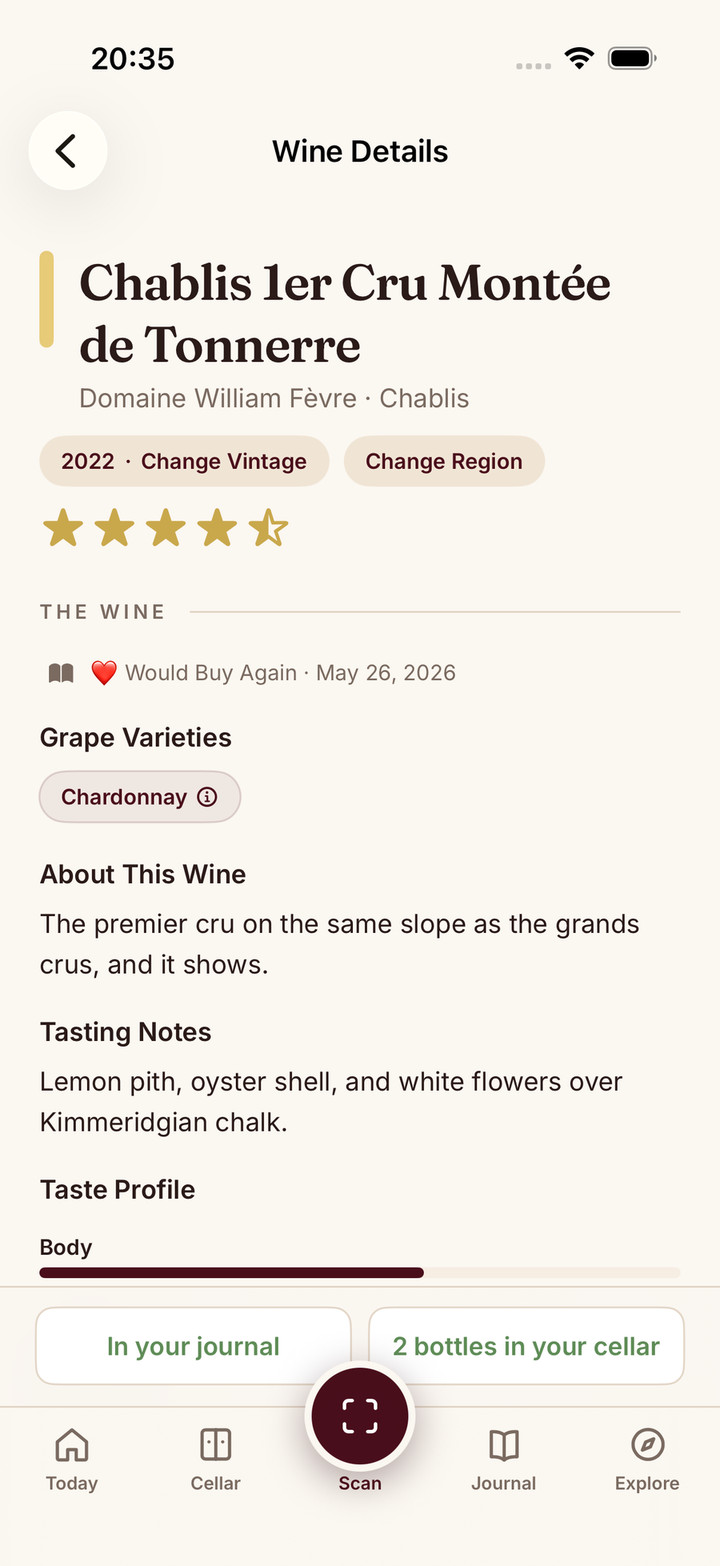
- Score Menu. With Premium, Score Menu gives every wine it reads on the list a quality score. You can compare the scores across the list, then tap any wine for grapes, region, tasting notes and food pairings. See how Score Menu works, or the deeper technical write-up.
- Menu picks on the free plan. Free users can photograph a list and get menu picks shaped by the meal and the wines you’ve rated, using the free allowance of 5 lifetime AI scans per device, shared across label, menu and shelf scans.
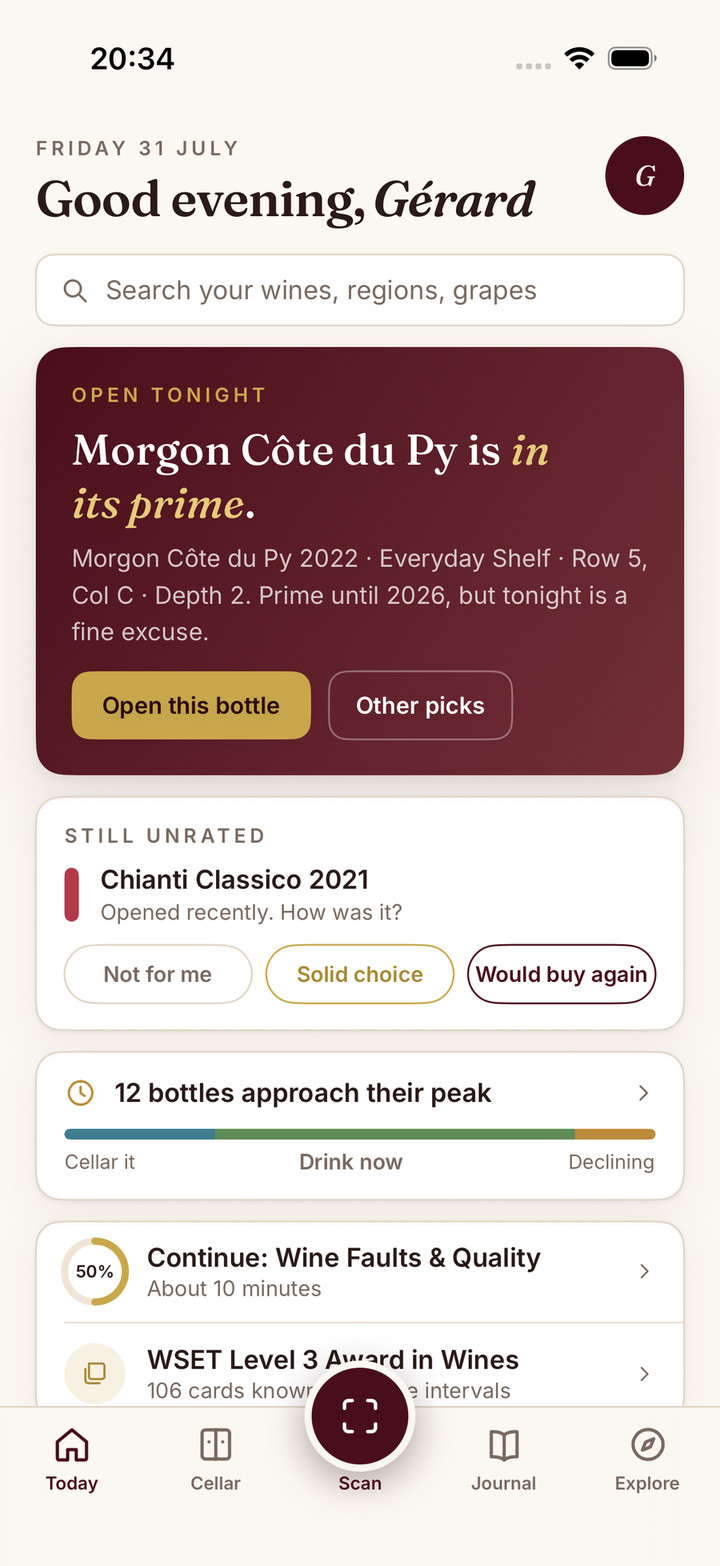
- It knows your taste. Every rating in your wine journal sharpens future picks. If you always mark big oaky reds as Not For Me, Sommo stops pushing them at you.
- Ask Sommo at home. The same taste profile works off the list too: with Premium, Ask Sommo picks from the bottles you own for the meal you are cooking.
- Built for wine. Sommo runs on proprietary wine-tuned AI grounded in a hand-maintained wine library, so the wines it names are real.
- Platforms. iPhone, iPad, Android, HarmonyOS and the web. If you use a Huawei phone, see Sommo on HarmonyOS.
Premium is $4.99 a month or $29.99 a year in the US; prices vary by country and store.
2. Vivino: best for crowd ratings
Vivino first launched a wine list scanner in 2014, and its strength is its community of ratings: when a wine is well known, you will usually find plenty of ratings. It markets personal fit too: its store listing promises suggestions based on your ratings and preferences, with a Match for You score. Vivino’s wine list scanner is a Premium feature, showing the star rating for every wine on the list. My Vivino alternative comparison goes deeper.
3. CellarTracker: best for serious collectors
CellarTracker is a long standing favourite of collectors for cellar management and community tasting notes. In October 2026 it announced restaurant wine list scanning on iOS and Android, and its press release says no wine collection is required. Its feature page describes personalised picks, community reviews, value insights and food pairing guidance, and it also offers an AI chat called CellarChat. Its inventory is free to use, with an optional subscription priced by cellar size, from $40 to $500 a year, that adds CellarChat and price data. It does not say publicly whether the list scan itself is free, and its support guide still labels the feature beta. If your cellar already lives in CellarTracker, it is a natural choice. Where I think Sommo pulls ahead is in how it fits you and how little it asks up front: picks shaped by the wines you’ve rated, a quality score on every wine it reads with Premium, results in seconds, 5 free lifetime scans to try it on a real list before you pay, and an app for HarmonyOS phones as well.
4. Pocket Sommelier: a lighter option
Pocket Sommelier: Wine Pairing by Moonbeam Tech, on iPhone and iPad, added a wine list scanner in July 2026. Its listing pitches it as pairing led: scan a list to find the best bottle for your dish. Several apps share the Pocket Sommelier name, so check the developer before you download. It is worth a look if you want something simple, but test it on a real list before relying on it.
5. A general camera search app: the fallback
A general visual search app can read text from a photo and search the web for a wine name. It is free and already on many phones, but it does not score the list or know your taste, so you end up opening one tab per wine. Fine in a pinch, slow at a dinner table.
How do these wine list apps compare?
| App | Scans a list | Scores every wine on the list | Picks shaped by your ratings | Platforms |
|---|---|---|---|---|
| Sommo | Yes | Yes, with Premium Score Menu | Yes | iPhone, iPad, Android, HarmonyOS, web |
| Vivino | Yes, with Premium | Shows the star rating for every wine on the list, with Premium | Yes | iOS, Android |
| CellarTracker | Yes (announced October 2026, still labelled beta; free or paid not stated publicly) | Shows community reviews and value insights | Yes, per its feature page | iOS, Android (plus web for the rest of the service) |
| Pocket Sommelier: Wine Pairing | Yes, pairing led | Not verified | Not verified | iPhone, iPad |
| Visual search app | Reads text | No | No | Varies |
How fast is a wine scanner in practice?
Speed matters more than any feature list suggests. If you are on your phone while everyone else is talking, the app has failed, however clever it is.
On Sommo, results come back in seconds: a label scan takes about 10 seconds. My advice for any app is the same: take one clear, well lit photo of the page with the names and prices visible, glance at the top suggestions, and put the phone down. Use the details only for the two or three bottles you are choosing between.
How do I get the best result from scanning a wine list?
- Photograph one page at a time, flat and in focus. Glare from a laminated page is the most common problem.
- Include the prices. A score without a price only tells half the story. My guide to restaurant wine markup explains why.
- Tell the app about the meal. Fish, steak or a mix of dishes changes the answer.
- Check the vintage with the server. Lists change faster than they are reprinted.
- Rate the bottle afterwards. That one tap is what makes the next recommendation better.
If you want a broader look at scanning labels and shelves too, see my roundup of the best wine scanner apps in 2026.
Which wine list app should you download?
- You want the right bottle for you, quickly: Sommo.
- You want a crowd rating for a famous wine: Vivino.
- You already track a cellar in CellarTracker: CellarTracker.
I would say this, but I mean it: an app that really knows your taste is the difference between a good dinner and a great one. Try Sommo on your next night out. With 5 free lifetime scans, you can test it on a real list before you spend a penny.
Download Sommo and scan your next wine list.
The bottom line
Plenty of apps can photograph a wine list in 2026. Sommo is the one I would put in your pocket, because it scores the list with Premium, shapes picks around the wines you’ve rated, and gets you back to the conversation in seconds. Vivino and CellarTracker remain good choices for community ratings and serious cellar tracking.