Choose a wine journal app by the note you can find six months later. Vivino fits a quick rating inside a discovery app; CellarTracker suits collector history; InVintory keeps reviews close to your collection; VinoCell offers detailed manual records; Sommo connects personal notes with guided tasting and your wider wine record.
Full disclosure: I build Sommo. The comparison below uses official features checked on 5 October 2026 and a practical test you can run yourself. It does not rank recognition speed or claim that one interface suits everyone.
Choose the job before the app
| Your main journal job | Start with | Check before committing |
|---|---|---|
| Remember an enjoyable shop or restaurant bottle | Vivino | Vintage accuracy and the visibility of your review |
| Follow bottles you bought, stored and consumed | CellarTracker | Public tasting notes versus private note types |
| Keep reviews beside an organised collection | InVintory | Review retrieval and whether you need paid location tools |
| Record detailed observations in your own system | VinoCell | The fields you will maintain and the device you use |
| Connect a quick log with structured tasting | Sommo | Recent free history versus Premium older access |
The choice changes with your habit. A restaurant glass needs identity, date and a useful sentence. A vertical tasting may need separate vintages, serving context and a consistent structure. An app that makes the first task effortless may still be awkward for the second.
Run this three-entry test
Use three wines you actually taste. The following entries are fictional examples, not app test results:
| Entry | Useful observation | Preference and context |
|---|---|---|
| Rioja 2018 | Red fruit, savoury notes, noticeable oak | Would buy again for roast lamb |
| Riesling 2023 | Lime, lively acidity, a little sweetness | Enjoyed with a spicy takeaway |
| Cabernet blend 2019 | Dark fruit and firm tannin | Too heavy for the meal; revisit with richer food |
Save the producer, exact wine, vintage and tasting date. Then close the app and try to retrieve the entry by name, grape or your own remembered phrase. Check which search or filter methods are actually available instead of assuming all apps index every note field.
Finally, export a small record and open the file. Can you identify the wine, date, note and rating without the app? If a field or image is missing, decide whether a separate backup is acceptable. The tasting-note guide helps you choose observations worth preserving.
Sommo: a personal note that can grow
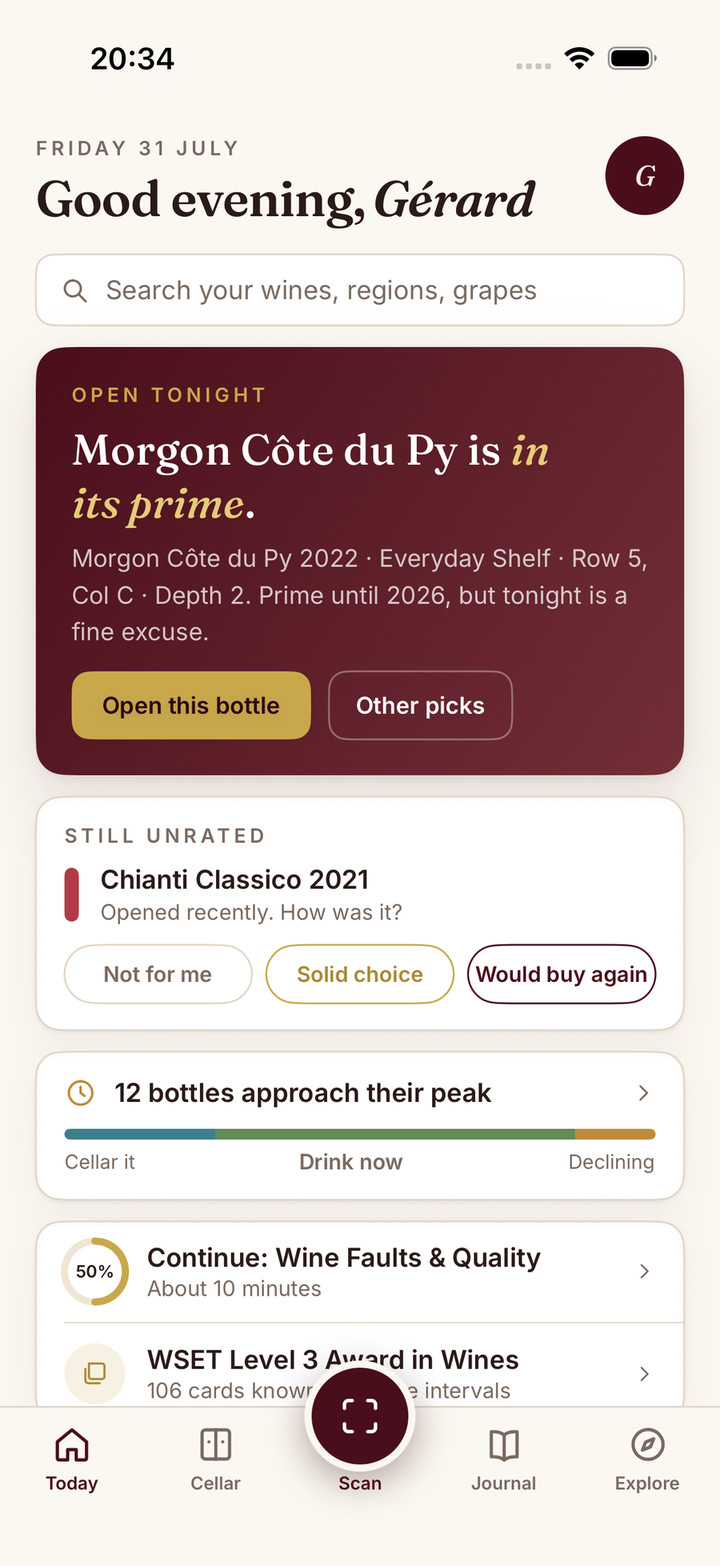
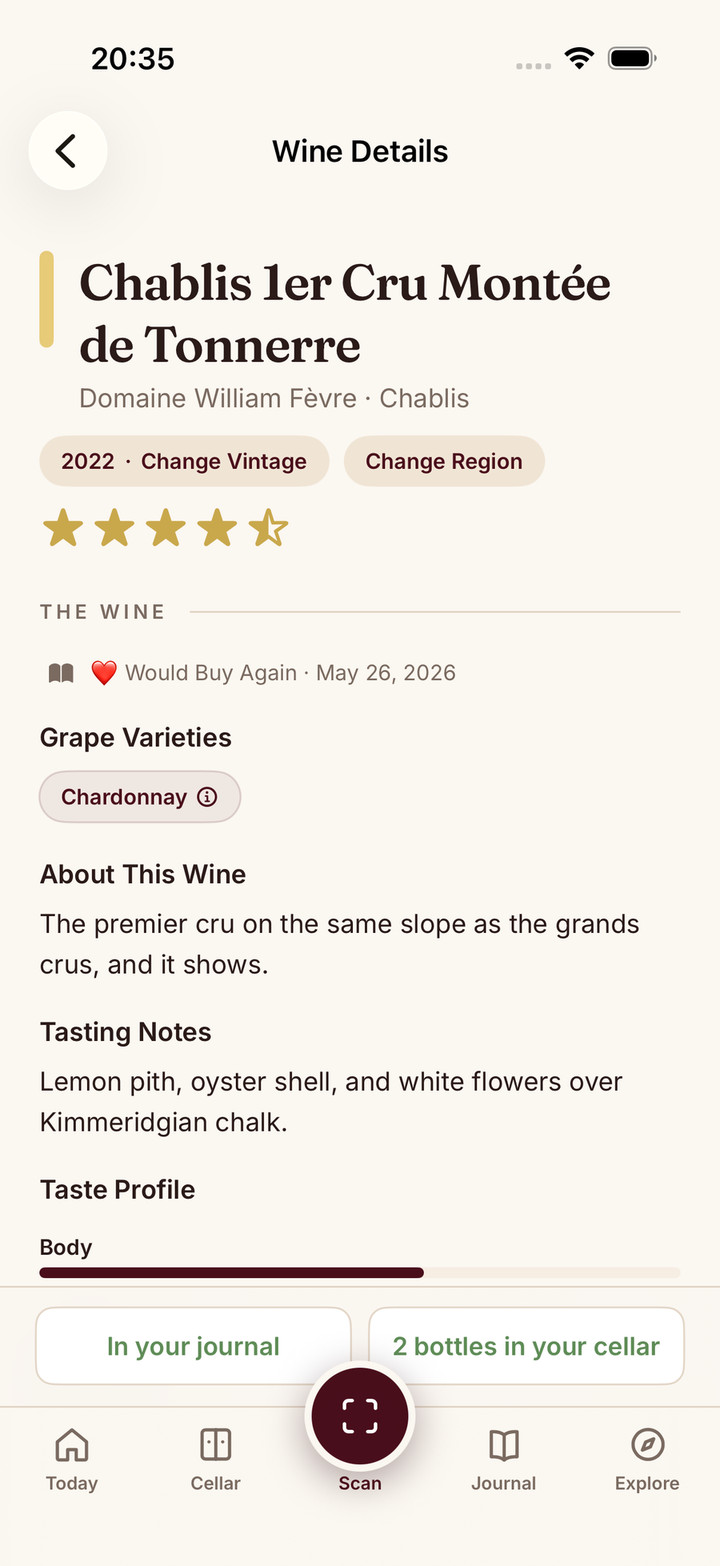
Sommo offers a quick personal rating and a guided tasting note covering appearance, nose, palate and conclusion. You can begin with a short entry and add structure when you want to pay closer attention.
Free accounts can access journal entries from the last 30 days. Premium gives access to older history and the cellar; Taste DNA also requires Premium and at least three journal entries. Treat those as separate reasons to subscribe, rather than assuming a free saved note opens every connected feature.
CSV and Excel export are free on the supported iOS, Android and web export surfaces. For your own evaluation, save one note, retrieve it and inspect a small export before adding a long history. The journal feature and structured tasting notes explain the two starting points.
CellarTracker: notes with a collector record
CellarTracker is worth considering when the tasting belongs beside purchases, stock and consumed bottles. Its note-type guide makes an important distinction: tasting notes are public, while consumption notes and per-wine private notes are private.
That distinction should decide where you write an occasion, gift or personal detail. A public wine observation and a private memory are not interchangeable. If you enjoy reading other owners’ experiences, the surrounding community gives your own note useful context. See CellarTracker alternatives for the wider collector decision.
Vivino: a short memory inside discovery
Vivino’s app page describes saving scans, ratings and reviews in your profile. It is a natural starting point if you already use it to identify bottles and browse community opinion.
Write your observation before reading the average score. Otherwise the entry can become a record of agreeing with the crowd rather than what you noticed. For a substantial inventory, verify the current cellar offer separately: keeping a tasting history and maintaining stock are different jobs.
InVintory: a review need not require a bottle
InVintory’s restaurant logging guide describes a review-only route for wine you drank out, without adding it to your bottle inventory. Reviews start private. This is useful when your journal includes restaurant glasses as well as wines you own.
Test both a simple review and the path from consuming an owned bottle to recording a note. Its export guide explains separate past-bottle exports; inspect the relevant file rather than assuming the current collection export contains your whole history.
VinoCell: choose detail you will maintain
The VinoCell listing documents iPhone and iPad support, several rating scales, detailed wine fields and CSV or Excel transfer. It suits a journal that also acts as a carefully maintained personal database.
Try a short everyday entry as well as an elaborate tasting. The right amount of detail helps you keep writing; unused fields do not make a journal more valuable.
Keep the note you will revisit
Before moving your history, compare capture, retrieval, visibility and export on your own device. Check any older-history gate and keep a backup. The app versus notebook comparison is useful if the software is distracting you from the glass.
If Sommo’s approach fits, start with one journal entry. Save enough detail to buy or avoid the same wine again. That small, retrievable decision is a better first goal than filling every field.
What do you need to retrieve later?