Best Wine Cellar Apps 2026: Track Your Collection the Smart Way
Tested 5 wine cellar and collection apps so you don't have to. From AI food pairing to barcode scanning, here's which app manages your bottles best.
Your wine collection deserves better than a spreadsheet. Here are the best apps to manage it in 2026.
You know the feeling. You’re cooking dinner, you’ve got lamb shanks braising in the oven, and you know there’s a perfect bottle somewhere in your collection. But which one? The Barolo you picked up last autumn, or that Bordeaux blend from the wine fair? You open the cupboard, squint at labels, and end up grabbing whichever bottle is easiest to reach.
Or maybe you’ve had the opposite problem. You finally open that special bottle you’d been saving, only to realise you already drank it three months ago and forgot. No record, no notes, just a vague memory and an empty slot on the rack.
A good wine cellar app solves both of these problems. I tested five of the most popular options to find out which one actually delivers.
What Makes a Great Wine Cellar App?
Not every wine app with a “collection” feature is a proper cellar manager. Here’s what I looked for:
- Ease of adding wines: Can you scan a label and add it to your cellar in seconds, or does it require tedious manual entry?
- Inventory accuracy: Does it track quantities, distinguish between opened and unopened bottles, and let you undo mistakes?
- Food pairing intelligence: Can the app help you pick the right bottle for tonight’s dinner?
- Drinking windows: Does it tell you when a wine is at its peak?
- AI features: Does it go beyond simple cataloguing to offer genuine insights?
- Cross-platform access: Can you check your cellar from your phone and your computer?
With those criteria in mind, here’s how the top five compare.
1. Sommo — Best for Most Collectors
Full disclosure: this is our app. But I genuinely believe it takes a different approach to cellar management that most collectors will prefer.
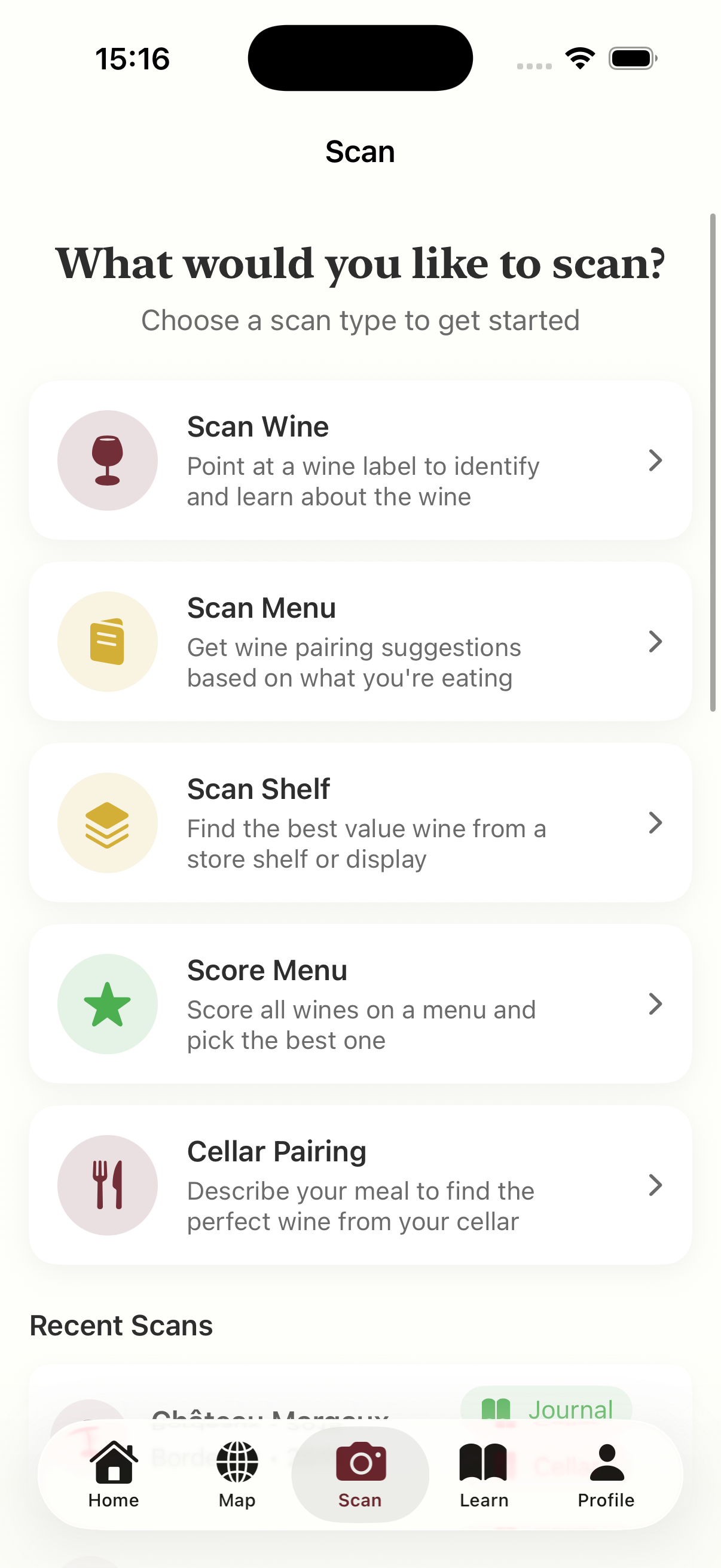
Sommo’s wine cellar isn’t just an inventory list. It’s built around the idea that your collection should help you enjoy wine more, not just count bottles. The standout feature is AI food pairing. Describe what you’re cooking (“lamb chops with rosemary and roasted potatoes”) and the AI analyses your actual collection to recommend the best bottle, complete with detailed reasoning for why it works.
Every wine you scan with Sommo’s AI label scanner can go straight into your cellar. You can track quantities, mark bottles as opened, and even undo an accidental “opened” tap. It’s the small details that make daily use painless.
Beyond the cellar, Sommo also gives you a wine journal, structured learning modules, WSET exam prep, and wine character analysis that builds a personality profile from your tasting history. It’s a full wine companion, not just a bottle tracker.
Strengths:
- AI food pairing draws from your actual collection, not generic recommendations
- Scan-to-cellar workflow is fast and intuitive
- Tracks quantities with open/undo functionality
- Also includes journal, learning, WSET prep, and character analysis
- Ad-free, even on the free plan
Weaknesses:
- iOS only (for now)
- Cellar requires Premium ($4.99/mo or $29.99/yr, with a 3-day free trial)
- Smaller community database than Vivino or CellarTracker
- No physical rack mapping
Best for: Collectors who want to understand and enjoy their wine, not just inventory it. If you’ve ever stared at your rack wondering which bottle to open tonight, this solves that problem.
2. CellarTracker — Best for Large Collections
CellarTracker has been the serious collector’s choice since 2003, and for good reason. If you have 100+ bottles and care about valuations, drinking windows, and detailed storage locations, nothing else comes close to its depth.
The community database is enormous, with over 13 million tasting notes from knowledgeable enthusiasts. You can track exactly where each bottle sits in your cellar (down to the specific rack position), monitor market values, and plan when to drink based on professional drinking windows. For a Burgundy collector tracking a dozen vintages of the same producer, this level of detail is essential.
The trade-off is complexity. CellarTracker’s interface shows its age, and the mobile experience lags behind what you’d expect from a modern app. Adding wines can be cumbersome compared to scan-first apps. There are no AI features, no learning tools, and no food pairing intelligence.
Strengths:
- Industry-leading inventory management for large collections
- Massive community tasting note database
- Detailed storage location mapping (bin, rack, row)
- Market valuations and drinking window estimates
- Generous free tier
Weaknesses:
- Dated interface and steep learning curve
- No AI features or food pairing
- Mobile app feels like an afterthought
- No educational content or learning tools
- Overkill for casual collectors
Best for: Serious collectors with 100+ bottles who need granular inventory control and valuation tracking. If your cellar is an investment, CellarTracker is the ledger.
For a deeper look at how CellarTracker compares with more modern alternatives, see our CellarTracker alternative page.
3. Vivino — Best for Discovery With a Cellar Add-On
Vivino is primarily a wine discovery and shopping platform, but it does include a “My Wines” feature that functions as a basic cellar. With over 60 million users and the planet’s largest wine database, there’s no denying Vivino’s scanning power. Point your camera at a label and you’ll almost certainly get a hit.
The problem is that the cellar feature feels bolted on rather than designed in. You can save wines to your collection, but there’s no real inventory management. No quantities, no drinking windows, no pairing intelligence. It’s more of a bookmarking tool than a cellar manager.
Where Vivino shines is in the social and purchasing features. Community ratings, price comparisons across merchants, and personalised recommendations based on your taste profile are all strong. If you want to find wines to buy, Vivino is excellent. If you want to manage the wines you already own, you’ll be left wanting.
Strengths:
- Massive database with excellent label recognition
- Community ratings from millions of users
- Price comparison and in-app purchasing
- Easy to scan and save wines
Weaknesses:
- Cellar feature is basic (no quantities, no drinking windows)
- No AI pairing or food-matching intelligence
- Ad-heavy free experience
- No serious inventory management tools
- More shopping app than cellar app
Best for: Wine lovers who want a simple way to remember wines they’ve tried and find new ones to buy. Not suitable as a primary cellar management tool.
4. InVintory — Best for Physical Cellar Organisation
InVintory takes a different approach to cellar management by focusing on the physical layout of your storage. You can create visual maps of your racks, bins, and fridges, then drag and drop wines into specific positions. If knowing that your 2018 Rioja is in rack B, row 3, slot 7 matters to you, InVintory delivers.
The app also provides drinking window estimates and basic tasting notes. For collectors who have invested in proper storage and want a digital twin of their physical cellar, it fills a genuine gap.
The downside is that InVintory can feel overbuilt for casual collectors. There are no AI features, no food pairing, no learning content, and no community database. It’s a pure inventory tool, and a niche one at that. If you don’t have a structured physical cellar, much of InVintory’s value proposition disappears.
Strengths:
- Excellent visual rack and bin mapping
- Drag-and-drop organisation for physical storage
- Drinking window estimates
- Clean, purpose-built interface
Weaknesses:
- No AI features or food pairing
- No community database or tasting notes
- No learning or educational content
- Overbuilt for casual collectors without structured storage
- Smaller user base means less community support
Best for: Collectors with dedicated physical cellar storage who want a digital map of exactly where every bottle lives. If you’re tracking positions in a temperature-controlled unit, InVintory is purpose-built for that.
5. Wine Ring (Vinica) — Best for Logging and Tracking in Asia
Wine Ring, also known as Vinica, is popular in Japan and across Asia. It takes a clean, minimal approach to wine tracking. The interface is uncluttered, the logging process is fast, and the community-driven tasting notes give you a sense of what others think.
It’s a solid app for recording what you’ve drunk and when. The design is refreshingly simple in a space where apps tend to cram in features. For logging and personal tracking, it does the job well.
However, Wine Ring’s limitations become clear outside its primary market. The English-language database is smaller, the western wine coverage has gaps, and there are no AI features of any kind. No food pairing, no scanning intelligence, no learning tools. It’s a personal wine diary, and a good one, but not a full cellar management solution.
Strengths:
- Clean, minimal interface
- Fast wine logging workflow
- Community-driven tasting notes
- Popular and well-supported in Asian markets
Weaknesses:
- Limited English-language database
- Smaller western wine coverage
- No AI features or food pairing
- No learning or educational content
- Not designed for serious inventory management
Best for: Wine enthusiasts in Asia who want a simple, elegant way to log and remember the wines they drink. Less suitable for western collectors or those needing full cellar management.
Quick Comparison
| Feature | Sommo | CellarTracker | Vivino | InVintory | Wine Ring |
|---|---|---|---|---|---|
| AI food pairing | Yes (from your collection) | No | No | No | No |
| Label scanning to cellar | Yes | Limited | Yes (basic) | Manual | No |
| Quantity tracking | Yes | Yes | No | Yes | No |
| Drinking windows | No | Yes | No | Yes | No |
| Physical rack mapping | No | Yes | No | Yes | No |
| Learning/education | Yes | No | No | No | No |
| Community database | Growing | Large | Massive | Small | Moderate |
| Platform | iOS | Web + mobile | iOS + Android | iOS + Android | iOS + Android |
| Free tier | Journal free; cellar is Premium | Generous | Free with ads | Limited trial | Free |
Which Wine Cellar App Should You Choose?
There’s no single best answer because it depends on what you value most.
Choose Sommo if you want your cellar to actively help you enjoy wine. The AI pairing feature is genuinely useful for everyday decisions, and the broader learning ecosystem means you get smarter about what you’re collecting over time.
Choose CellarTracker if you have a serious collection and need enterprise-grade inventory management. Nobody does large-scale cellar tracking better.
Choose Vivino if discovery and shopping are your priority and you just want a lightweight way to bookmark wines. Don’t rely on it as a proper cellar tool.
Choose InVintory if you have a physical cellar and want a digital map of every rack and slot. It’s purpose-built for that specific need.
Choose Wine Ring if you’re based in Asia and want a simple, beautiful wine diary without the bloat.
Personally, I think most collectors are underserved by the current options. The traditional cellar apps give you a spreadsheet with a nice coat of paint, while the discovery apps tack on cellar features as an afterthought. What most of us actually want is an app that helps us decide which bottle to open tonight. That’s the problem we built Sommo to solve, and I think it’s the right starting point for most people building a collection in 2026.
Frequently Asked Questions
What is the best wine cellar app in 2026?
For most collectors, Sommo offers the best combination of cellar management and useful AI features like food pairing from your collection. For serious collectors with 100+ bottles who need detailed storage mapping and valuations, CellarTracker remains the industry standard.
Can I use a wine app to track my wine collection?
Yes. All five apps reviewed here offer some form of collection tracking, but they vary significantly in depth. CellarTracker and Sommo offer proper inventory management with quantity tracking. Vivino’s collection feature is more of a bookmark list. InVintory focuses on physical storage mapping.
Do any wine apps offer AI food pairing?
Sommo is currently the only major wine cellar app that offers AI-powered food pairing directly from your collection. You describe your meal and the AI recommends the best bottle you own, with detailed reasoning. Other apps may suggest generic pairings for a grape variety, but don’t analyse your specific bottles.
Is CellarTracker still the best for large collections?
For pure inventory management of large collections (100+ bottles), CellarTracker is still hard to beat. Its storage location mapping, drinking windows, and market valuations are more detailed than any competitor. However, it lacks modern features like AI pairing and has a steeper learning curve than newer apps.
Are wine cellar apps worth paying for?
If you have more than a dozen bottles, yes. A good cellar app prevents you from forgetting what you own, missing drinking windows, or opening the wrong bottle for dinner. The cost of a yearly subscription is less than a single wasted bottle.