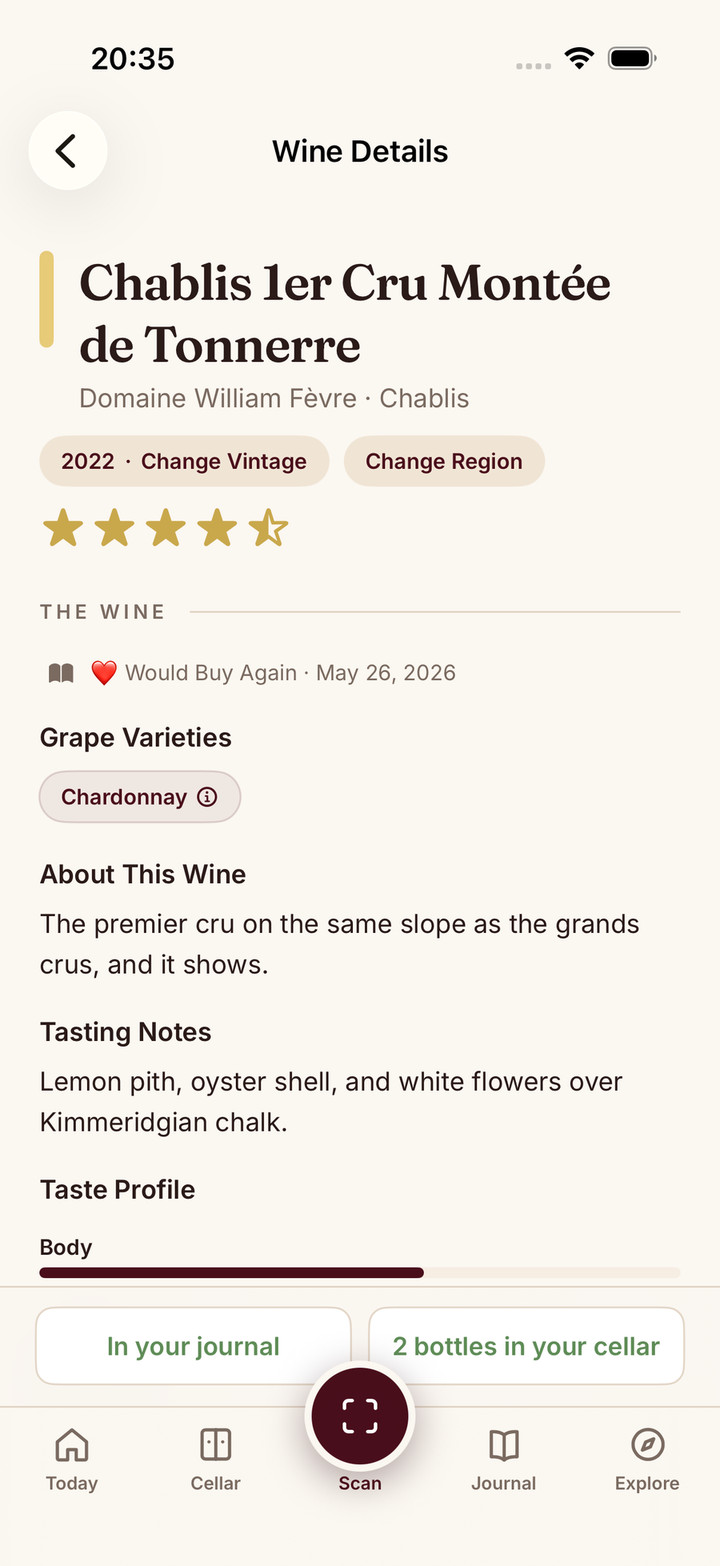
Do not save a plausible match until its producer, wine, vintage and bottle size agree with the bottle. If a scanner returns the wrong year, review the alternatives or search manually. A detailed briefing about a different vintage is still the wrong record.
Label-photo recognition can help read unfamiliar names, but it does not remove the final check. Similar designs, small print, glare and missing detail can make two bottlings look alike. The useful result is a wine you can verify, not simply a screen full of information.
Check Five Details
| Detail | Compare with the physical bottle |
|---|---|
| Producer | The name that made or bottled the wine, not just a large regional word |
| Wine or cuvée | The specific bottling, including reserve or vineyard wording |
| Vintage | The harvest year, wherever it appears on the label |
| Size | Standard bottle, half bottle, magnum or another format |
| Region and style | A final consistency check, especially when names are similar |
A missing value deserves an uncertainty note. Do not infer a vintage from the bottle’s age or invent a grape because it is common in the region. A producer’s technical sheet can help identify a bottling, but it should match the wine and year you actually have.
Improve the Photo Once
Set the bottle still, use even light and keep the identifying words in focus. Turn it slightly if glare crosses the year. Photograph the back label when it contains the missing wine name, appellation or other useful detail.
Avoid a photograph of several bottles when your goal is one exact identity. A shelf or menu scan has a different job from checking the vintage of a single bottle. Our scanner comparison explains label photos, commercial barcodes and inventory labels.
After another photo, compare the candidate again. Repeating an unresolved scan many times is less useful than typing the producer and wine name, then choosing the correct vintage.
A Fictional Wrong-Match Example
Suppose you hold Example Estate Red, 2021, 750 ml, but the result says Example Estate Red, 2022, 750 ml. The design and producer agree. The harvest year does not.
Use the alternate-match or search flow to find the 2021 bottling, then inspect the record before saving. If the bottle is instead a 2022 magnum, changing only the vintage would not solve the size mismatch. If it is Example Estate Reserve Red, correcting the year of the ordinary red would still leave the wrong wine.
These are made-up examples of review decisions, not scan results or an accuracy test. The same checklist applies whether a candidate came from an AI reading, a database match or manual search.
Use the App’s Recovery Path
Official help checked on 5 October 2026 shows that correction is part of the workflow. InVintory’s label-scanning guide documents alternate matches, manual search and checking the filled vintage and size before confirming. CellarTracker documents both label and barcode search, providing another way to find the right wine when one method is unhelpful.
Look for the available match-selection, edit or manual-entry option in the app you use. If it cannot represent a detail you need, keep the original label photo and a separate note rather than saving certainty you do not have. Interface and feature access vary by app and platform.
Save What You Actually Tasted
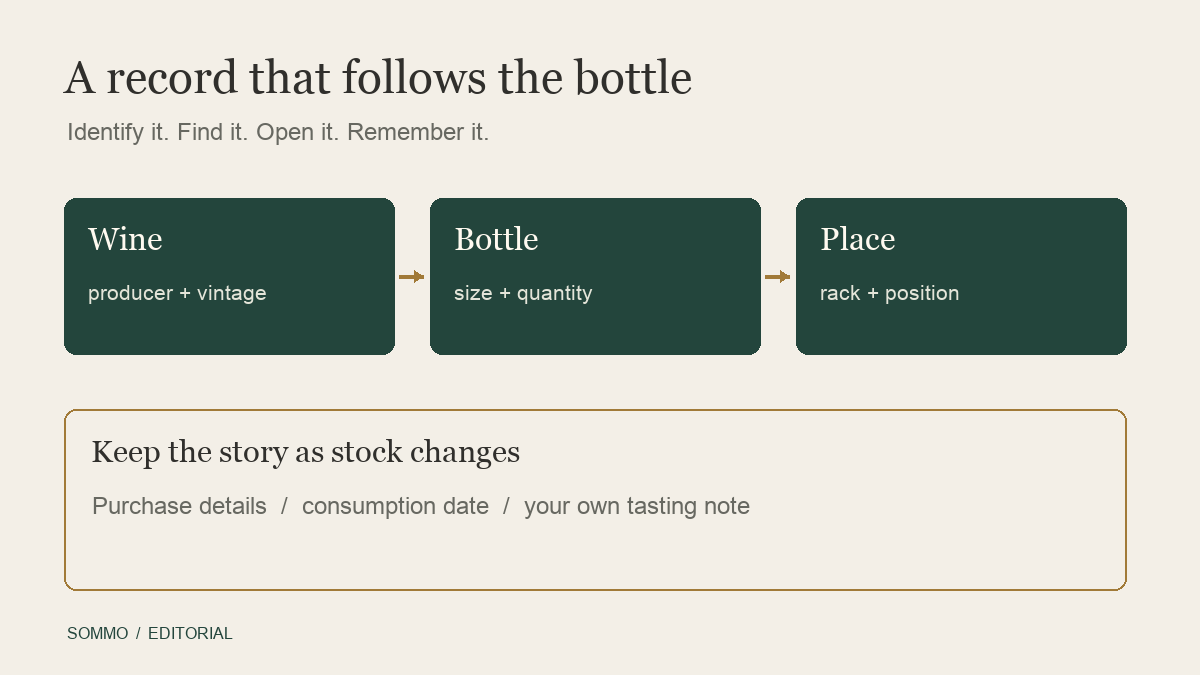
Once the identity agrees, record the tasting date and your own impression. Keep expected aromas from a briefing separate from what you smelled and tasted. A short tasting note can be more useful later than copied descriptive text.
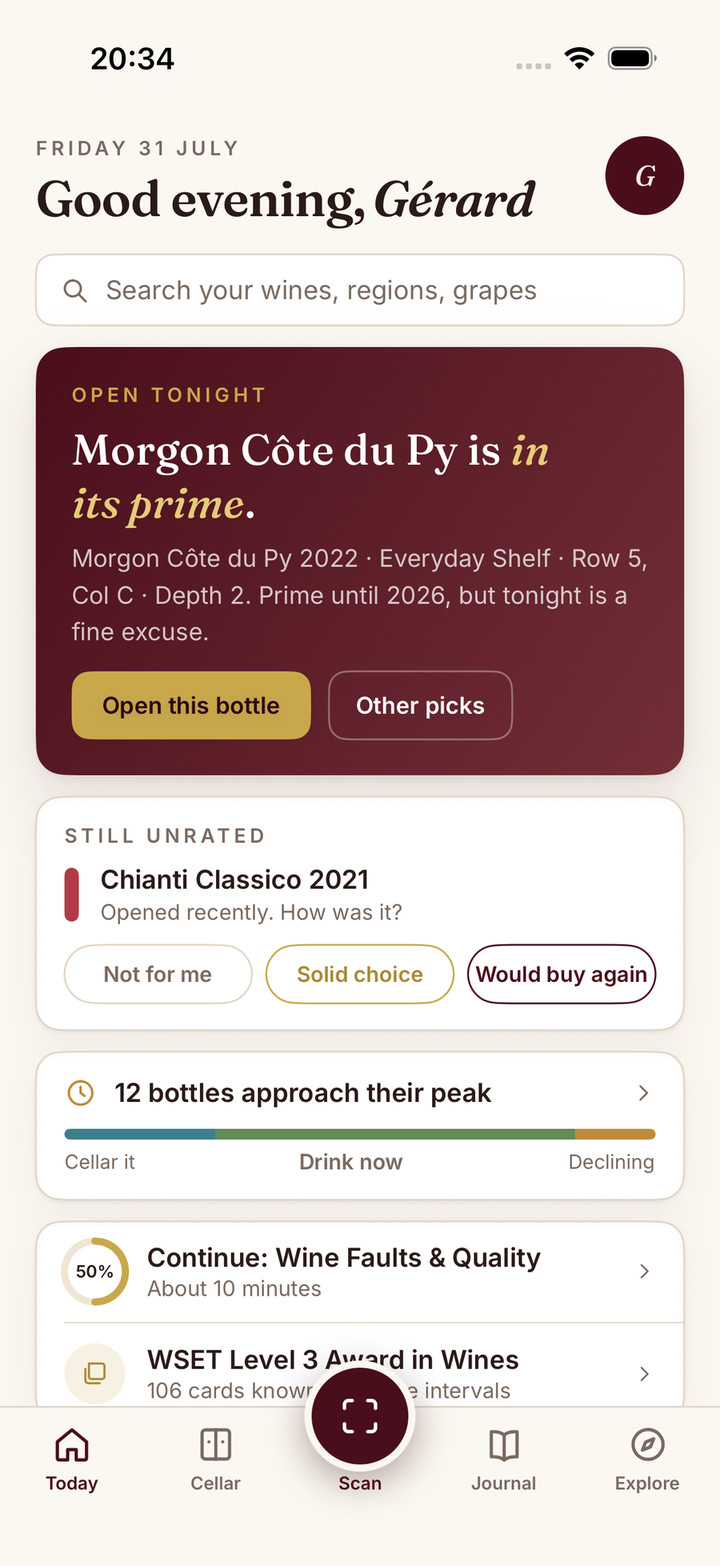
In Sommo, reviewing a scan and saving a journal entry are distinct actions. You can also enter a wine manually. Five lifetime scans per device are free; Premium adds unlimited scanning. Free journal history covers 30 days, with older access on Premium.
If you also own unopened bottles, check their quantity, size and location in the Premium cellar rather than assuming the scan has counted them. Try Sommo with one bottle you can read, verify its identity and keep an honest note about the glass you poured.